.DRP 파일 확장자

2개의 파일 유형.drp 확장자를 사용합니다.

DaVinci Resolve Project

개발사 Blackmagic Design
인기도
3.8  |  21 투표
 

DRP 파일이란 무엇인가요?

A DRP file is a project file created by Blackmagic Design DaVinci Resolve, a video editing and color correction program. It contains data used to load a video editing project in Resolve, as well as the project's properties. DRP files do not directly contain any video, audio, or other media files. Instead, they contain references to the media files a project includes.

추가 정보

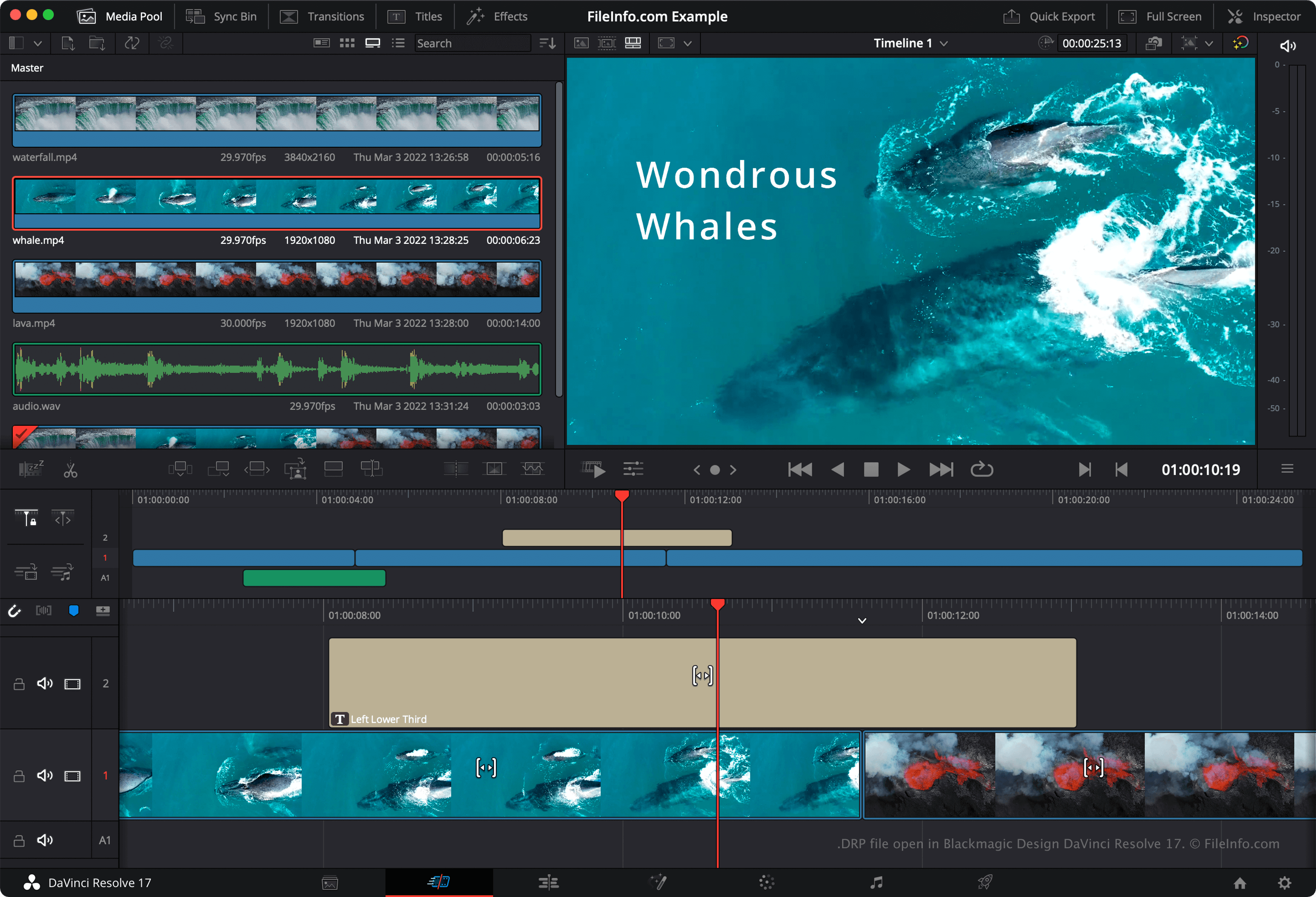
Blackmagic Design DaVinci Resolve 17에서 열린 .drp 파일의 스크린샷
Blackmagic Design DaVinci Resolve 17에서 열린 DRP 파일

DaVinci Resolve is a popular free video editing program. It allows users to combine, layer, trim, and add effects to video, audio, and image files, before combining the files into a final, rendered video.

By default, DaVinci Resolve does not save users' video editing projects in a single file. Instead, it saves the configuration files that comprise a project in Resolve's installation directory. However, if you want to manually back up a project, you can export the project as a DRP file. You can do this by selecting File → Export Project... from Resolve's menu bar.

참고: If you save your project as a DRP file, keep in mind that you will also have to retain copies of the media files your project contains, as DRP files contain only a record of a project's timeline, edits, and settings.

DRP 파일을 여는 방법

You can open a DRP file in Blackmagic Design DaVinci Resolve (multiplatform) by selecting File → Import Project... from the program's menu bar. If you edit your project and want to back up your changes, you'll have to re-export the project as a new DRP file.

DRP 파일을 변환하는 방법

DaVinci Resolve can convert DRP files to various formats, including:

  • .MP4 - MPEG-4 Video
  • .MOV - Apple QuickTime Movie
  • .AVI - Audio Video Interleave
  • .MXF - Material Exchange Format
  • .DPX - Digital Picture Exchange
  • .AAC - Advanced Audio Coding
  • .WAV - WAVE Audio
  • .EXR - OpenEXR Image
File Viewer Plus(으)로 400개 이상의 파일 형식을 여세요.무료 다운로드

DRP 파일을 여는 프로그램

카테고리: 비디오
업데이트: 2022-03-03

DrawPad Image Project

개발사 NCH Software
인기도
2.8  |  4 투표
 

A DRP file is an image project file created using NCH Software DrawPad, a graphic design application available for Windows and macOS. It contains data used to show the shapes, text, images, and other layers that comprise a DrawPad image. DRP files can be used to export images as .PNG, .JPG, .BMP, .ICO, .SVG, .PDF, and .EPS files.

추가 정보

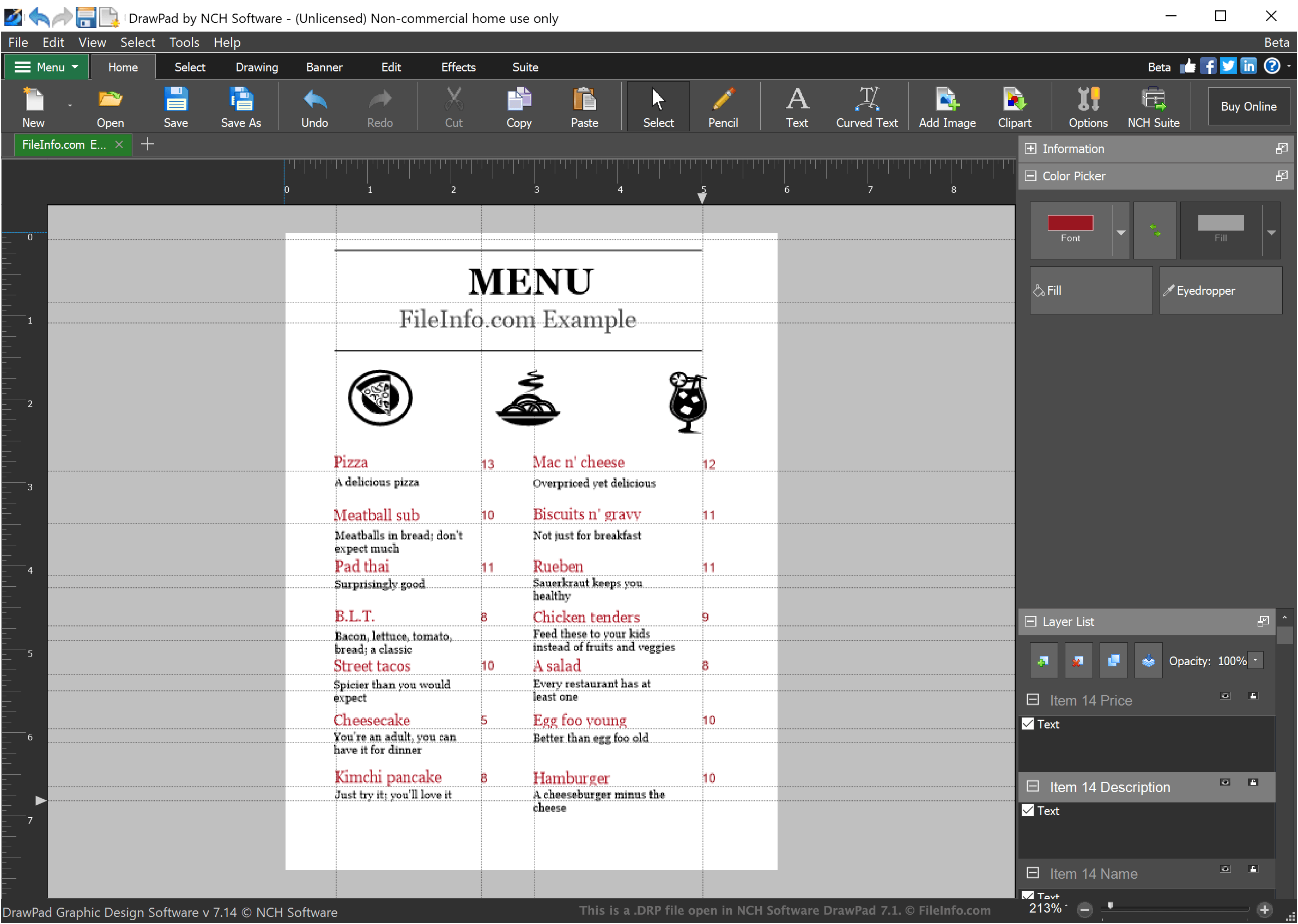
NCH Software DrawPad 1.7에서 열린 .drp 파일의 스크린샷
NCH Software DrawPad 1.7에서 열린 DRP 파일

DrawPad is a basic graphic design program that allows designers to create simple layer-based images. Images created in DrawPad can include any number of layers, each of which may contain stylized text, drawings, or imported images.

When a designer saves an image project in DrawPad, the project is saved as a DRP file. DRP files can be opened only in DrawPad, but designers can use DrawPad to export the image their DRP file contains as a PNG, JPG, or another type of image file.

DRP 파일을 여는 방법

You can open DRP files (DrawPad Image Projects) in NCH Software DrawPad (Windows, macOS). To open a DRP file in DrawPad, select File → Open... from the program's menu bar. Then, navigate to and open your DRP file.

DRP 파일을 여는 프로그램

Windows

검증자 FileInfo.com

FileInfo.com 팀 이 페이지에 나열된 모든 파일 형식과 소프트웨어 프로그램을 독자적으로 조사했습니다. 저희의 목표는 100% 정확성이며, 검증한 파일 유형에 대한 정보만 게시합니다.

이 페이지에 추가하거나 업데이트할 내용을 제안하고 싶으시면 알려 주세요.