

.TPL Přípona souboru
Šablona Canvas
| Vývojář | Canvas GFX |
| Popularita |
3,1 | 15 hlasů |
Soubor TPL je šablona výkresu vytvořená některými aplikacemi Canvas GFX, například programy Canvas X Pro a Canvas X Draw pro technické ilustrace. Obsahuje přednastavenou grafiku a nastavení pro vytváření nových výkresů, například diagramů nebo technických plánů, s podobným vzhledem a obsahem.
Další informace
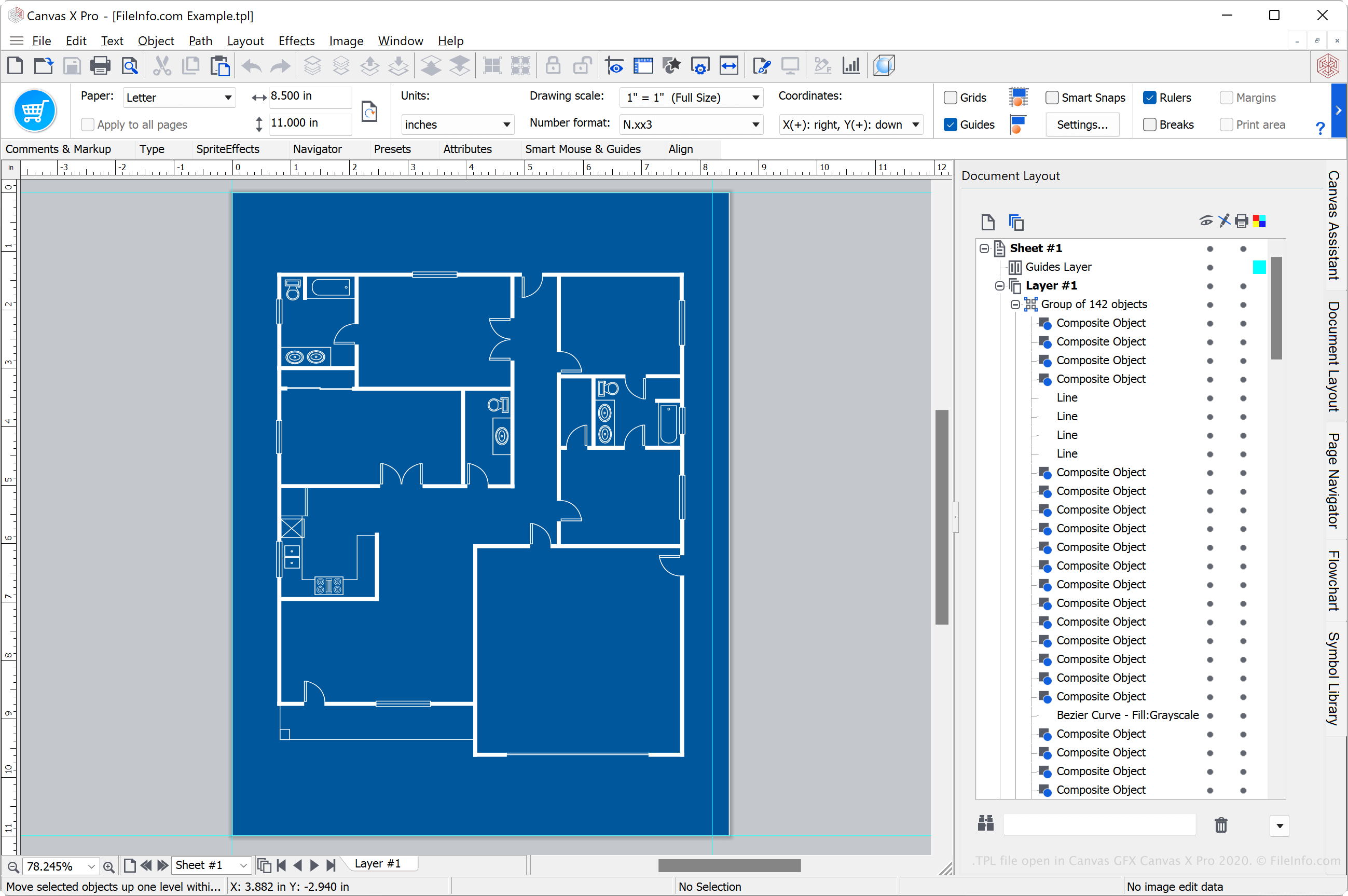
Různé aplikace Canvas pro kreslení, například Canvas X Pro, Canvas X Draw a Canvas X Geo, podporují formát Canvas Template (TPL). Rodina aplikací Canvas X se specializuje na vytváření a úpravu technických ilustrací a specializovaných vizualizací, například technických plánů budov, půdorysů, diagramů pracovních postupů a map s geospatialními údaji.
Uživatelé Canvas X používají soubory TPL k ukládání výkresů, které mohou opakovaně použít k vytvoření dalších výkresů. Vytváření šablon uživatelům šetří čas, protože nemusí výkres vytvářet znovu od začátku.
Jak vytvořit soubor TPL v programu Canvas X Pro
Soubory TPL mohou vytvářet různé aplikace Canvas X. Chcete-li například vytvořit soubor TPL v programu Canvas X Pro, vyberte a v rozevírací nabídce „Save as type“ zvolte .
Jak otevřít soubor TPL
Soubor TPL můžete otevřít v různých aplikacích Canvas GFX, včetně programů Canvas X Pro, Canvas X Draw a Canvas X Geo.
Chcete-li například otevřít soubor TPL v programu Canvas X Pro, vyberte . Pokud je soubor TPL uložen ve výchozí složce „Templates“ v instalačním adresáři programu, můžete vybrat .
Jak převést soubor TPL
Různé aplikace Canvas GFX, včetně programů Canvas X Pro, Canvas X Draw a Canvas X Geo, mohou převádět soubory TPL do jiných formátů.
Například Canvas X Pro může převádět soubory TPL na mnoho typů souborů, včetně následujících formátů:
- .CVXCAD - výkres Canvas X Pro
- .CVX - výkres Canvas
- .DWG - výkres AutoCAD
- .DXF - Drawing Exchange Format
- .PSD - formát dokumentu Photoshop
- .JPG - obrázek JPEG
- .PNG - Portable Network Graphic
- .GIF - Graphical Interchange Format
- .SVG - soubor Scalable Vector Graphics
- .EPS - Encapsulated PostScript
- .PDF - Portable Document Format
Programy, které otevírají nebo odkazují na soubory TPL
Šablona Phorum
| Vývojář | Phorum |
| Popularita |
3,8 | 5 hlasů |
Soubor TPL je šablona používaná systémem Phorum, open-source diskusním systémem založeným na PHP a MySQL. Obsahuje kód šablony, který je tvořen hlavně prostým HTML smíšeným s vlastním jazykem šablon Phorum, který se skládá z jednoduchých příkazů. Soubory TPL slouží k zobrazování dynamických dat generovaných systémem Phorum, například výsledků vyhledávání, informací o zprávách a seznamů soukromých zpráv.
Další informace
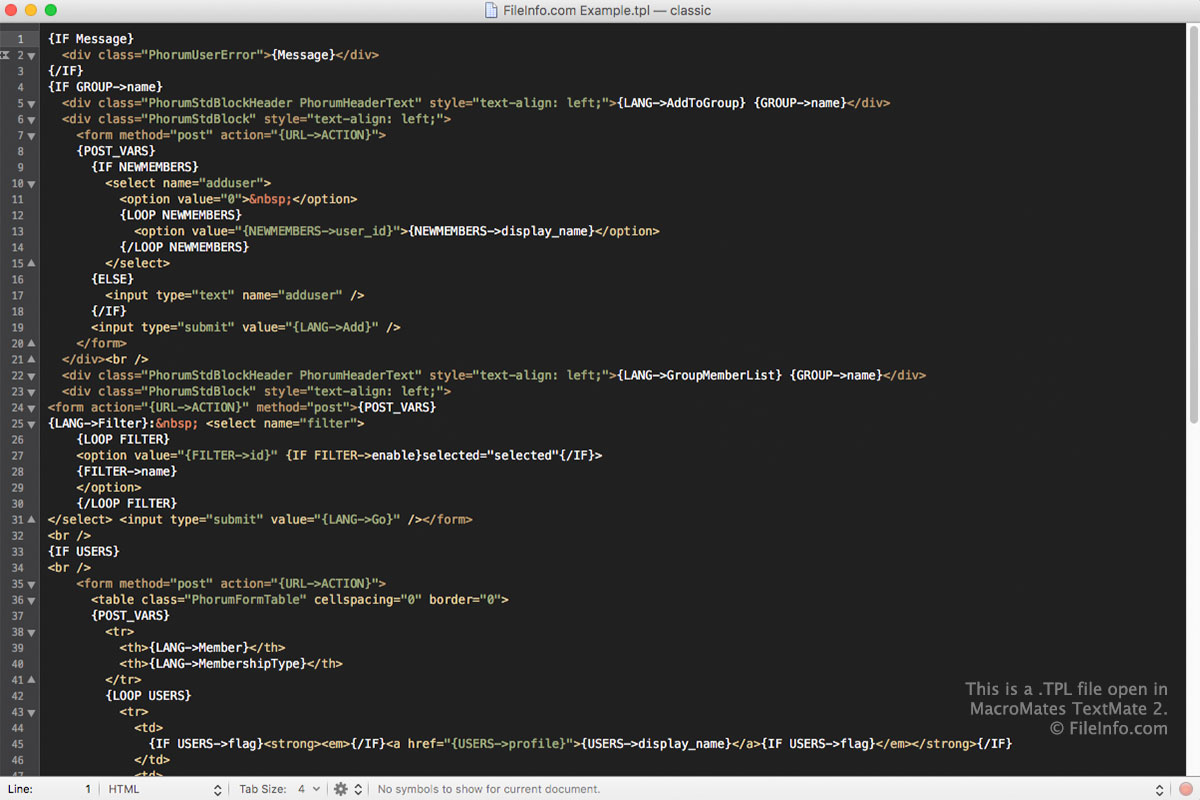
Jazyk šablon v souborech TPL se skládá z HTML a jednoduchých příkazů šablon Phorum. Tyto příkazy podporují čtyři datové typy, kterými mohou být celá čísla, řetězce, konstanty PHP nebo proměnné šablony. Protože je jazyk šablon v souborech TPL uložen jako prostý text, můžete soubory TPL otevřít a upravovat v libovolném textovém editoru.
Phorum obvykle používá soubory TPL k ukládání kódu šablon, ale může také používat soubory .PHP, pokud jsou umístěny v adresáři šablon a mají náležitý základ názvu. Pokud například Phorum zobrazuje šablonu zápatí, nejprve hledá v adresáři šablon soubor footer.php, a pokud soubor neexistuje, vyhledá soubor footer.tpl. Použití souborů PHP umožňuje uživatelům používat pro šablony pouze kód PHP/HTML, pokud nechtějí používat jazyk šablon Phorum vyžadovaný šablonami TPL.
Programy, které otevírají soubory TPL
Soubor šablony PrestaShop
| Vývojář | PrestaShop |
| Popularita |
3,3 | 4 hlasy |
Soubor TPL je šablona napsaná v šablonovacím jazyce Smarty 3, který se podobá jazyku HTML. Používá ho e-commerce software PrestaShop ke generování HTML webové stránky a přizpůsobení stránek souvisejících s e-commerce, které uživatelé navštěvují, například stránek produktů, košíku a dokončení objednávky.
Další informace
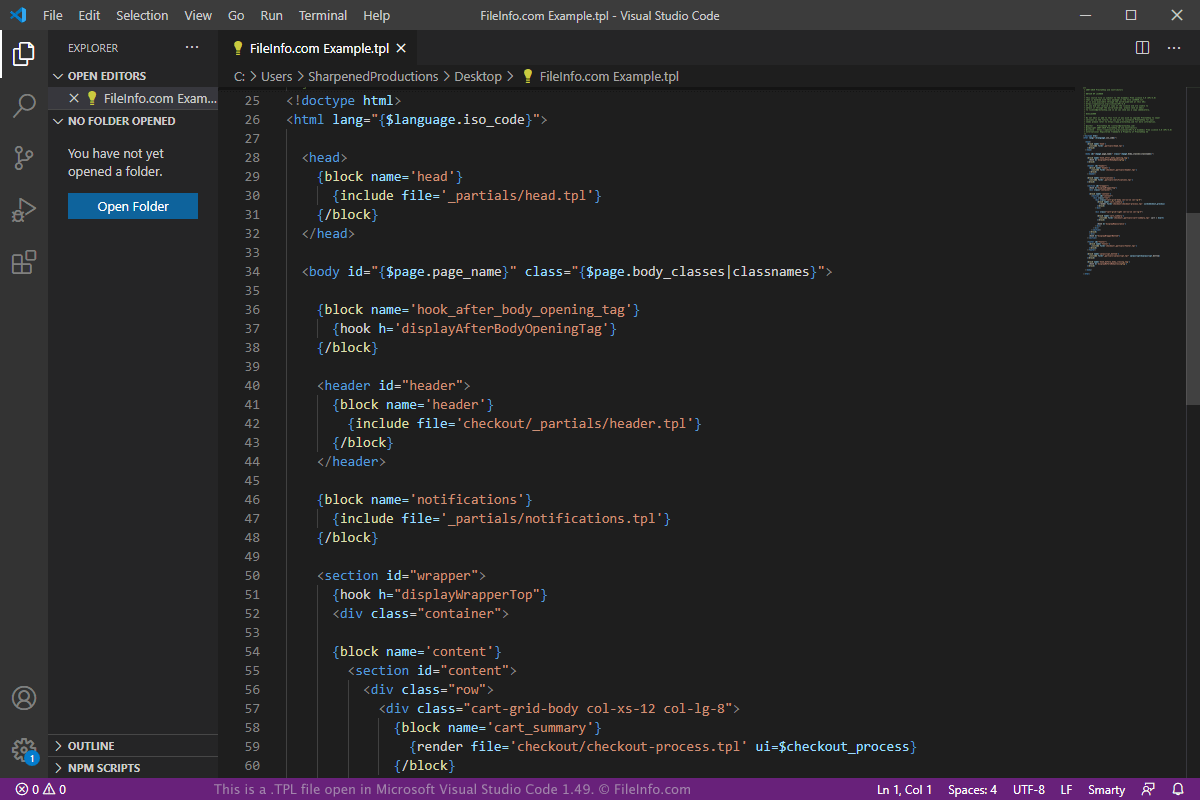
PrestaShop je open-source řešení pro e-commerce, které uživatelům umožňuje spravovat různé potřeby e-commerce na jejich webových stránkách, například seznamy produktů a platby. Uživatelé mohou tyto různé části přizpůsobovat pomocí motivů, které se skládají ze šablon TPL, a doplňkových modulů poskytovaných společností PrestaShop a vývojáři třetích stran.
Uživatelé si mohou software zdarma stáhnout a poté ho nahrát a nainstalovat na webový server, na kterém je jejich webová stránka hostována. Poté mohou vytvářet nové šablony TPL nebo upravovat již existující šablony podle svých konkrétních potřeb v oblasti e-commerce.
Pokud například chcete různá rozvržení stejné stránky produktu, která se mění podle země, kde se uživatel nachází, můžete pro stránku produktu vytvořit novou šablonu TPL a umístit ji do příslušného adresáře. Když uživatel z dané oblasti zobrazí tento produkt, PrestaShop vyhledá nový soubor product.tpl, vygeneruje webovou stránku a odešle ji uživateli, který ji zobrazí ve svém webovém prohlížeči.
PrestaShop se dodává s předinstalovaným motivem „Classic“. Tento motiv najdete ve složce „themes“ v instalaci PrestaShopu. Složka motivu „classic“ obsahuje podsložky „assets“, „modules“, „plugins“ a „templates“ (v této podsložce jsou uloženy soubory TPL). Všechny šablony TPL musí být uloženy v podsložce „templates“ ve složce motivu. V tomto případě jsou šablony TPL pro motiv „classic“ uloženy v následujícím adresáři:
/themes/classic/templates/
Každý motiv obsahuje velké množství šablon TPL, které jsou uspořádány do různých podsložek ve složce templates. Mezi významné soubory TPL, které lze v těchto podsložkách najít, patří product.tpl (stránka produktu), product-list.tpl (stránka se seznamem produktů), cart.tpl (podrobnosti nákupního košíku) a checkout.tpl (proces dokončení nákupu).
Jak otevřít soubor TPL
Soubory TPL můžete otevřít v libovolném textovém editoru, protože jsou uloženy ve formátu prostého textu. Možná však budete chtít použít editor zdrojového kódu, který podporuje šablonovací jazyk Smarty 3 nebo umožňuje nainstalovat doplněk s podporou tohoto jazyka a nabídnout tak užitečné funkce pro programování.
Soubory TPL můžete otevřít v programu Microsoft Visual Studio Code v systému Windows, macOS nebo Linux. Poté můžete nainstalovat bezplatné rozšíření „Smarty“ a přidat podporu zvýraznění syntaxe a fragmentů kódu v šablonovacím jazyce Smarty 3.
Programy, které otevírají soubory TPL
Šablona Archicad
| Vývojář | GRAPHISOFT |
| Popularita |
2,5 | 2 hlasy |
Soubor TPL je šablona projektu vytvořená v architektonickém návrhovém softwaru GRAPHISOFT Archicad. Ukládá výchozí nastavení projektu, předvolby projektu a prvky umístěné v modelu projektu. Soubory TPL jsou podobné projektům .PLN, ale slouží k ukládání nastavení pro replikaci konfigurace projektu.
Další informace
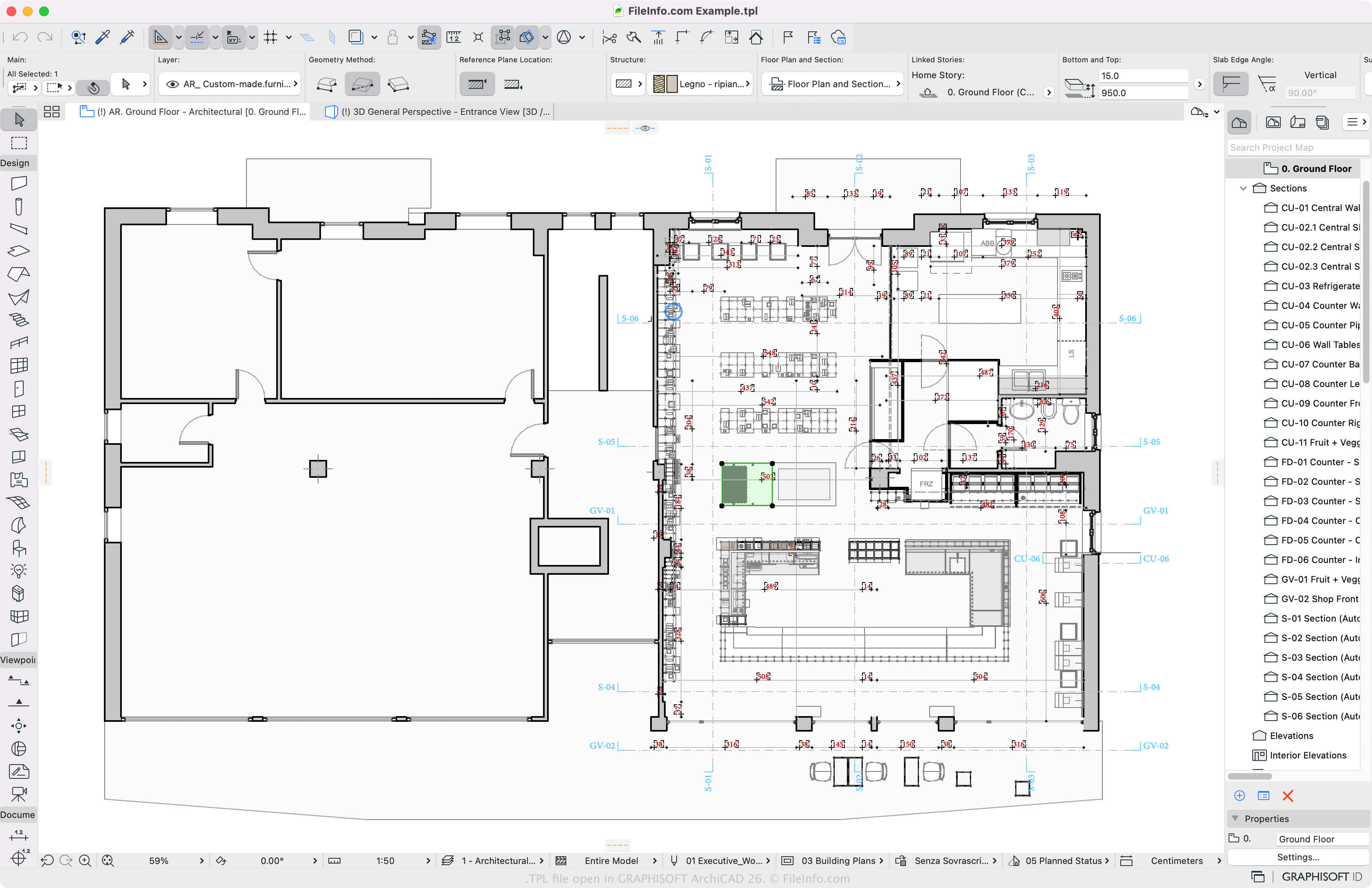
Archicad je program pro informační modelování budov (BIM), který poskytuje různé nástroje pro navrhování a vizualizaci staveb, interiérů, exteriérů a krajiny. Projekty budete nejspíše ukládat v nativním formátu Archicadu PLN, ale pokud chcete projekt replikovat, můžete ho uložit jako soubor TPL.
Jak vytvořit soubor TPL pomocí Archicadu
Chcete-li vytvořit vlastní šablonu TPL, vyberte a v rozevírací nabídce vyberte jako typ souboru „ARCHICAD Project Template“. Archicad ve výchozím nastavení ukládá soubory TPL do následujících umístění:
- Windows - \Program Files\Graphisoft\ARCHICAD 24\Defaults\ARCHICAD
- Mac - \Applications\Graphisoft\ARCHICAD 24\Defaults\ARCHICAD
Jak otevřít soubor TPL
Šablonu TPL z Archicadu můžete otevřít v systému Windows a macOS pomocí programu GRAPHISOFT Archicad. Chcete-li otevřít soubor TPL, vyberte a zvolte šablonu, kterou chcete otevřít. Můžete také vybrat a zvolit .
Jak převést soubor TPL
GRAPHISOFT Archicad dokáže převést šablony TPL na různé typy souborů, včetně následujících formátů:
- .PLN - samostatný projekt Archicad
- .PLA - archiv projektu Archicad
- .DWG - výkres AutoCADu
- .DXF - Drawing Exchange Format
- .IFC - soubor Industry Foundation Classes
- .C4D - model Cinema 4D
- .3DS - scéna 3D Studio
- .SKP - dokument SketchUp
- .OBJ - soubor 3D objektu Wavefront
- .STL - soubor stereolitografie
- .PDF - Portable Document Format
- .JPG - obrázek JPEG