

.PLA Přípona souboru
Archiv projektu Archicad
| Vývojář | GRAPHISOFT |
| Popularita |
3,7 | 21 hlasů |
Soubor PLA je archiv projektu vytvořený programem GRAPHISOFT Archicad, což je program pro 3D architektonické modelování. Obsahuje jeden nebo více návrhů (soubory .PLN) a části knihoven, na které odkazují návrhy uložené v archivu. Soubory PLA jsou podobné souborům PLN, ale ukládají odkazované části, nikoli pouze odkazy na ně, takže mají větší velikost.
Další informace
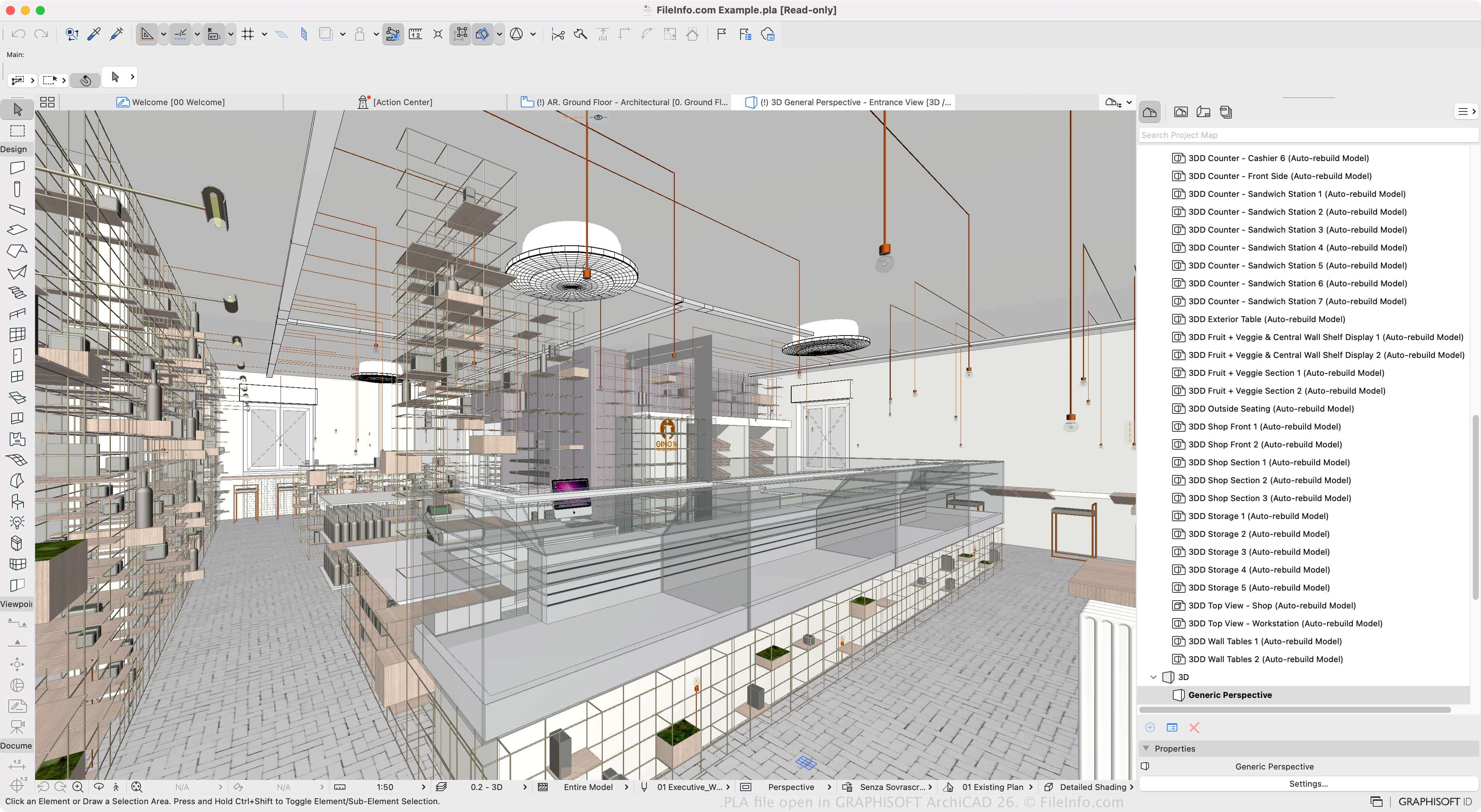
Archicad je nástroj pro stavební informační modelování (BIM), který architekti používají k navrhování konstrukcí, interiérů, exteriérů a krajin. Tento software je dostupný pro Windows a macOS a nabízí různé funkce pro navrhování a vizualizaci konstrukčních modelů.
Projekty návrhů můžete ukládat v nativním formátu PLN, ale pokud chcete uložit projekt se všemi jeho zdroji (namísto odkazů na ně), můžete jeden nebo více projektů PLN uložit jako archiv PLA. To je užitečné při přesouvání projektu do jiného počítače nebo při jeho archivaci. Protože však soubor PLA ukládá veškerý obsah, je podstatně větší než soubor PLN.
Soubor PLA vytvoříte výběrem možnosti a následným výběrem možnosti „ARCHICAD Archive Project“ z rozbalovací nabídky „Save as type“. Poté můžete zvolit prvky zahrnuté v archivu, například obrázek pozadí, propojené textury a načtené vlastnosti knihoven. Software také umožňuje ukládat projekty jako projektové soubory PLN, záložní projekty .BPN a šablony projektů TPL.
Jak otevřít soubor PLA
Soubory PLA můžete otevřít programem GRAPHISOFT Archicad v systému Windows a macOS. Soubor PLA otevřete výběrem možnosti .
Jak převést soubor PLA
GRAPHISOFT Archicad dokáže převádět soubory PLA do mnoha typů souborů včetně následujících formátů:
- .PLN – projekt Archicad Solo
- .DWG – výkres AutoCAD
- .DXF – Drawing Exchange Format
- .IFC – soubor Industry Foundation Classes
- .C4D – model Cinema 4D
- .3DS – scéna 3D Studio
- .SKP – dokument SketchUp
- .OBJ – soubor 3D objektu Wavefront
- .STL – soubor stereolitografie
- .PDF – Portable Document Format
- .JPG – obrázek JPEG
Programy, které otevírají soubory PLA
Soubor rostlin PlantStudio
| Vývojář | Kurtz-Fernhout Software |
| Popularita |
3,0 | 1 hlas |
Soubor PLA je simulace růstu rostlin vytvořená programem Kurtz-Fernhout Software PlantStudio. Obsahuje data v prostém textu, která slouží k zobrazení 3D reprezentací jedné nebo více simulovaných bylinných rostlin. Pomocí programu PlantStudio mohou uživatelé prohlížet, animovat a křížit rostliny popsané v souboru PLA.
Další informace
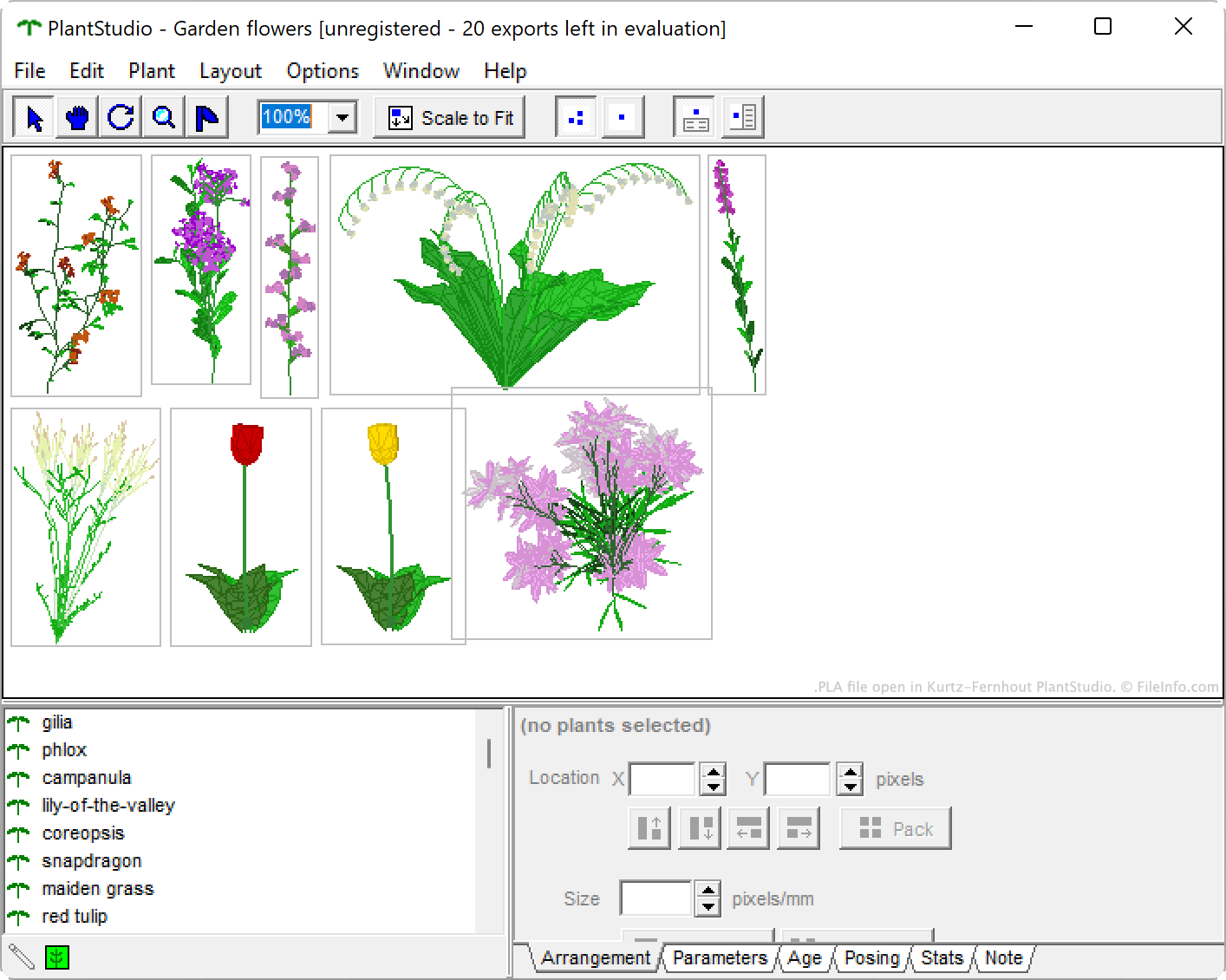
PlantStudio je program pro botanické ilustrace, který uživatelům umožňuje simulovat růst divokých květin, zeleniny, plevele, trav a dalších bylinných rostlin. Po vypěstování jedné nebo více rostlin mohou uživatelé prohlížet různé údaje o svých rostlinách, křížit je a vytvářet tak nové rostliny a animovat jejich růstové cykly. Své rostliny mohou také exportovat jako 2D obrázky nebo 3D modely.
Pokud chce uživatel simulaci PlantStudio zachovat, aby ji mohl v budoucnu znovu prohlížet a upravovat, může ji uložit jako soubor PLA. Každý soubor PLA obsahuje sadu parametrů v prostém textu, souřadnic a dalších nastavení, která definují danou simulaci.
Jak otevřít soubor PLA
Soubor PLA můžete otevřít v programu Kurtz-Fernhout Software PlantStudio (Windows). Postup:
- Otevřete Plant Studio.
- Vyberte .
- Vyhledejte a otevřete svůj soubor PLA.
Jak převést soubor PLA
Pomocí programu PlantStudio můžete soubor PLA převést do některého z následujících formátů (a několika dalších):
- .3DS - scéna 3D Studio
- .LWO - objekt LightWave 3D
- .OBJ - objekt Wavefront 3D
- .DXF - Drawing Exchange Format
- .BMP - bitmapový obrázek
- .JPG - obrázek JPEG
Postup: otevřete svůj soubor PLA a poté vyberte .