

.PLA Estensione file
Archivio di progetto Archicad
| Sviluppatore | GRAPHISOFT |
| Popolarità |
3,7 | 21 Voti |
Un file PLA è un archivio di progetto creato da GRAPHISOFT Archicad, un programma di modellazione architettonica 3D. Contiene uno o più progetti (file .PLN) e gli elementi della libreria a cui fanno riferimento i progetti archiviati. I file PLA sono simili ai file PLN, ma memorizzano gli elementi a cui si fa riferimento, non solo i riferimenti agli elementi, e di conseguenza hanno dimensioni maggiori.
Maggiori informazioni
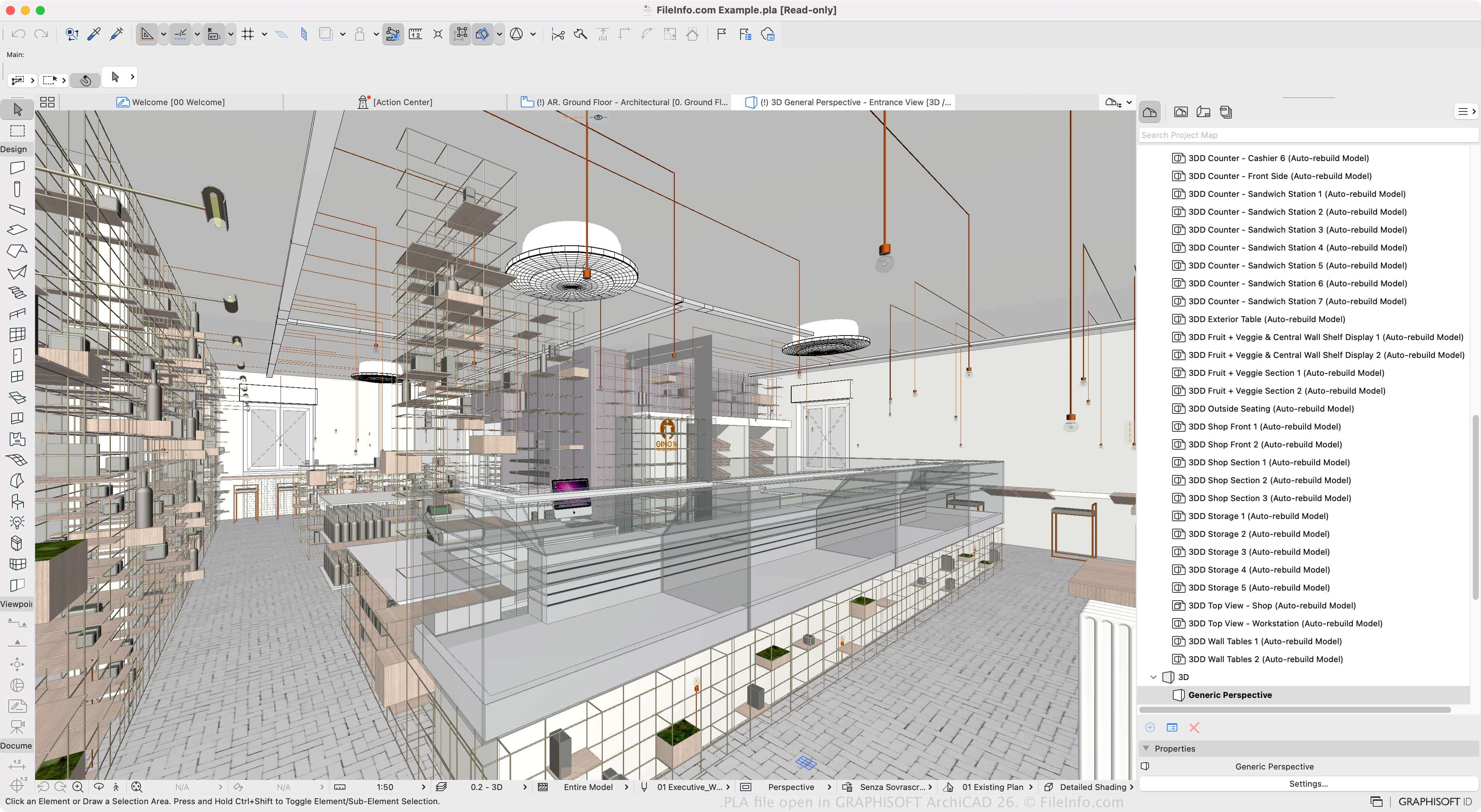
Archicad è uno strumento di Building Information Modeling (BIM) che gli architetti usano per progettare strutture, interni, esterni e paesaggi. Il software è disponibile per Windows e macOS e offre varie funzioni per progettare e visualizzare modelli strutturali.
Puoi salvare i progetti nel formato PLN nativo, ma se vuoi salvare un progetto con tutte le sue risorse (invece dei riferimenti a esse), puoi salvare uno o più progetti PLN come archivio PLA. Questo è utile quando sposti un progetto su un altro computer o lo archivi. Tuttavia, poiché il file PLA memorizza tutti i contenuti, è notevolmente più grande di un file PLN.
Per creare un file PLA, seleziona , quindi scegli "ARCHICAD Archive Project" dal menu a discesa "Save as type". Puoi quindi scegliere gli elementi da includere nell'archivio, come l'immagine di sfondo, le texture collegate e le proprietà della libreria caricate. Il software consente anche di salvare i progetti come file di progetto PLN, progetti di backup .BPN e modelli di progetto TPL.
Come aprire un file PLA
Puoi aprire i file PLA con GRAPHISOFT Archicad in Windows e macOS. Per aprire un file PLA, seleziona .
Come convertire un file PLA
GRAPHISOFT Archicad può convertire i file PLA in molti tipi di file, inclusi i seguenti formati:
- .PLN - Progetto Archicad Solo
- .DWG - Disegno AutoCAD
- .DXF - Drawing Exchange Format
- .IFC - File Industry Foundation Classes
- .C4D - Modello Cinema 4D
- .3DS - Scena 3D Studio
- .SKP - Documento SketchUp
- .OBJ - File oggetto 3D Wavefront
- .STL - File di stereolitografia
- .PDF - Portable Document Format
- .JPG - Immagine JPEG
Programmi che aprono i file PLA
File di piante di PlantStudio
| Sviluppatore | Kurtz-Fernhout Software |
| Popolarità |
3,0 | 1 Voto |
Un file PLA è una simulazione della crescita di piante creata da PlantStudio di Kurtz-Fernhout Software. Contiene dati in testo normale utilizzati per mostrare rappresentazioni 3D di una o più piante erbacee simulate. Usando PlantStudio, puoi visualizzare, animare e incrociare le piante descritte da un file PLA.
Maggiori informazioni
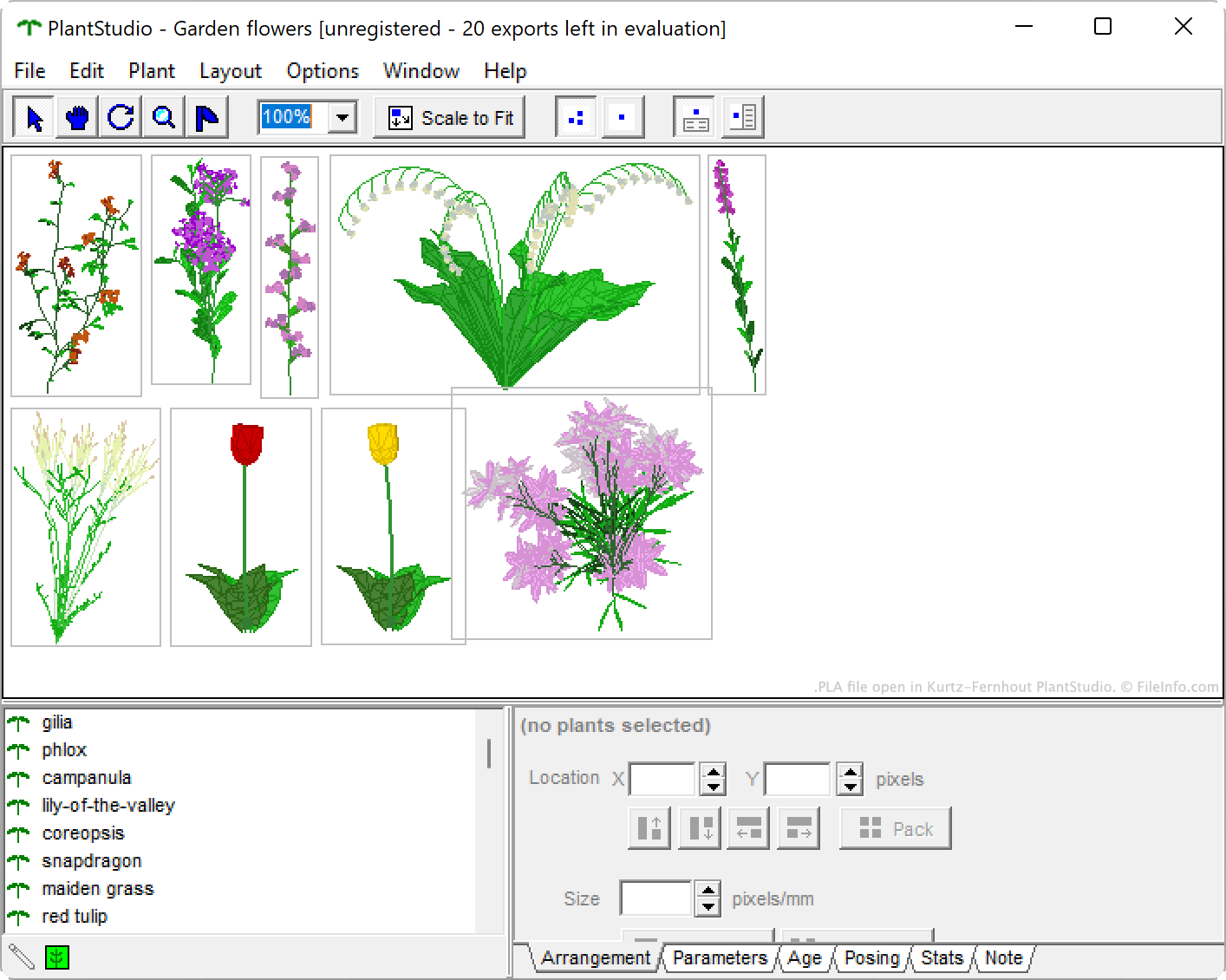
PlantStudio è un programma di illustrazione botanica che consente di simulare la crescita di fiori selvatici, ortaggi, erbacce, erbe e altre piante erbacee. Dopo aver fatto crescere una o più piante, puoi visualizzare vari dati sulle tue piante, incrociarle per crearne di nuove e animare i loro cicli di crescita. Puoi anche esportare le tue piante come immagini 2D o modelli 3D.
Se vuoi conservare una simulazione di PlantStudio, così da poter continuare a visualizzarla e modificarla in futuro, puoi salvarla come file PLA. Ogni file PLA contiene un insieme di parametri in testo normale, coordinate e altre impostazioni che definiscono quella simulazione.
Come aprire un file PLA
Puoi aprire un file PLA con PlantStudio di Kurtz-Fernhout Software (Windows). Per farlo:
- Apri PlantStudio.
- Seleziona .
- Individua e apri il tuo file PLA.