

.DXF Estensione file
File in formato Drawing Exchange Format
| Sviluppatore | Autodesk |
| Popolarità |
3,4 | 208 Voti |
Che cos'è un file DXF?
Un file DXF è un file di dati salvato in un formato sviluppato da Autodesk e utilizzato per i file immagine vettoriale di progettazione assistita da computer (CAD), come i documenti AutoCAD. I file DXF sono simili ai file .DWG, ma sono compatibili con un numero maggiore di programmi poiché sono basati su ASCII (testo).
Maggiori informazioni
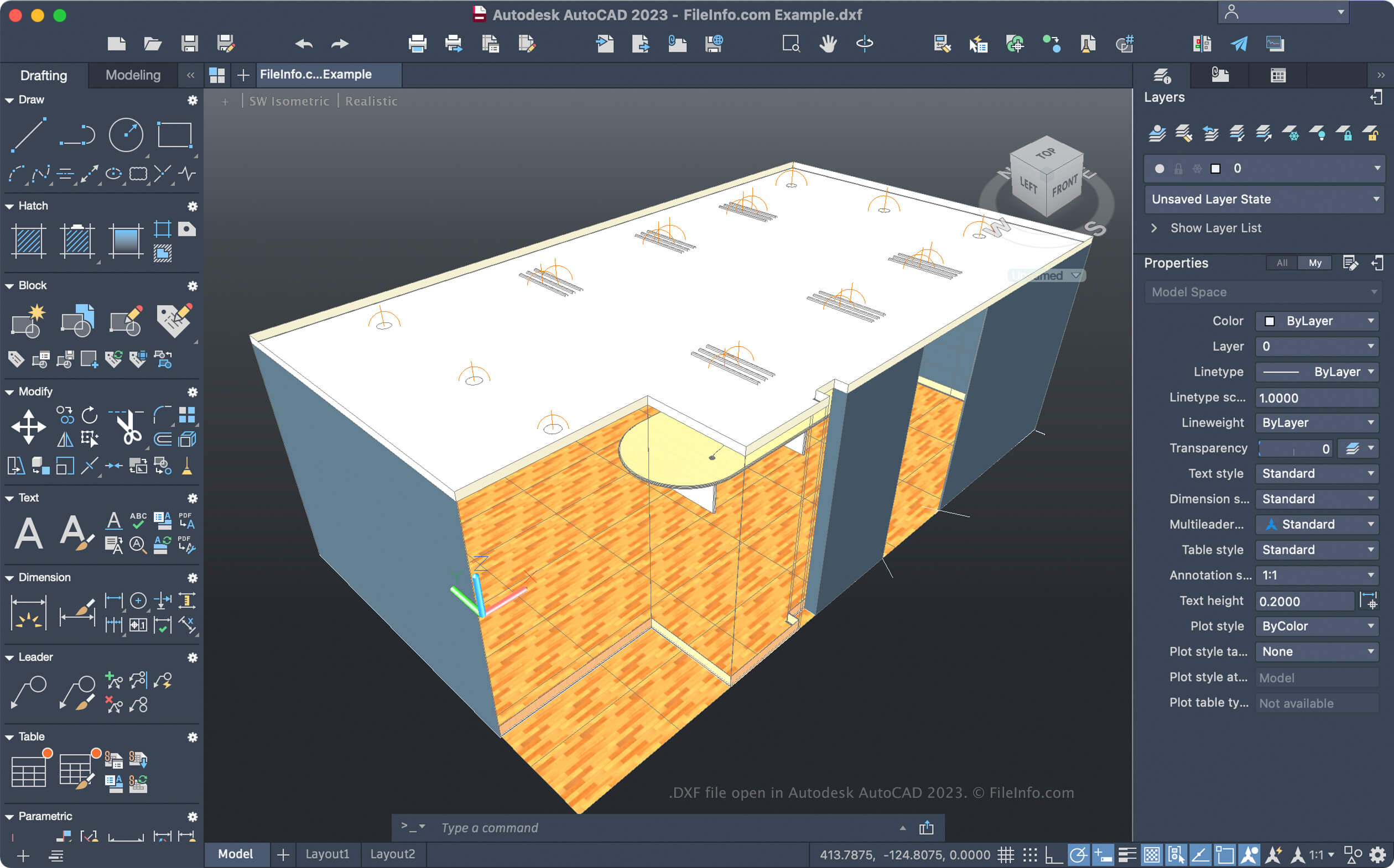
Autodesk ha sviluppato il formato DXF come formato universale, in modo che un numero maggiore di applicazioni potesse aprire i documenti AutoCAD. Ad esempio, puoi esportare modelli 3D come file DXF con Valve Hammer Editor, quindi aprirli e modificarli con altre applicazioni di modellazione 3D, come Autodesk AutoCAD o ACD Systems Canvas.
Come creare un file DXF
I passaggi per creare un file DXF variano a seconda dell'applicazione CAD. Ad esempio, per creare un file DXF con AutoCAD, seleziona , quindi scegli il formato DXF dal menu a discesa.
Come aprire un file DXF
Puoi aprire un file DXF con molte applicazioni CAD, tra cui Autodesk AutoCAD (multipiattaforma), CorelCAD e Adobe Illustrator.
Come convertire un file DXF
Diverse applicazioni, tra cui Autodesk AutoCAD e CorelCAD, possono convertire i file DXF in altri formati.
Ad esempio, AutoCAD può convertire i file DXF nei seguenti formati: