.PLA 文件扩展名

Sansa Playlist File

开发者 SanDisk
受欢迎程度
3.8  |  50 
 

什么是 PLA 文件?

Music playlist for a SanDisk Sansa portable media player; saved in the PLP playlist format, which lists locations of files in a standard text format; must be transferred to the PLAYLISTS folder on the Sansa device to be recognized by the player.

使用File Viewer Plus打开 400 多种文件格式。免费下载

可打开或引用 PLA 文件的程序

Windows
Mac
Linux
分类: 音频
更新时间: 2007-12-04

Archicad Project Archive

开发者 GRAPHISOFT
受欢迎程度
3.7  |  21 
 

A PLA file is a project archive created by GRAPHISOFT Archicad, a 3D architectural modeling program. It contains one or more designs (.PLN files) and Library Parts referenced by designs stored within the archive. PLA files are similar to PLN files but store the referenced parts, not just references to the parts, resulting in larger file sizes.

更多信息

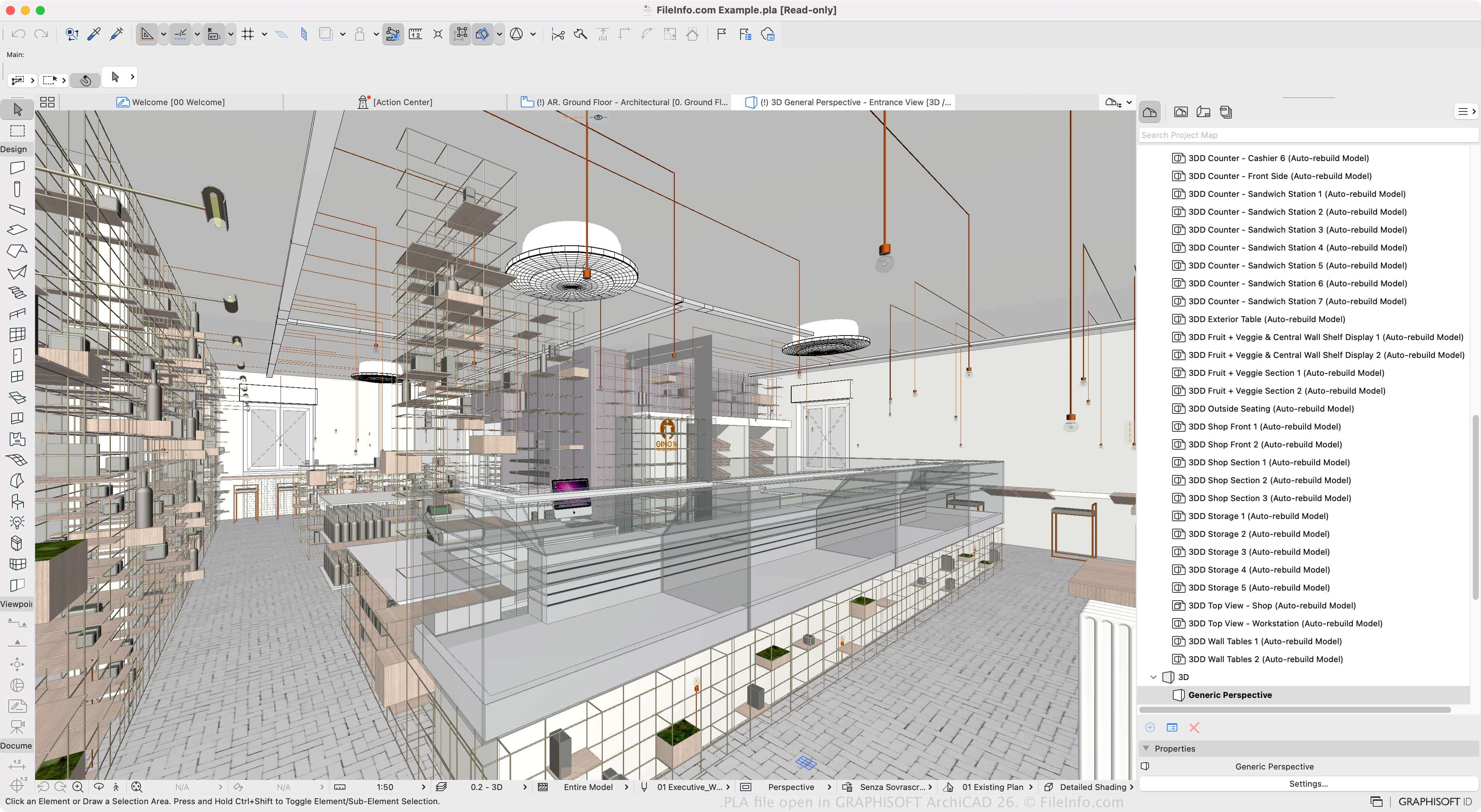
在 GRAPHISOFT Archicad 26 中打开的 .pla 文件截图
在 GRAPHISOFT Archicad 26 中打开的 PLA 文件

Archicad is a building information modeling (BIM) tool architects use to design structures, interiors, exteriors, and landscapes. The software is available for Windows and macOS and has various features for designing and visualizing structural models.

You can save design projects in the native PLN format, but if you want to save a project with all of its resources (instead of references to them), you can save one or more PLN projects as a PLA archive. This is helpful when moving a project to another computer or storing them. However, because the PLA file stores all the contents, it is substantially larger than a PLN file.

To create a PLA file, select File → Save as, then choose "ARCHICAD Archive Project" from the "Save as type" dropdown menu. You can then choose the elements included in the archive, such as the background picture, linked textures, and loaded library properties. The software also allows you to save projects as PLN project files, .BPN backup projects, and TPL project templates.

如何打开 PLA 文件

You can open PLA files with GRAPHISOFT Archicad in Windows and macOS. To open a PLA file, select File → Open.

如何转换 PLA 文件

GRAPHISOFT Archicad can convert PLA files to many file types, including the following formats:

  • .PLN - Archicad Solo Project
  • .DWG - AutoCAD Drawing
  • .DXF - Drawing Exchange Format
  • .IFC - Industry Foundation Classes File
  • .C4D - Cinema 4D Model
  • .3DS - 3D Studio Scene
  • .SKP - SketchUp Document
  • .OBJ - Wavefront 3D Object File
  • .STL - Stereolithography File
  • .PDF - Portable Document Format
  • .JPG - JPEG Image

可打开 PLA 文件的程序

Windows
Mac
分类: CAD
更新时间: 2023-03-10

iriver iQuickList File

开发者 iriver
受欢迎程度
3.9  |  13 
 

Playlist of songs saved by an iRiver portable music player, such as the T10 or iDP-100; saved in the root folder; similar to a .M3U file used by many software audio players.

更多信息

To add a song to the iQuickList, select the song and press and hold the A-B button. To remove a song, select the song in the playlist and press A-B.

可打开 PLA 文件的程序

Windows
iriver Future Play
分类: 杂项
更新时间: 2007-04-20

PlantStudio Plant File

开发者 Kurtz-Fernhout Software
受欢迎程度
3.0  |  1 
 

A PLA file is a plant growth simulation created by Kurtz-Fernhout Software PlantStudio. It contains plain text data used to show 3D representations of one or more simulated herbaceous plants. Using PlantStudio, users can view, animate, and breed the plants a PLA file describes.

更多信息

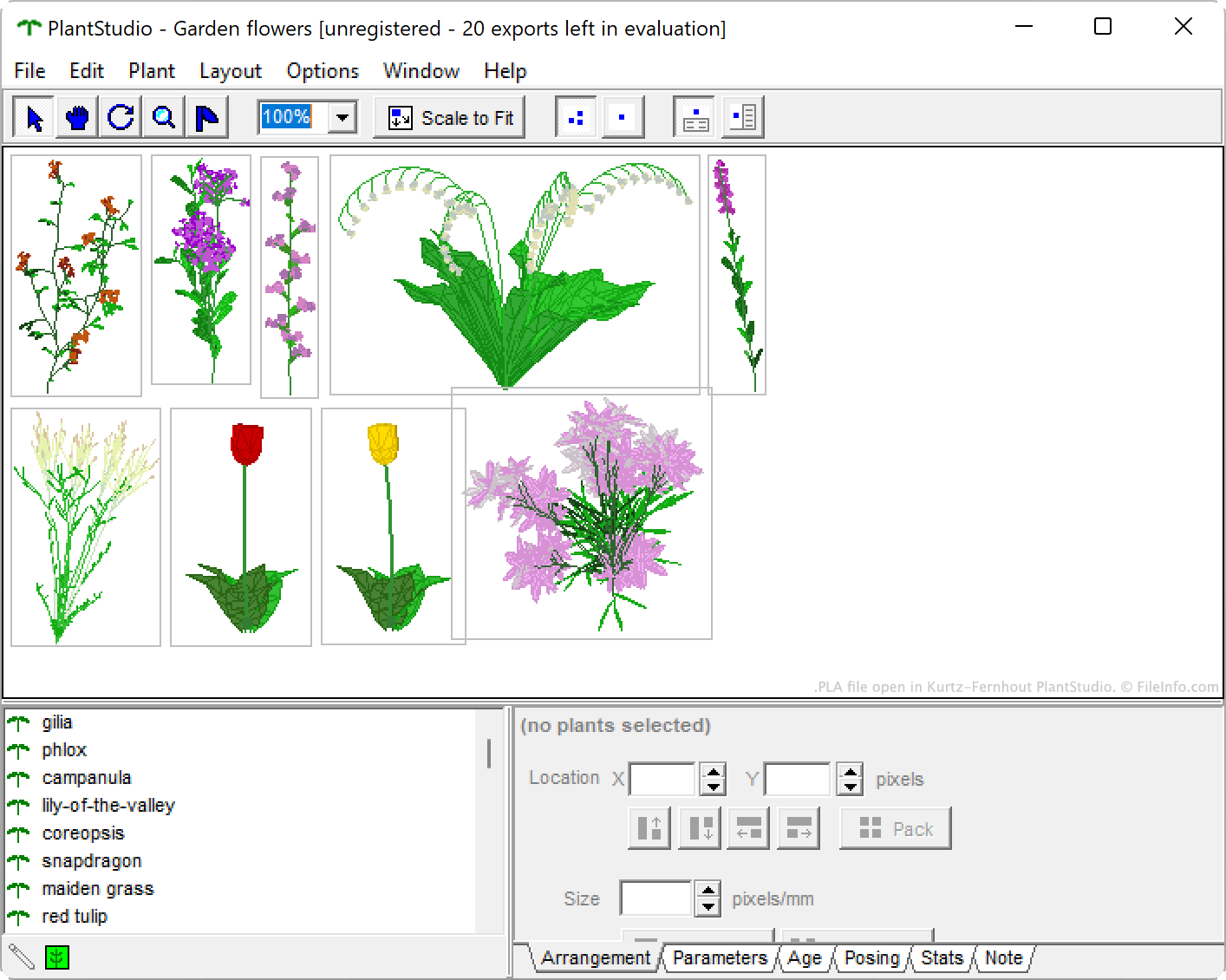
在 Kurtz-Fernhout Software PlantStudio 中打开的 .pla 文件截图
在 Kurtz-Fernhout Software PlantStudio 中打开的 PLA 文件

PlantStudio is a botanical illustration program that allows users to simulate the growth of wildflowers, vegetables, weeds, grasses, and other herbaceous plants. After growing one or more plants, users can view various data about their plants, breed their plants to create new plants, and animate their plants' growth cycles. They can also export their plants as 2D images or 3D models.

If a user wants to preserve a PlantStudio simulation, so they can continue viewing and editing that simulation in the future, they can save the simulation as a PLA file. Each PLA file contains a set of plain text parameters, coordinates, and other settings that define that simulation.

如何打开 PLA 文件

You can open a PLA file with Kurtz-Fernhout Software PlantStudio (Windows). To do so:

  1. Open Plant Studio.
  2. Select File → Open....
  3. Navigate to and open your PLA file.

如何转换 PLA 文件

You can use PlantStudio to convert a PLA file to any of the following formats (and several others):

  • .3DS - 3D Studio Scene
  • .LWO - LightWave 3D Object
  • .OBJ - Wavefront 3D Object
  • .DXF - Drawing Exchange Format
  • .BMP - Bitmap Image
  • .JPG - JPEG Image

To do so, open your PLA file and then select File → Export.

可打开 PLA 文件的程序

分类: 杂项
更新时间: 2023-12-19

验证者 FileInfo.com

FileInfo.com 团队 独立研究了本页面列出的所有文件格式和软件程序。 我们的目标是达到 100% 的准确率,并且仅发布我们已验证过的文件类型信息。

如果您想为此页面提出新增或更新建议,请告诉我们