.IDE 文件扩展名
GTA Item Definition File
| 开发者 | Rockstar Games |
| 受欢迎程度 |
4.2 | 105 票 |
什么是 IDE 文件?
File used by Grand Theft Auto (GTA) games; contains information that defines items, such as vehicles, weapons, and map objects.
更多信息
The IDE file consists of sections, each with a four character identifier that indicates how the game should interpret the section. The sections represent map objects, characters, pedestrians, weapons, vehicles, and more game items. The items in the sections are then linked to model and texture files to give them the appropriate appearance.
可打开或引用 IDE 文件的程序
Inventor iFeature
| 开发者 | Autodesk |
| 受欢迎程度 |
4.0 | 36 票 |
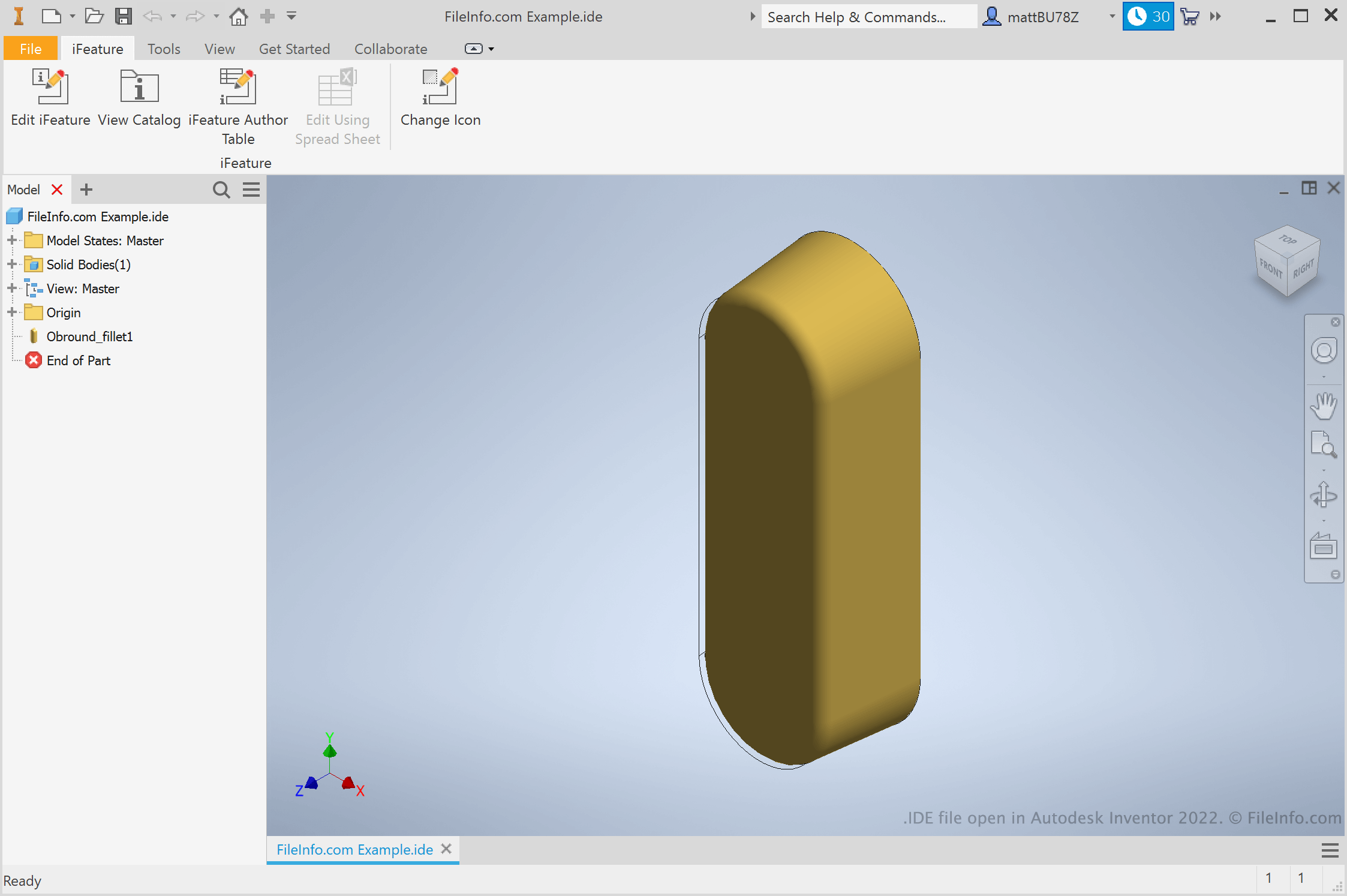
An IDE file is an iFeature created by Autodesk Inventor, a 3D mechanical design and prototyping application. It contains a saved feature or collection of features that can be applied to an Inventor part (.IPT files). Saving features as IDE files allows users to reuse the same features across multiple parts.
更多信息
Engineers and product designers use Autodesk Inventor to create 3D prototypes of mechanical products. As part of creating these prototypes, users create parts with a variety of features. If a user knows they'll want to reuse a feature across a variety of parts, they can save that feature as an iFeature. Then, they can apply the iFeature to other parts in the future, saving the time of manually creating and editing that feature.
How do I create an Inventor iFeature?
To create an Inventor iFeature, first open a part (IPT) file. Then, select Manage → Extract iFeature. The Extract iFeature window will appear, allowing you to save your part's features as an IDE file.
How do I apply an iFeature to a part?
To apply an iFeature to a part, first open that part (IPT) file. Then, select Manage → Insert → Insert iFeature. This will allow you to browse to, select, and insert your iFeature.
注: iFeatures were formerly referred to as an Inventor Design Elements (IDEs).
如何打开 IDE 文件
You can open an IDE file in Autodesk Inventor (Windows). To do so, select File → Open from Inventor's menu bar. Then, browse to and select your IDE file.