

.IDE Rozszerzenie pliku
iFeature programu Inventor
| Deweloper | Autodesk |
| Popularność |
4,0 | 36 Głosów |
Plik IDE to element iFeature utworzony przez Autodesk Inventor, aplikację do trójwymiarowego projektowania mechanicznego i tworzenia prototypów. Zawiera zapisany element lub zestaw elementów, które można zastosować do części programu Inventor (plików .IPT). Zapisywanie elementów jako plików IDE pozwala użytkownikom ponownie wykorzystywać te same elementy w wielu częściach.
Więcej informacji
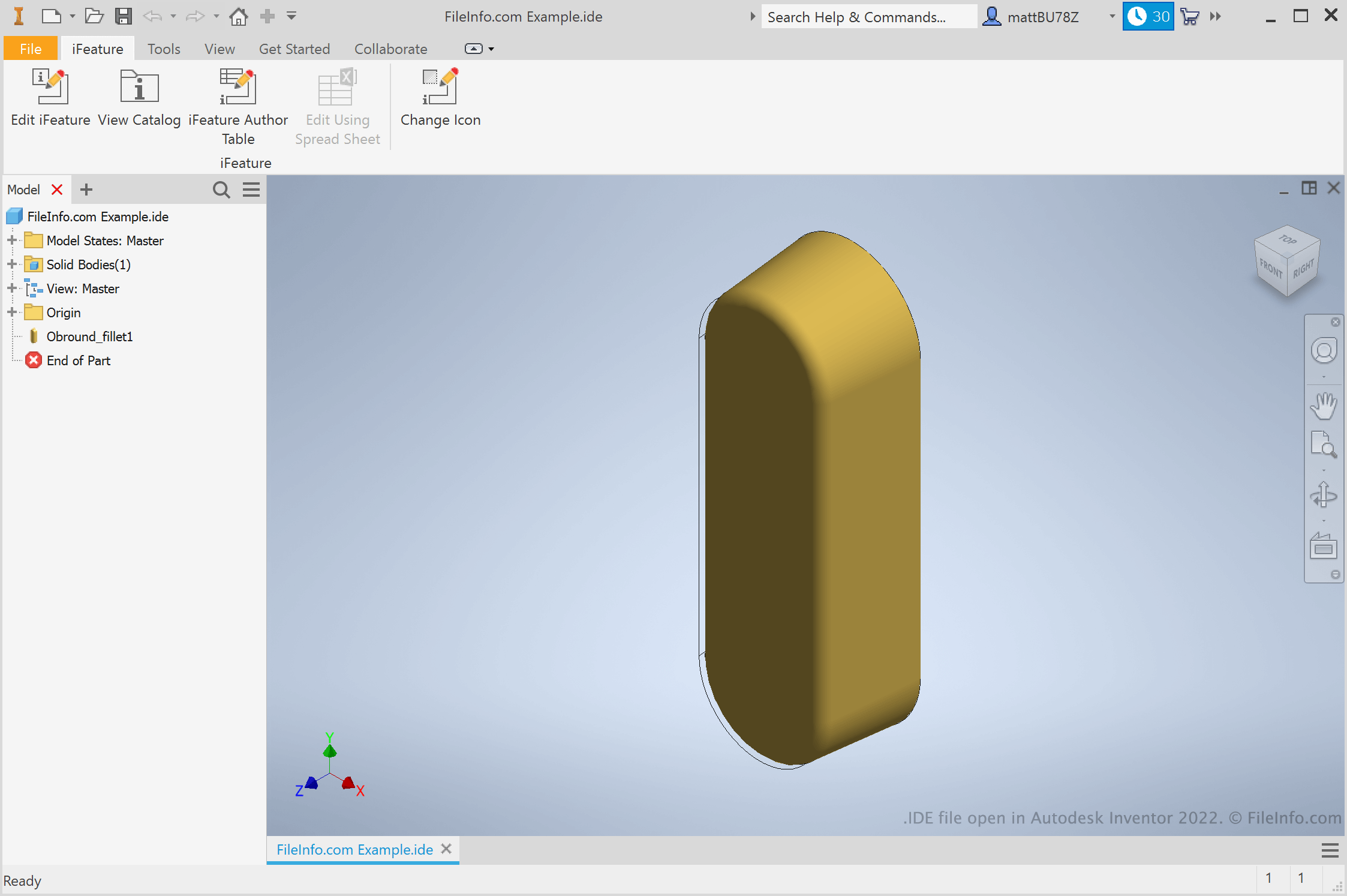
Inżynierowie i projektanci produktów używają Autodesk Inventor do tworzenia trójwymiarowych prototypów produktów mechanicznych. W ramach tworzenia tych prototypów użytkownicy tworzą części z różnymi elementami. Jeśli użytkownik wie, że będzie chciał ponownie wykorzystać dany element w różnych częściach, może zapisać go jako iFeature. Następnie może zastosować iFeature do innych części w przyszłości, oszczędzając czas potrzebny na ręczne tworzenie i edytowanie tego elementu.
Jak utworzyć iFeature programu Inventor?
Aby utworzyć iFeature programu Inventor, najpierw otwórz plik części (IPT). Następnie wybierz . Zostanie wyświetlone okno Extract iFeature, w którym można zapisać elementy części jako plik IDE.
Jak zastosować iFeature do części?
Aby zastosować iFeature do części, najpierw otwórz plik tej części (IPT). Następnie wybierz . Umożliwi to przejście do iFeature, wybranie go i wstawienie.
UWAGA: iFeature były wcześniej określane jako Inventor Design Elements (IDE).
Jak otworzyć plik IDE
Plik IDE można otworzyć w programie Autodesk Inventor (Windows). W tym celu wybierz na pasku menu programu Inventor opcję . Następnie przejdź do pliku IDE i wybierz go.