

.IDE Estensione file
iFeature di Inventor
| Sviluppatore | Autodesk |
| Popolarità |
4,0 | 36 Voti |
Un file IDE è un iFeature creato da Autodesk Inventor, un'applicazione per la progettazione e la prototipazione meccanica 3D. Contiene una feature salvata o una raccolta di feature che possono essere applicate a una parte di Inventor (file .IPT). Salvare le feature come file IDE consente agli utenti di riutilizzare le stesse feature in più parti.
Maggiori informazioni
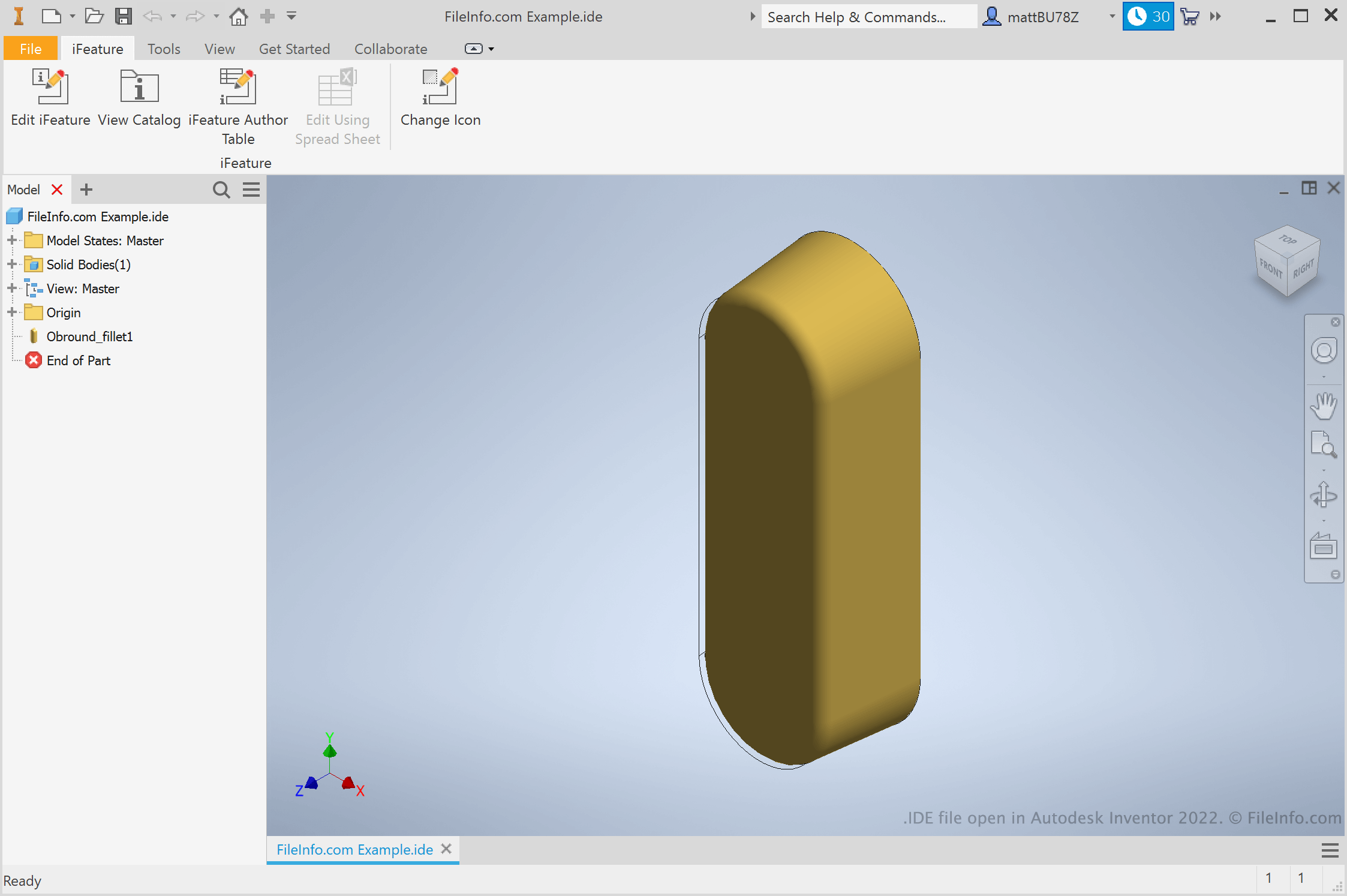
Ingegneri e progettisti di prodotti usano Autodesk Inventor per creare prototipi 3D di prodotti meccanici. Durante la creazione di questi prototipi, gli utenti creano parti con diverse feature. Se un utente sa che vorrà riutilizzare una feature in diverse parti, può salvarla come iFeature. In seguito, può applicare l'iFeature ad altre parti, risparmiando il tempo necessario per creare e modificare manualmente quella feature.
Come si crea un Inventor iFeature?
Per creare un Inventor iFeature, apri prima un file di parte (IPT). Quindi, seleziona . Viene visualizzata la finestra Extract iFeature, che ti consente di salvare le feature della parte come file IDE.
Come si applica un iFeature a una parte?
Per applicare un iFeature a una parte, apri prima il file della parte (IPT). Quindi, seleziona . In questo modo puoi cercare, selezionare e inserire il tuo iFeature.
NOTA: In precedenza, gli iFeature erano chiamati Inventor Design Elements (IDE).
Come aprire un file IDE
Puoi aprire un file IDE in Autodesk Inventor (Windows). Per farlo, seleziona dalla barra dei menu di Inventor. Quindi, cerca e seleziona il file IDE.