

.IDE Extension de fichier
iFeature Inventor
| Développeur | Autodesk |
| Popularité |
4,0 | 36 Votes |
Un fichier IDE est un iFeature créé par Autodesk Inventor, une application de conception et de prototypage mécanique en 3D. Il contient une fonction ou un ensemble de fonctions enregistré(s) pouvant être appliqué(s) à une pièce Inventor (fichiers.IPT). L'enregistrement de fonctions sous forme de fichiers IDE permet aux utilisateurs de réutiliser les mêmes fonctions dans plusieurs pièces.
Plus d'informations
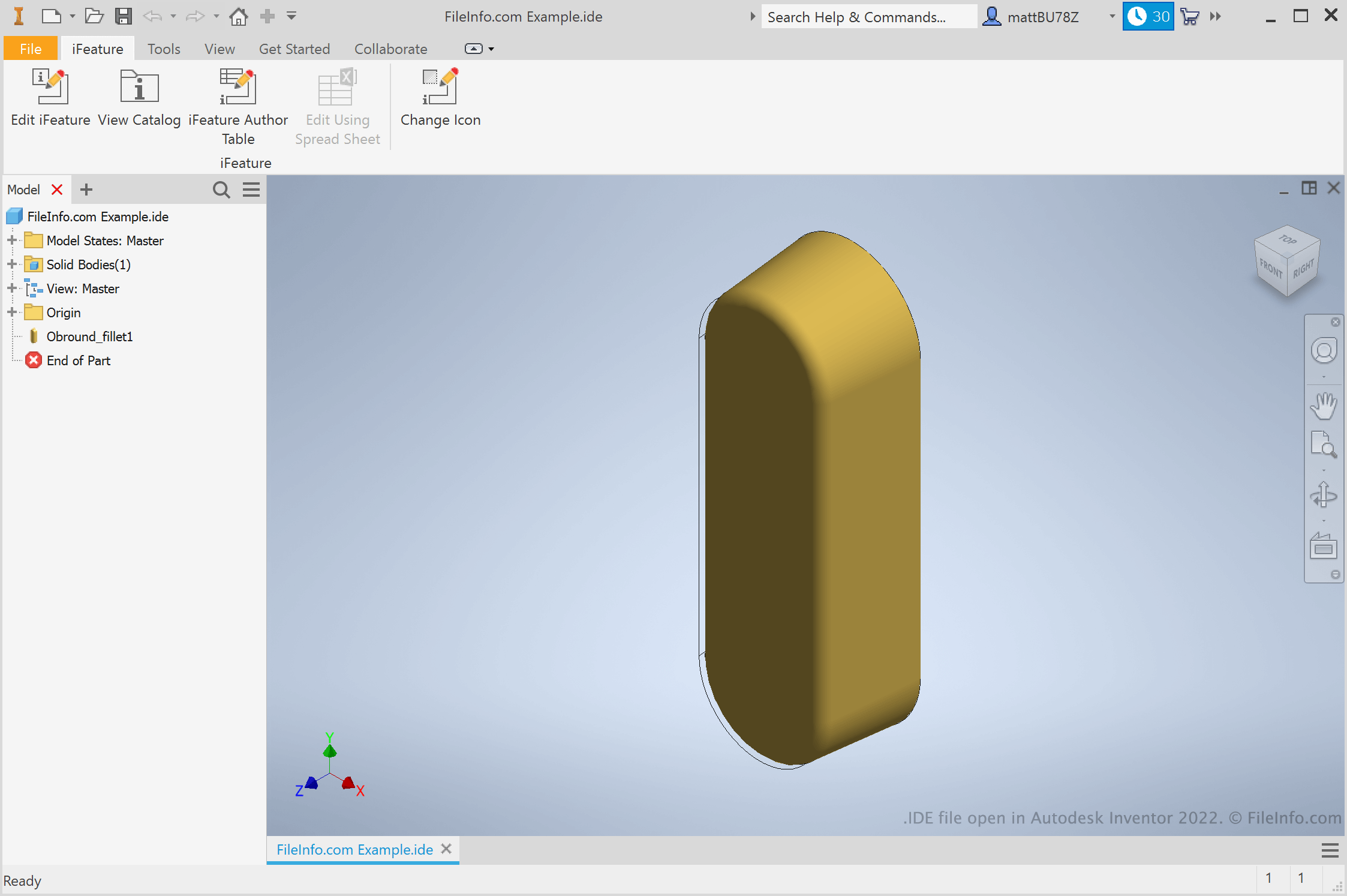
Les ingénieurs et les concepteurs de produits utilisent Autodesk Inventor pour créer des prototypes 3D de produits mécaniques. Dans le cadre de la création de ces prototypes, les utilisateurs créent des pièces avec différentes fonctions. Si un utilisateur sait qu'il souhaitera réutiliser une fonction dans plusieurs pièces, il peut l'enregistrer sous forme d'iFeature. Il peut ensuite appliquer l'iFeature à d'autres pièces ultérieurement, ce qui lui évite de créer et de modifier manuellement cette fonction.
Comment créer un iFeature Inventor ?
Pour créer un iFeature Inventor, ouvrez d'abord un fichier de pièce (IPT). Sélectionnez ensuite . La fenêtre Extract iFeature s'affiche et vous permet d'enregistrer les fonctions de votre pièce dans un fichier IDE.
Comment appliquer un iFeature à une pièce ?
Pour appliquer un iFeature à une pièce, ouvrez d'abord le fichier de cette pièce (IPT). Sélectionnez ensuite . Vous pourrez alors rechercher, sélectionner et insérer votre iFeature.
REMARQUE : Les iFeatures étaient auparavant appelés Inventor Design Elements (IDEs).
Comment ouvrir un fichier IDE
Vous pouvez ouvrir un fichier IDE dans Autodesk Inventor (Windows). Pour ce faire, sélectionnez dans la barre de menus d'Inventor. Recherchez ensuite votre fichier IDE et sélectionnez-le.