

.IDE Přípona souboru
iFeature aplikace Inventor
| Vývojář | Autodesk |
| Popularita |
4,0 | 36 hlasů |
Soubor IDE je iFeature vytvořený v aplikaci Autodesk Inventor, což je aplikace pro 3D mechanické navrhování a tvorbu prototypů. Obsahuje uložený prvek nebo kolekci prvků, které lze použít v součástech Inventoru (soubory .IPT). Uložení prvků jako souborů IDE umožňuje uživatelům znovu používat stejné prvky ve více součástech.
Další informace
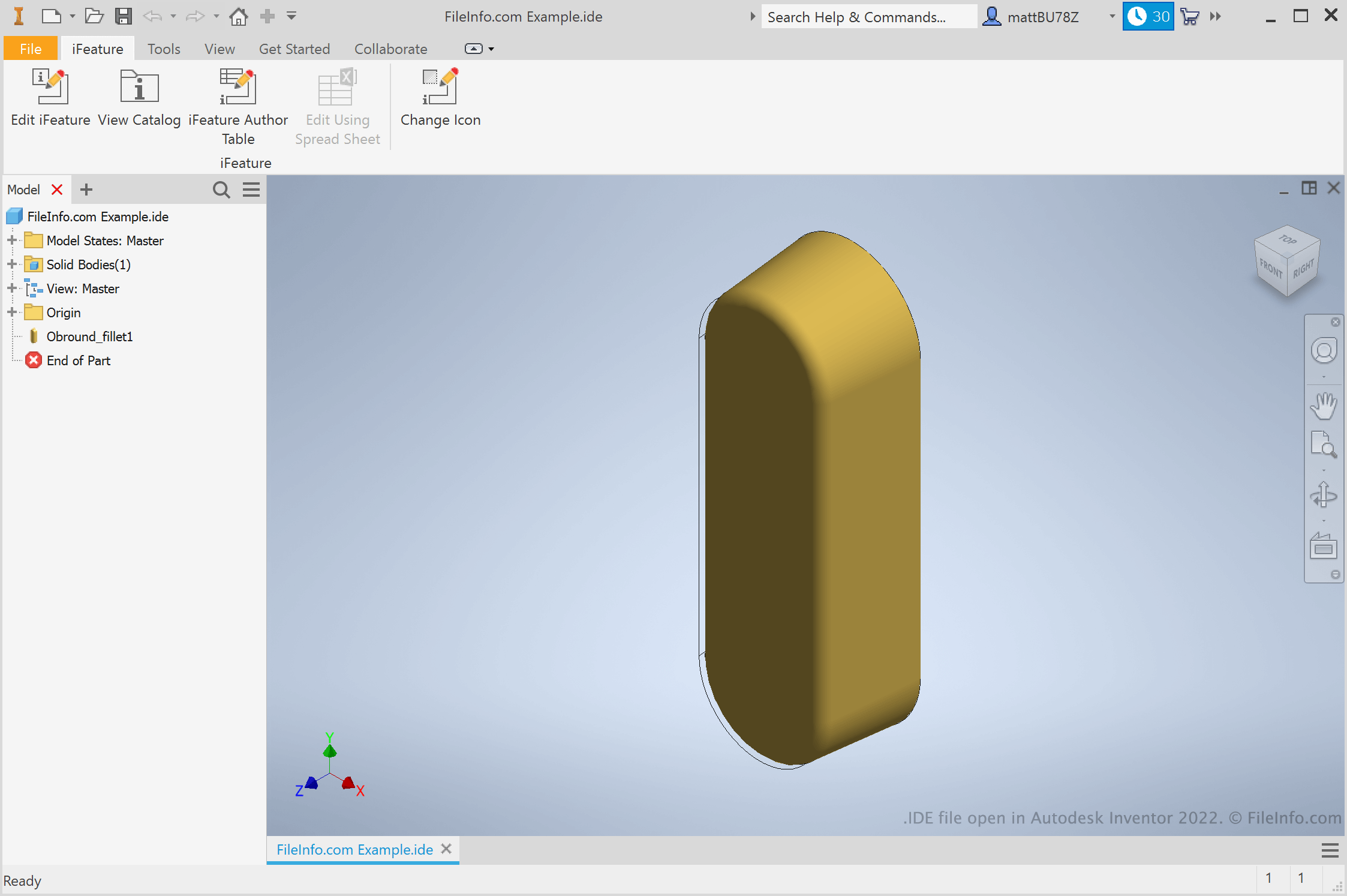
Inženýři a produktoví designéři používají Autodesk Inventor k vytváření 3D prototypů mechanických výrobků. Při vytváření těchto prototypů uživatelé vytvářejí součásti s různými prvky. Pokud uživatel ví, že bude chtít prvek znovu použít v různých součástech, může ho uložit jako iFeature. Poté může iFeature použít v dalších součástech, čímž ušetří čas potřebný k ručnímu vytváření a úpravám daného prvku.
Jak vytvořím iFeature v Inventoru?
Chcete-li vytvořit iFeature v Inventoru, nejprve otevřete soubor součásti (IPT). Poté vyberte . Zobrazí se okno Extract iFeature, které vám umožní uložit prvky součásti jako soubor IDE.
Jak použiji iFeature v součásti?
Chcete-li použít iFeature v součásti, nejprve otevřete soubor této součásti (IPT). Poté vyberte . Následně budete moci vyhledat, vybrat a vložit své iFeature.
POZNÁMKA: iFeatures byly dříve označovány jako Inventor Design Elements (IDE).
Jak otevřít soubor IDE
Soubor IDE můžete otevřít v aplikaci Autodesk Inventor (Windows). Chcete-li tak učinit, vyberte na panelu nabídek Inventoru možnost . Poté vyhledejte a vyberte svůj soubor IDE.