

.IDE Bestandsextensie
Inventor iFeature
| Ontwikkelaar | Autodesk |
| Populariteit |
4,0 | 36 stemmen |
Een IDE-bestand is een iFeature die is gemaakt door Autodesk Inventor, een toepassing voor mechanisch 3D-ontwerp en prototyping. Het bevat een opgeslagen feature of verzameling features die kan worden toegepast op een Inventor-onderdeel (.IPT-bestanden). Door features op te slaan als IDE-bestanden kunnen gebruikers dezelfde features opnieuw gebruiken in meerdere onderdelen.
Meer informatie
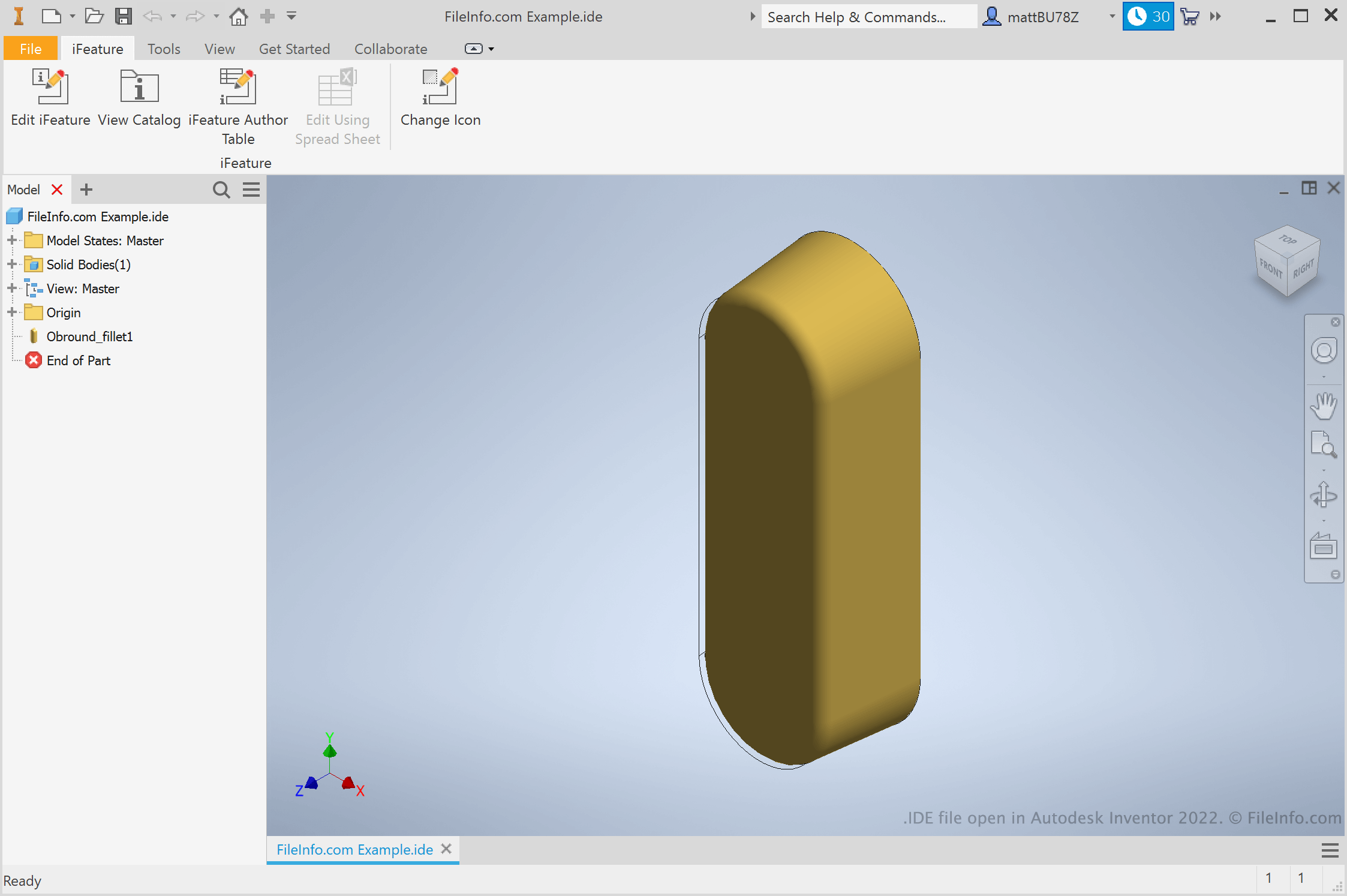
Ingenieurs en productontwerpers gebruiken Autodesk Inventor om 3D-prototypes van mechanische producten te maken. Tijdens het maken van deze prototypes maken gebruikers onderdelen met verschillende features. Als een gebruiker weet dat die een feature opnieuw wil gebruiken in verschillende onderdelen, kan die de feature opslaan als een iFeature. Daarna kan die de iFeature in de toekomst toepassen op andere onderdelen, waardoor de tijd wordt bespaard die nodig is om die feature handmatig te maken en te bewerken.
Hoe maak ik een Inventor iFeature?
Om een Inventor iFeature te maken, open je eerst een onderdeelbestand (IPT). Selecteer vervolgens . Het venster Extract iFeature verschijnt, waarin je de features van je onderdeel kunt opslaan als een IDE-bestand.
Hoe pas ik een iFeature toe op een onderdeel?
Om een iFeature toe te passen op een onderdeel, open je eerst dat onderdeelbestand (IPT). Selecteer vervolgens . Hiermee kun je naar je iFeature bladeren, deze selecteren en invoegen.
OPMERKING: iFeatures werden vroeger Inventor Design Elements (IDE's) genoemd.
Een IDE-bestand openen
Je kunt een IDE-bestand openen in Autodesk Inventor (Windows). Selecteer daarvoor in de menubalk van Inventor. Blader vervolgens naar je IDE-bestand en selecteer het.