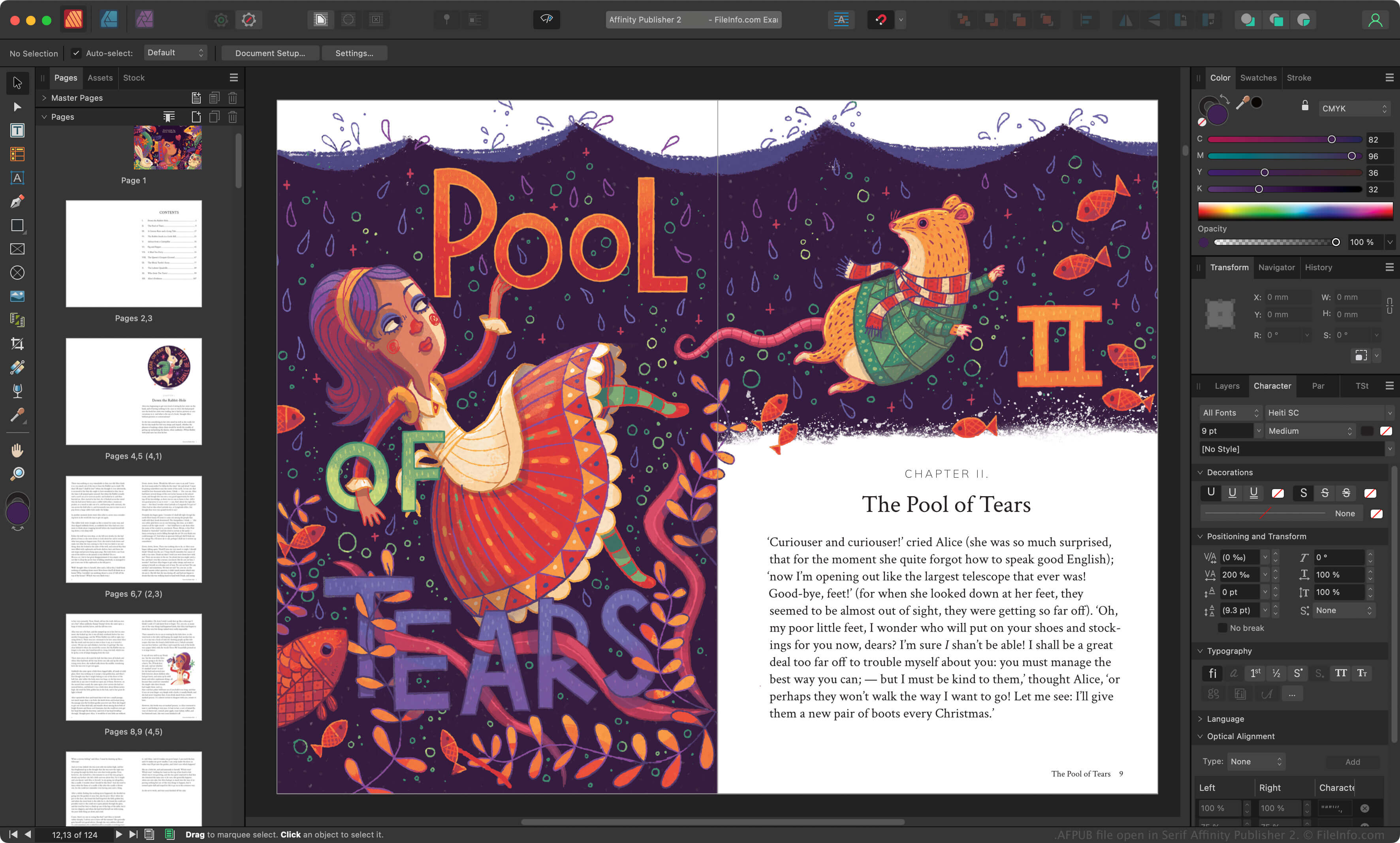
.AFPUB 文件扩展名
Affinity Publisher Document
| 开发者 | Serif |
| 受欢迎程度 |
4.3 | 6 票 |
什么是 AFPUB 文件?
An AFPUB file is a page layout project created by Serif Affinity Publisher, which is a desktop publishing alternative to Adobe InDesign. It contains page layout information, which may include text, images, graphics, and other Affinity Publisher elements. Affinity Publisher users often save magazine, brochure, flyer, invitation, book, and webpage layouts as AFPUB files.
更多信息
Serif released Affinity Publisher in 2017 to replace PagePlus and to accommodate their Affinity Photo and Affinity Designer applications. Graphic designers use Affinity Publisher to create various printed and online documents.
When a graphic designer saves an Affinity Publisher project, the app saves the project as an AFPUB file. The AFPUB file contains all the information needed to re-open the project in Affinity Publisher, including a record of the graphic designer's edits to the project. That way, the graphic designer can undo or adjust their edits in the future.
How to save an AFPUB file as a package
AFPUB files often contain links to images and other assets in a page layout project. If you want to avoid preserving links to the assets in an AFPUB file, you can save the project as a package, which automatically creates copies of all linked assets and stores them alongside your AFPUB file. To save an AFPUB file as a package, select File → Save As Package... from Affinity Publisher's menu bar.
注: Canva acquired Serif in 2024 and replaced Affinity Publisher with Affinity.
如何打开 AFPUB 文件
You can open an AFPUB file with Canva Affinity in Windows and macOS. To open an AFPUB file, select File → Open from the program's menu bar.
如何转换 AFPUB 文件
Canva Affinity can convert AFPUB files to various file types, including the following formats: