

.AFDESIGN 文件扩展名
Affinity Design文档
| 开发者 | Serif Labs |
| 受欢迎程度 |
3.9 | 27 票 |
什么是 AFDESIGN 文件?
AFDESIGN文件是由Serif Affinity Designer创建的设计文档。Serif Affinity Designer是一款矢量和栅格图形设计应用程序。它存储一个设计,其中包括一个或多个图像图层、形状、文本、铅笔或钢笔绘图、绘画笔触以及其他Affinity Designer元素。Affinity Designer用户通常会将图标、徽标、印刷材料和网站模型等设计保存为AFDESIGN文件。
更多信息
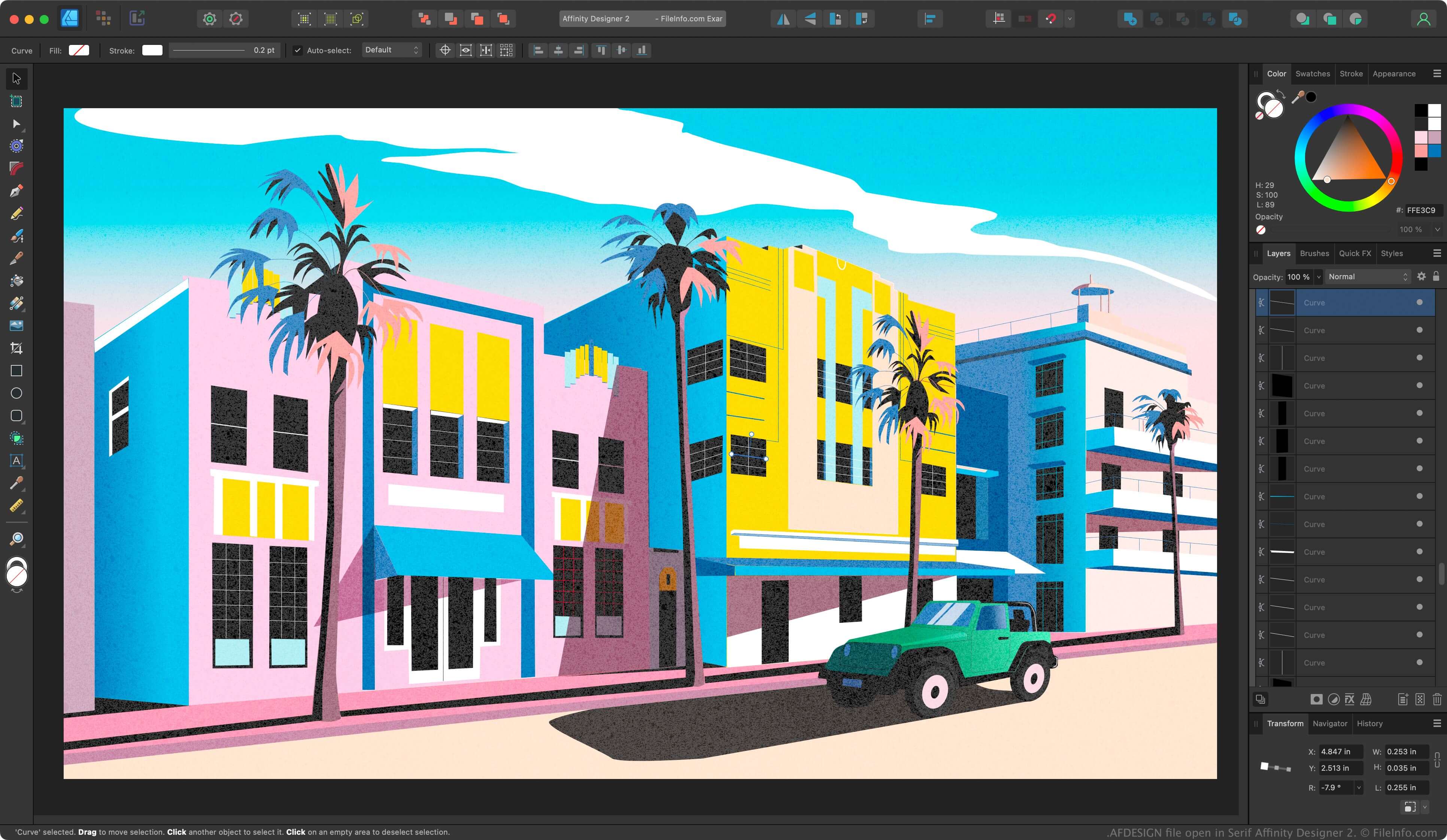
Affinity Designer是一款专业的矢量设计应用程序,类似于Adobe Illustrator。Illustrator默认以Illustrator Artwork(.AI)格式保存设计,而Affinity Designer则以AFDESIGN格式保存设计。
将设计进度保存为AFDESIGN文件后,你可以关闭文件,然后重新打开它继续编辑。如果你创建了想要重复使用的设计,可以通过选择将其导出为模板。
注: Canva于2024年收购了Serif,并用Affinity取代了Affinity Designer。
如何打开 AFDESIGN 文件
你可以在Windows或macOS中使用Canva Affinity打开AFDESIGN文件。要打开AFDESIGN文件,请选择。
如何转换 AFDESIGN 文件
Canva Affinity可以将AFDESIGN文件转换为以下格式:
可打开 AFDESIGN 文件的程序
Windows
Mac