.AFDESIGN ファイル拡張子

Affinity Design Document

開発元 Serif Labs
人気度
3.8  |  26 
 

AFDESIGNファイルとは?

An AFDESIGN file is a design document created by Serif Affinity Designer, a vector and raster graphics design application. It stores a design, which includes one or more image layers, shapes, text, pencil or pen drawings, paint strokes, and other Affinity Designer elements. Affinity Designer users often save designs, such as icons, logos, print materials, and website mockups as AFDESIGN files.

詳細情報

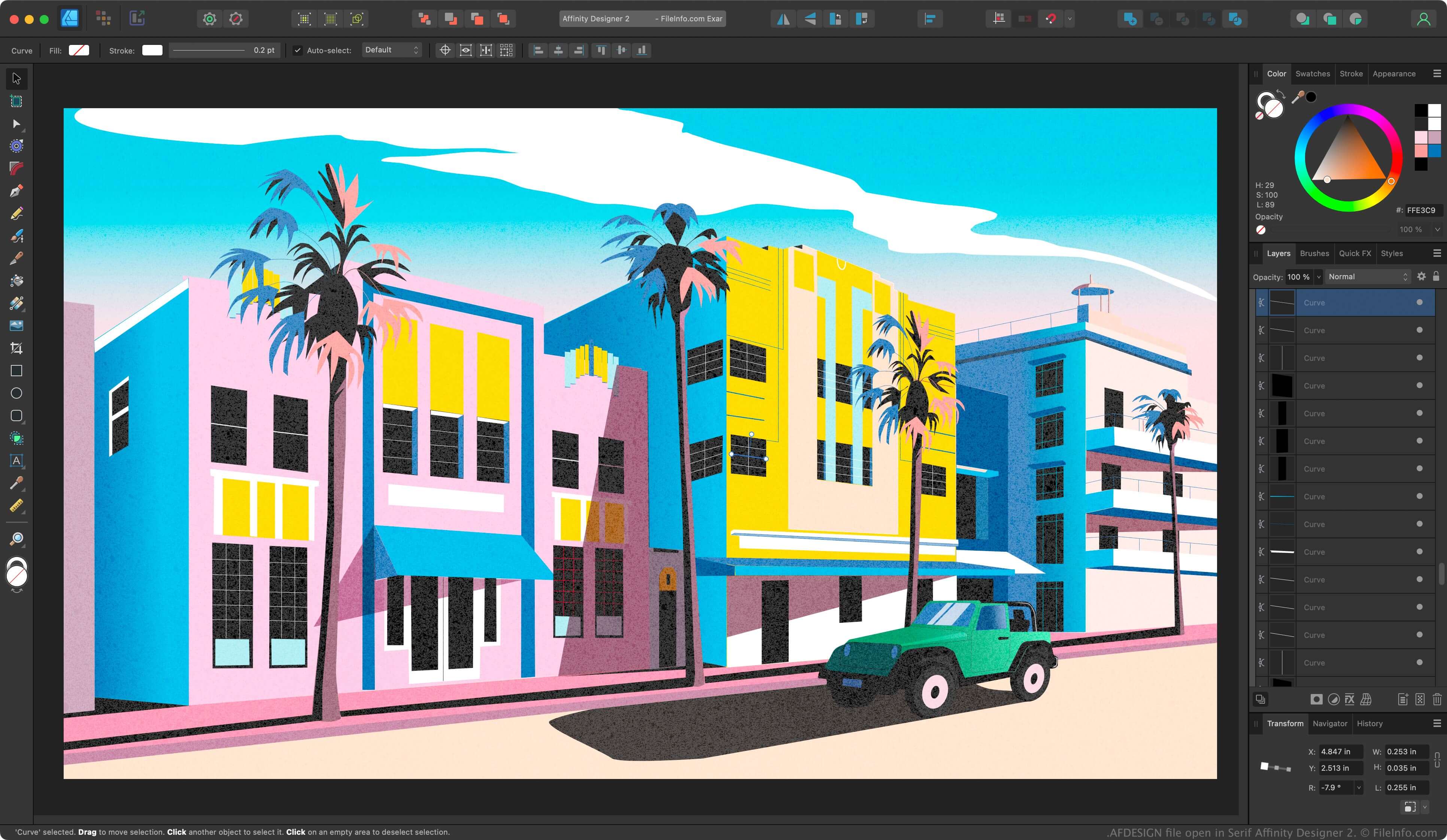
Serif Affinity Designer 2で開いた.afdesignファイルのスクリーンショット
Serif Affinity Designer 2で開いたAFDESIGNファイル

Affinity Designer is a professional vector designing application similar to Adobe Illustrator. While Illustrator saves designs in the Illustrator Artwork (.AI) format by default, Affinity Designer saves designs in the AFDESIGN format.

After saving your design progress as an AFDESIGN file, you can close the file, then re-open it for further editing. If you create a design you want to replicate, you can export it as a template by selecting File → Export as Template.

注: Canva acquired Serif in 2024 and replaced Affinity Designer with Affinity.

AFDESIGNファイルの開き方

You can open an AFDESIGN file with Canva Affinity in Windows or macOS. To open an AFDESIGN file, select File → Open.

AFDESIGNファイルの変換方法

Canva Affinity can convert AFDESIGN files to the following formats:

  • .PSD - Adobe Photoshop Document
  • .PDF - Portable Document Format
  • .JPG - JPEG Image
  • .PNG - Portable Network Graphic
  • .GIF - Graphical Interchange Format
  • .EPS - Encapsulated PostScript
  • .SVG - Scalable Vector Graphics
  • .TGA - Targa Graphic
  • .TIFF - Tagged Image File Format
  • .HDR - High Dynamic Range Image
File Viewer Plusで400種類以上のファイル形式を開けます。無料ダウンロード

AFDESIGNファイルを開くプログラム

Windows
Mac

検証者 FileInfo.com

FileInfo.comチーム は、このページに掲載されているAffinity Design Documentファイル形式とMac and Windowsアプリについて独自に調査しました。 私たちの目標は100%の正確性であり、検証済みのファイルタイプに関する情報のみを公開しています。

このページへの追加や更新をご提案いただける場合は、お知らせください。