

.AFDESIGN Přípona souboru
Dokument Affinity Design
| Vývojář | Serif Labs |
| Popularita |
3,9 | 27 hlasů |
Co je soubor AFDESIGN?
Soubor AFDESIGN je návrhový dokument vytvořený aplikací Serif Affinity Designer pro tvorbu vektorové a rastrové grafiky. Ukládá návrh, který obsahuje jednu nebo více obrazových vrstev, tvary, text, kresby tužkou nebo perem, tahy štětcem a další prvky aplikace Affinity Designer. Uživatelé aplikace Affinity Designer často ukládají návrhy, například ikony, loga, materiály pro tisk a makety webových stránek, jako soubory AFDESIGN.
Další informace
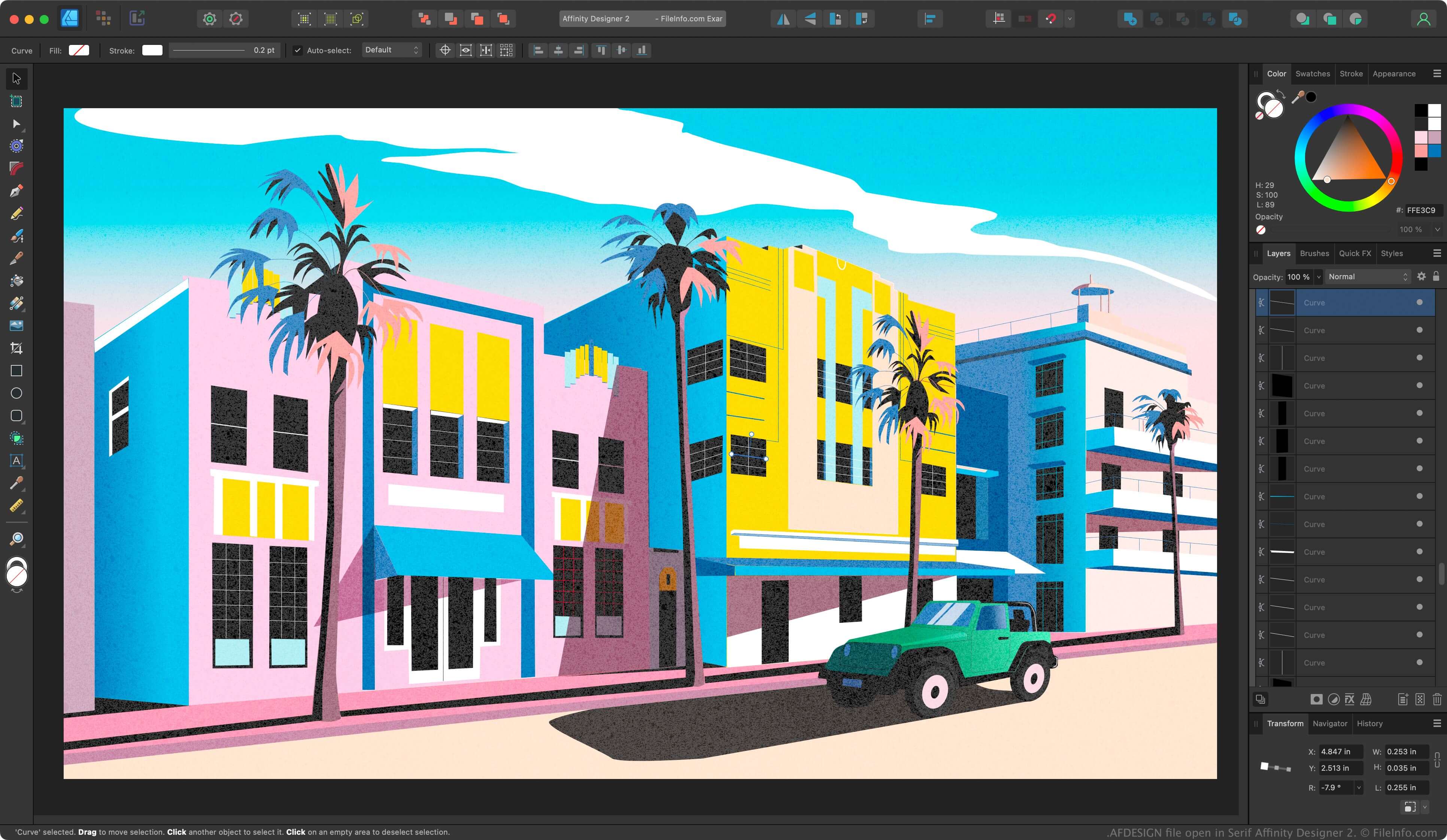
Affinity Designer je profesionální aplikace pro tvorbu vektorové grafiky podobná aplikaci Adobe Illustrator. Zatímco Illustrator ve výchozím nastavení ukládá návrhy ve formátu Illustrator Artwork (.AI), Affinity Designer ukládá návrhy ve formátu AFDESIGN.
Po uložení rozpracovaného návrhu jako souboru AFDESIGN můžete soubor zavřít a později ho znovu otevřít a pokračovat v úpravách. Pokud vytvoříte návrh, který chcete opakovaně používat, můžete ho exportovat jako šablonu výběrem možnosti .
POZNÁMKA: Společnost Canva v roce 2024 koupila Serif a nahradila Affinity Designer aplikací Affinity.
Jak otevřít soubor AFDESIGN
Soubor AFDESIGN můžete otevřít v systému Windows nebo macOS pomocí aplikace Canva Affinity. Soubor AFDESIGN otevřete výběrem možnosti .
Jak převést soubor AFDESIGN
Canva Affinity dokáže převést soubory AFDESIGN do následujících formátů:
- .PSD - Adobe Photoshop Document
- .PDF - Portable Document Format
- .JPG - obrázek JPEG
- .PNG - Portable Network Graphic
- .GIF - Graphical Interchange Format
- .EPS - Encapsulated PostScript
- .SVG - Scalable Vector Graphics
- .TGA - grafika Targa
- .TIFF - Tagged Image File Format
- .HDR - obraz s vysokým dynamickým rozsahem