

.LNK Extensão de arquivo
Atalho do Windows
| Desenvolvedor | Microsoft |
| Popularidade |
4,1 | 2250 Votos |
O que é um arquivo LNK?
Um arquivo LNK é um atalho do Windows, que aponta para outro arquivo, pasta ou aplicativo e é usado para abri-lo. Ele contém informações sobre o objeto para o qual aponta, incluindo o tipo, o local e o nome do arquivo. Você pode criar um atalho para um arquivo, pasta ou aplicativo clicando com o botão direito do mouse nesse objeto e selecionando . (No Windows 11, primeiro você deve selecionar .)
Mais informações
Os arquivos LNK normalmente usam o mesmo ícone do arquivo de destino, com uma pequena seta curva adicionada para indicar que o atalho aponta para outro local. Quando você clica duas vezes em um arquivo LNK, o Windows abre o arquivo para o qual o atalho aponta, assim como faria se você clicasse duas vezes no arquivo real.
Como editar as propriedades de um arquivo LNK
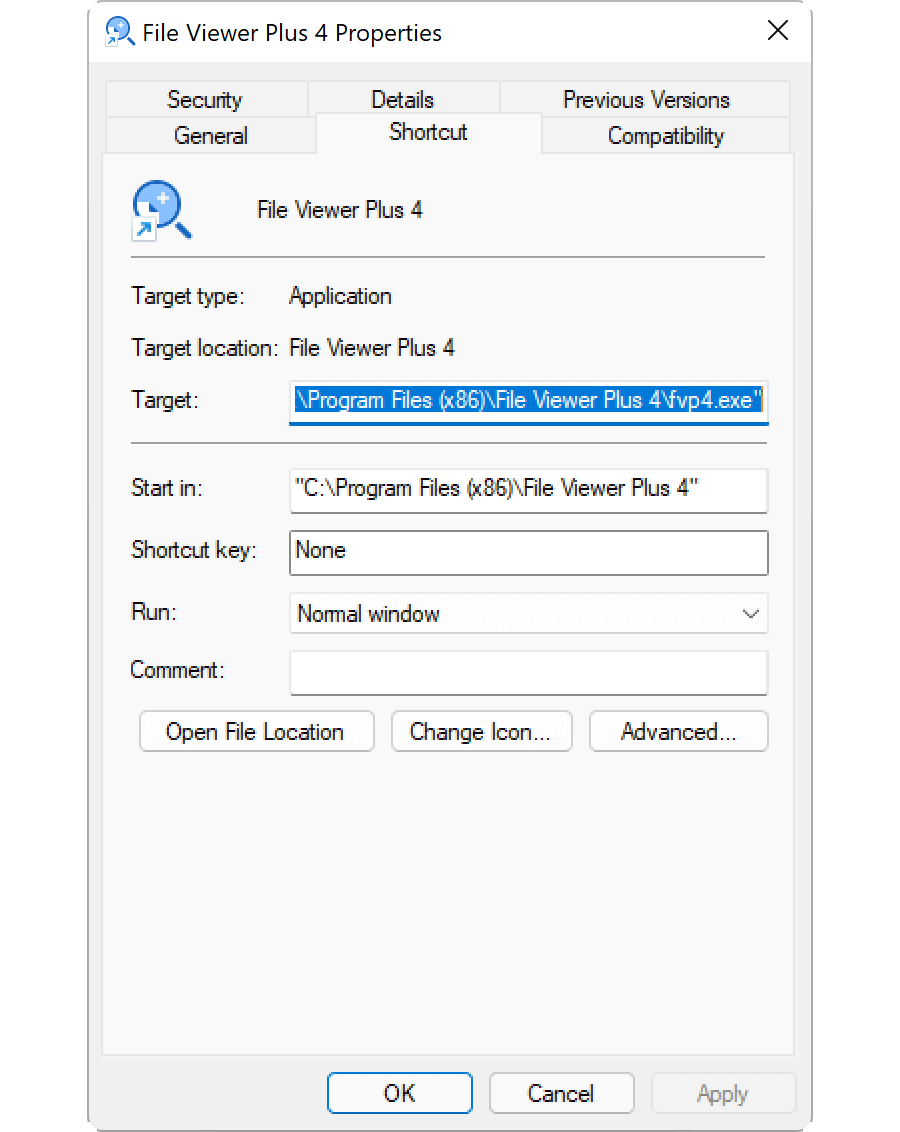
Você pode editar as propriedades de um atalho do Windows para adicionar uma tecla de atalho ou modificar como o Windows abre o arquivo para o qual o atalho aponta. Para editar as propriedades de um atalho, clique nele com o botão direito do mouse e selecione .
Como mostrar a extensão de arquivo LNK
Mesmo que você tenha configurado o Windows para mostrar as extensões de arquivos de tipos conhecidos, ele não mostra a extensão de arquivo .lnk. Embora isso não seja recomendado, você pode fazer o Windows mostrar a extensão de arquivo .lnk excluindo a propriedade NeverShowExt da entrada do Registro do Windows HKEY_CLASSES_ROOT\lnkfile:
- Abra o Editor do Registro digitando regedit na caixa de pesquisa da barra de tarefas e selecionando o programa.
- No Editor do Registro, navegue até Computer\HKEY_CLASSES_ROOT\lnkfile.
- Crie um backup de lnkfile clicando nele com o botão direito do mouse e selecionando (você pode usá-lo para restaurar sua chave do Registro caso ocorra um erro).
- Selecione a propriedade NeverShowExt e exclua-a.
- Reinicie o Windows.
Leia mais sobre os atalhos do Windows na Central de Ajuda do FileInfo.com.
NOTA: Alterações na associação de arquivos LNK podem fazer com que os ícones da área de trabalho do Windows mudem ou desapareçam inesperadamente. Você pode visitar a Central de Ajuda para obter instruções sobre como corrigir seus ícones do Windows.
Como abrir um arquivo LNK
Abrir um arquivo LNK, clicando duas vezes nele ou clicando com o botão direito do mouse e selecionando , abre o arquivo, a pasta ou o programa para o qual o arquivo LNK aponta. Usuários avançados podem editar as propriedades de um arquivo LNK clicando nele com o botão direito do mouse e selecionando .