

.XLSM Bestandsextensie
Microsoft Excel-spreadsheet met macro's
| Ontwikkelaar | Microsoft |
| Populariteit |
3,8 | 132 stemmen |
Wat is een XLSM-bestand?
Een XLSM-bestand is een spreadsheet met macro's die is gemaakt met Microsoft Excel, een veelgebruikt spreadsheetprogramma dat deel uitmaakt van de Microsoft Office-suite. Het bevat werkbladen met cellen die in rijen en kolommen zijn gerangschikt, evenals ingesloten macro's die zijn geprogrammeerd in de taal Visual Basic for Applications (VBA). XLSM-bestanden worden opgeslagen in de Open XML-indeling die in Microsoft Office 2007 is geïntroduceerd.
Meer informatie
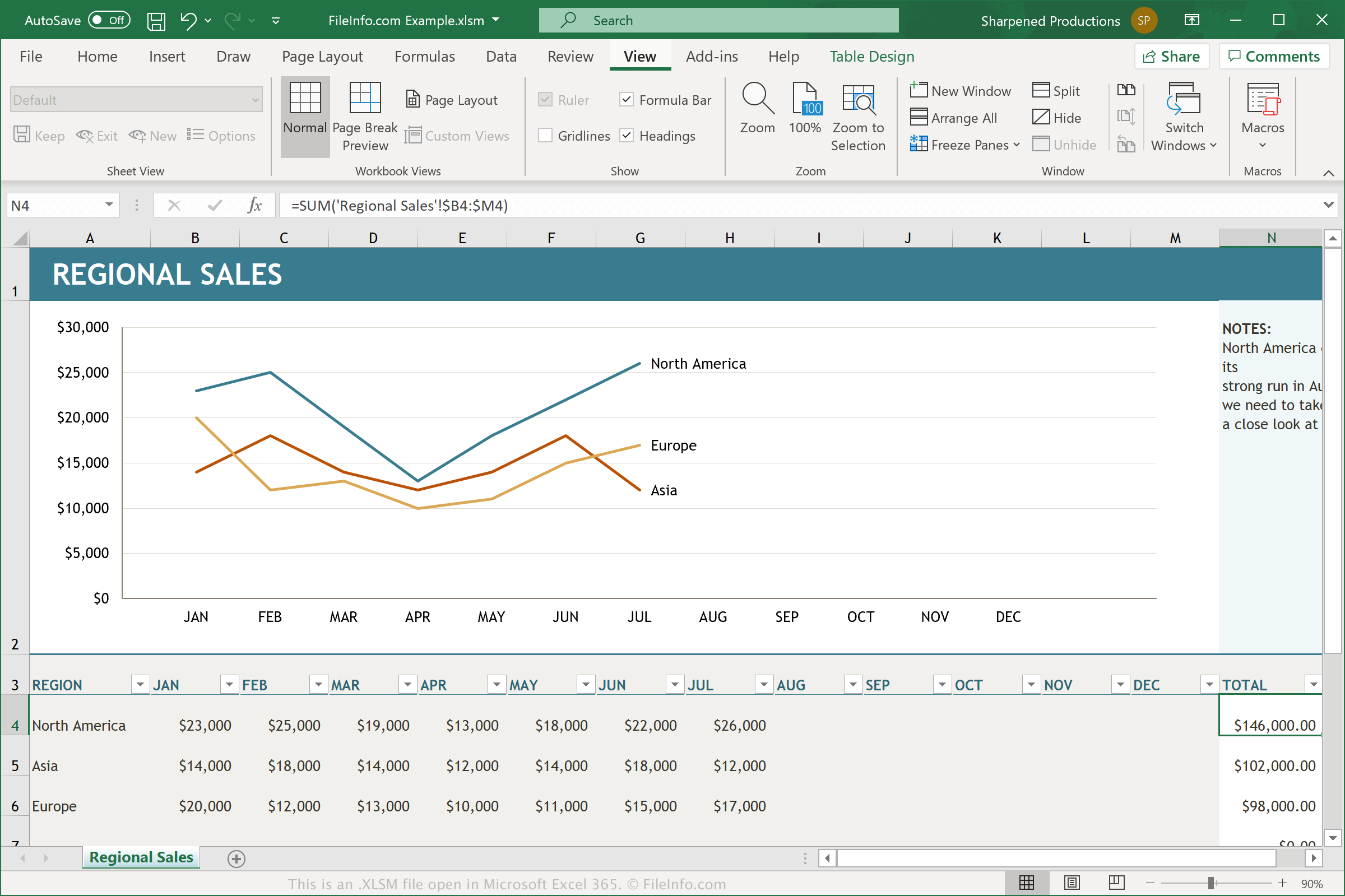
XLSM-bestanden zijn .XLSX-bestanden met ingeschakelde macro's. Een macro is een handige functie die werkt als een script, waarmee gebruikers terugkerende taken kunnen automatiseren. Excel wordt geleverd met honderden macro's, maar je kunt ook je eigen macro's opnemen. Deze bestaan uit toetsaanslagen en muisklikken waarmee een specifieke actie wordt uitgevoerd. Je kunt ze bewerken om kleine wijzigingen aan te brengen. Voorbeelden van macrofunctionaliteit zijn het opmaken van gegevens in een geselecteerde kolom van een spreadsheet of het toepassen van specifieke wiskundige vergelijkingen op gegevens.
Als een gebruiker macro's heeft gebruikt om een Excel-spreadsheet te maken en deze macro's wil behouden wanneer diegene het document opnieuw opent of deelt, moet het document als een XLSM-bestand worden opgeslagen. XLSM-bestanden worden opgeslagen met dezelfde op Open XML gebaseerde indeling als XLSX-bestanden, maar XLSM-bestanden kunnen macro's opslaan en XLSX-bestanden niet. Wanneer je een onbekend XLSM-bestand opent in Microsoft Excel, vraagt het programma meestal of je macro's wilt inschakelen.
Een XLSM-bestand openen
Je kunt XLSM-bestanden openen in Microsoft Excel (Windows, Mac, web, Android). Excel 2007 en latere versies kunnen XLSM-bestanden standaard openen. Eerdere versies kunnen XLSM-bestanden openen als je het Microsoft Office Compatibility Pack hebt geïnstalleerd. Om veiligheidsredenen schakelt Excel de macro's van XLSM-bestanden standaard niet in. Klik op wanneer daarom wordt gevraagd om macro's in een XLSM-bestand in te schakelen.
Je kunt XLSM-bestanden ook openen met andere spreadsheetprogramma's, waaronder Corel Quattro Pro (Windows), MobiSystems OfficeSuite Pro (iOS, Android) en Google Sheets (web, iOS, Android, Chrome OS).
Een XLSM-bestand converteren
Verschillende spreadsheetprogramma's, waaronder Microsoft Excel en Corel Quattro Pro, kunnen XLSM-bestanden naar andere indelingen converteren.
Selecteer bijvoorbeeld in de Windows- en Mac-versies van Microsoft Excel om XLSM-bestanden naar een van de volgende indelingen te converteren:
- .XLSX - Microsoft Excel-spreadsheet
- .XLS - Microsoft Excel-spreadsheet (verouderd)
- .XLSB - Microsoft Excel Binary Spreadsheet
- .ODS - OpenDocument Spreadsheet
- .CSV - Comma-Separated Values
- .DIF - Data Interchange Format
- .PDF - Portable Document Format
- .RTF - Rich Text Format
- .TXT - Platte tekst
- .HTM, .HTML - HTML-webpagina
- .XML - Extensible Markup Language
- .MHT, .MHTML - MIME HTML Archive
- .XPS - XML Paper Specification (alleen Windows)
Waarschuwing
Hoewel XLSM-bestanden meestal legitieme Microsoft Excel-spreadsheets zijn, kunnen ze ook worden gebruikt om malwareaanvallen op de computers van slachtoffers te verspreiden en uit te voeren. Open nooit een XLSM-bestand en schakel nooit macro's in een XLSM-bestand in, tenzij je de legitimiteit en herkomst ervan kunt verifiëren, om jezelf tegen schadelijke XLSM-aanvallen te beschermen.