

.XLSM Estensione file
Foglio di calcolo Microsoft Excel con macro abilitate
| Sviluppatore | Microsoft |
| Popolarità |
3,8 | 132 Voti |
Che cos'è un file XLSM?
Un file XLSM è un foglio di calcolo con macro creato da Microsoft Excel, un programma per fogli di calcolo ampiamente utilizzato incluso nella suite Microsoft Office. Contiene fogli di lavoro composti da celle disposte in righe e colonne, oltre a macro incorporate programmate nel linguaggio Visual Basic for Applications (VBA). I file XLSM vengono salvati nel formato Open XML introdotto in Microsoft Office 2007.
Maggiori informazioni
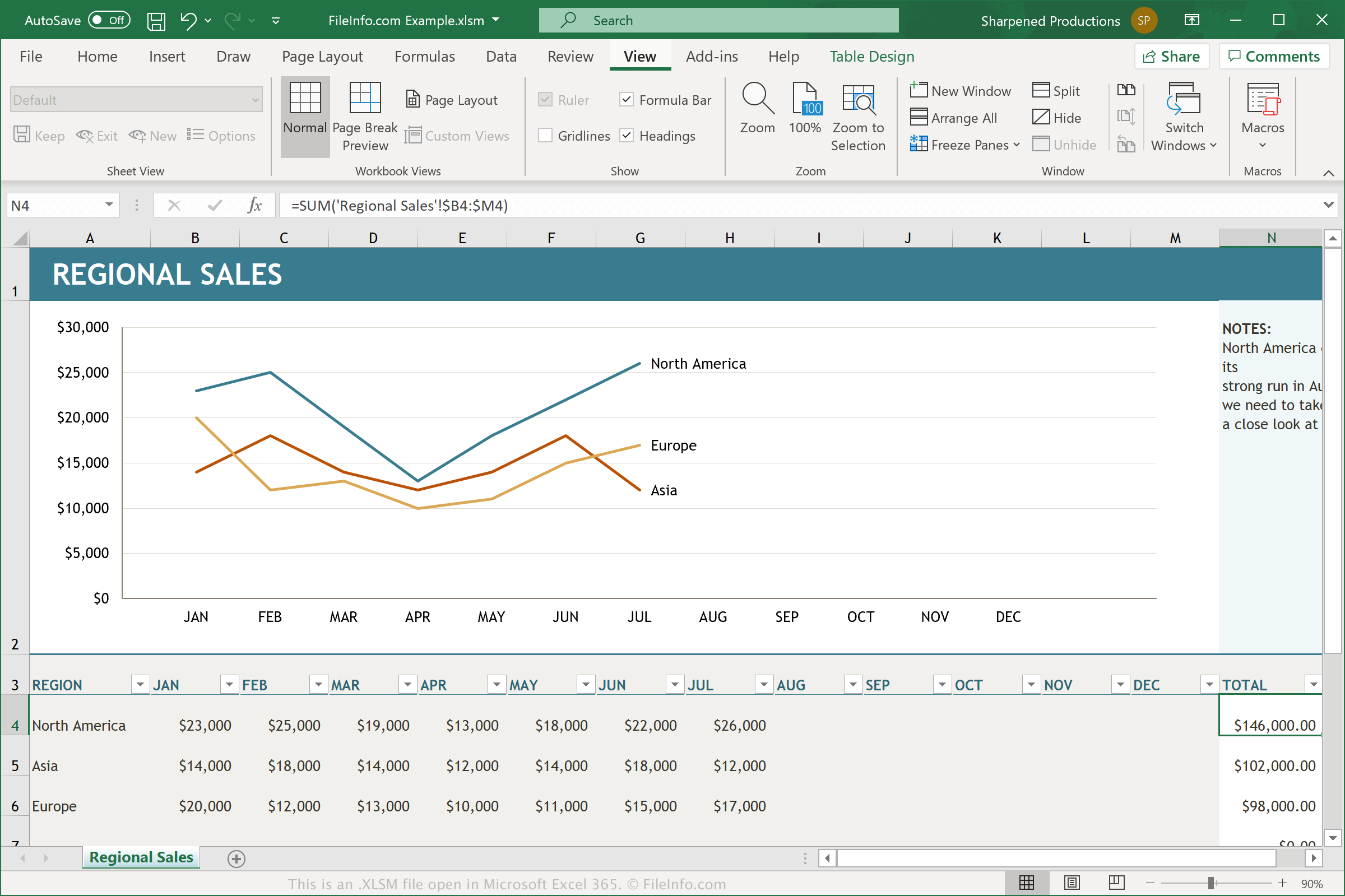
I file XLSM sono file .XLSX con le macro abilitate. Una macro è una funzione utile che agisce come uno script e consente agli utenti di automatizzare le attività ripetitive. Excel include centinaia di macro, ma puoi anche registrare le tue macro, che consistono in pressioni di tasti e clic del mouse che eseguono un'azione specifica, e modificarle per apportare piccole variazioni. Alcuni esempi di funzionalità delle macro includono la formattazione dei dati in una colonna selezionata di un foglio di calcolo o l'applicazione di specifiche equazioni matematiche ai dati.
Se un utente che ha utilizzato le macro per creare un foglio di calcolo Excel vuole conservarle quando riapre o condivide il documento, deve salvare il documento come file XLSM. I file XLSM vengono salvati utilizzando lo stesso formato basato su Open XML usato dai file XLSX, ma i file XLSM possono contenere macro, mentre i file XLSX non possono. Quando apri un file XLSM sconosciuto in Microsoft Excel, il programma in genere chiede se vuoi abilitare le macro.
Come aprire un file XLSM
Puoi aprire i file XLSM in Microsoft Excel (Windows, Mac, Web, Android). Excel 2007 e le versioni successive possono aprire i file XLSM per impostazione predefinita, mentre le versioni precedenti possono aprire i file XLSM se hai installato Microsoft Office Compatibility Pack. Per motivi di sicurezza, Excel non abilita le macro dei file XLSM per impostazione predefinita. Per abilitare le macro in un file XLSM, fai clic su quando richiesto.
Puoi anche aprire i file XLSM con altre applicazioni per fogli di calcolo, tra cui Corel Quattro Pro (Windows), MobiSystems OfficeSuite Pro (iOS, Android) e Google Sheets (web, iOS, Android, Chrome OS).
Come convertire un file XLSM
Diverse applicazioni per fogli di calcolo, tra cui Microsoft Excel e Corel Quattro Pro, possono convertire i file XLSM in altri formati.
Ad esempio, seleziona nelle versioni per Windows e Mac di Microsoft Excel per convertire i file XLSM in uno dei seguenti formati:
- .XLSX - Foglio di calcolo Microsoft Excel
- .XLS - Foglio di calcolo Microsoft Excel (versione precedente)
- .XLSB - Foglio di calcolo binario Microsoft Excel
- .ODS - Foglio di calcolo OpenDocument
- .CSV - Valori separati da virgole
- .DIF - Data Interchange Format
- .PDF - Portable Document Format
- .RTF - Rich Text Format
- .TXT - Testo normale
- .HTM, .HTML - Pagina web HTML
- .XML - Extensible Markup Language
- .MHT, .MHTML - Archivio HTML MIME
- .XPS - XML Paper Specification (solo Windows)
Avviso
Sebbene i file XLSM siano generalmente fogli di calcolo Microsoft Excel legittimi, possono anche essere utilizzati per distribuire ed eseguire attacchi malware sui computer delle vittime. Per proteggerti dagli attacchi dannosi tramite XLSM, non aprire né abilitare mai le macro all'interno di un file XLSM, a meno che tu non possa verificarne la legittimità e la provenienza.