

.XLSB Bestandsextensie
Microsoft Excel-binair werkblad
| Ontwikkelaar | Microsoft |
| Populariteit |
3,7 | 108 stemmen |
Wat is een XLSB-bestand?
Een XLSB-bestand is een spreadsheet-werkmap die is gemaakt door Microsoft Excel, een programma waarmee je spreadsheets kunt maken en bewerken. Het bevat een of meer spreadsheets met cellen die zijn gerangschikt in een raster van rijen en kolommen, en kan grafieken, diagrammen en opmaak bevatten. XLSB-bestanden worden opgeslagen in een binaire indeling.
Meer informatie
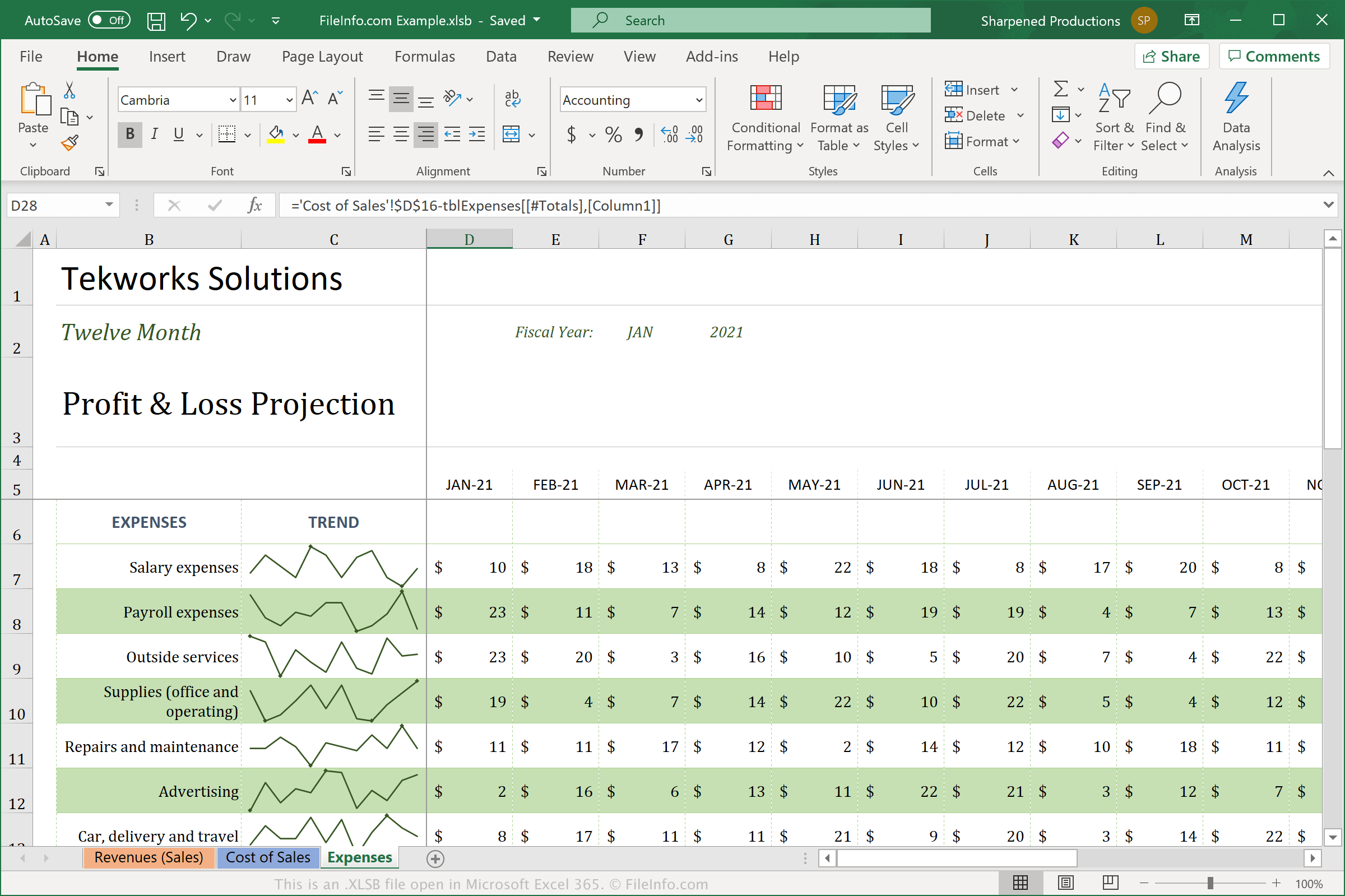
XLSB-bestanden verschillen van spreadsheets in de standaardindeling Open XML (.XLSX), omdat ze de spreadsheet opslaan in een binaire indeling (BIFF12). Je zult het XLSX-bestand waarschijnlijk vaker zien en gebruiken, omdat het is gecomprimeerd om ruimte te besparen en gemakkelijker met andere gebruikers kan worden gedeeld. XLSB-bestanden zijn niet gecomprimeerd, waardoor ze groter zijn dan XLSX-bestanden. XLSB-bestanden kunnen echter efficiënter werken in Excel, omdat ze worden opgeslagen in de grotere binaire indeling.
Als je met Excel een XLSB-bestand wilt maken, selecteer je en selecteer je vervolgens "Excel Binary Workbook (*.xlsb)" in het vervolgkeuzemenu voor bestandstypen. Afhankelijk van het besturingssysteem dat je gebruikt, slaat Excel XLSB-bestanden standaard op de volgende locaties op:
Windows Vista, 7, & 10:
C:\Users\<user name>\AppData\Local\Microsoft\Excel\XLStart
Windows XP:
C:\Documents and Settings\Application Data\Microsoft\Excel\XLStart
macOS:
~/Library/Containers/com.microsoft.Excel/Data/Library/Application Support/Microsoft/Roaming/Excel/
Een XLSB-bestand openen
Je kunt XLSB-bestanden openen met Microsoft Excel in Windows en macOS. Je kunt XLSB-bestanden ook openen met OpenOffice Calc (multiplatform).
Excel is echter de beste optie voor het openen van XLSB-bestanden, omdat het de opmaak van Excel-spreadsheets volledig ondersteunt. Deze opmaak kan grafieken en de afstand tussen gegevensvelden bevatten. Als je een XLSB-bestand met Excel wilt openen, selecteer je en kies je vervolgens het XLSB-bestand dat je wilt openen.
Een XLSB-bestand converteren
Microsoft Excel kan XLSB-bestanden converteren naar verschillende indelingen. Selecteer in de Windows- en Mac-versies en kies een van de volgende indelingen:
- .XLSX - Microsoft Excel-spreadsheet
- .XLS - Microsoft Excel-spreadsheet (verouderd)
- .ODS - OpenDocument-spreadsheet
- .CSV - Comma-Separated Values
- .DIF - Data Interchange Format
- .PDF - Portable Document Format
- .XPS - XML Paper Specification (alleen Windows)
- .RTF - Rich Text Format
- .TXT - Plain Text
- .HTM, .HTML - HTML-webpagina
- .XML - Extensible Markup Language
- .MHT, .MHTML - MIME HTML Archive
Waarschuwing
XLSB-bestanden zijn meestal legitieme spreadsheets, maar cybercriminelen kunnen ze ook gebruiken om malwareaanvallen op de computers van slachtoffers te verspreiden en uit te voeren. QakBot-malware kan bijvoorbeeld macro's insluiten in XLSB-spreadsheets die worden uitgevoerd wanneer een gebruiker een XLSB-bestand opent dat aan een e-mail is toegevoegd. Open nooit een XLSB-bestand van internet tenzij je kunt controleren of de bron betrouwbaar is, om je te beschermen tegen schadelijke Windows-aanvallen.