

.XLSB Extension de fichier
Feuille de calcul binaire Microsoft Excel
| Développeur | Microsoft |
| Popularité |
3,7 | 108 Votes |
Qu'est-ce qu'un fichier XLSB ?
Un fichier XLSB est un classeur de feuille de calcul créé par Microsoft Excel, un programme utilisé pour créer et modifier des feuilles de calcul. Il contient une ou plusieurs feuilles de calcul avec des cellules organisées dans une grille de lignes et de colonnes, et peut inclure des graphiques, des diagrammes et une mise en forme. Les fichiers XLSB sont enregistrés dans un format binaire.
Plus d'informations
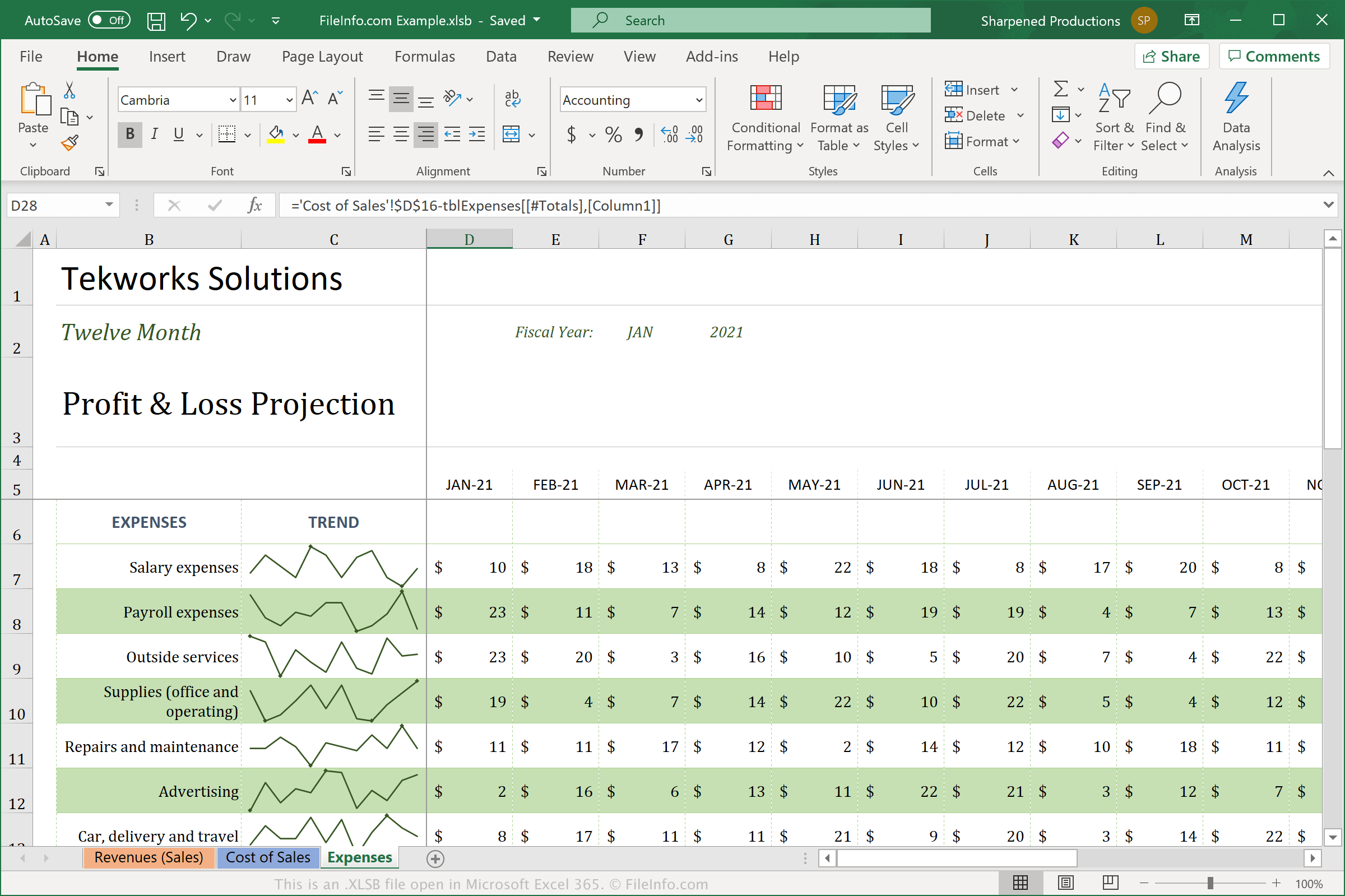
Les fichiers XLSB diffèrent des feuilles de calcul au format Open XML standard (.XLSX) car ils stockent la feuille de calcul dans un format binaire (BIFF12). Vous verrez et utiliserez probablement plus souvent les fichiers XLSX, car ils sont compressés pour économiser de l’espace et sont plus faciles à partager avec d’autres utilisateurs. Les fichiers XLSB ne sont pas compressés, ce qui les rend plus volumineux que les fichiers XLSX. Cependant, les fichiers XLSB peuvent être traités plus efficacement dans Excel, car ils sont enregistrés dans le format binaire plus volumineux.
Pour créer un fichier XLSB avec Excel, sélectionnez , puis sélectionnez « Excel Binary Workbook (*.xlsb) » dans le menu déroulant du type de fichier. Selon le système d’exploitation que vous utilisez, Excel enregistre par défaut les fichiers XLSB aux emplacements suivants :
Windows Vista, 7, & 10 :
C:\Users\<user name>\AppData\Local\Microsoft\Excel\XLStart
Windows XP :
C:\Documents and Settings\Application Data\Microsoft\Excel\XLStart
macOS :
~/Library/Containers/com.microsoft.Excel/Data/Library/Application Support/Microsoft/Roaming/Excel/
Comment ouvrir un fichier XLSB
Vous pouvez ouvrir les fichiers XLSB avec Microsoft Excel sous Windows et macOS. Vous pouvez également ouvrir les fichiers XLSB avec OpenOffice Calc (multiplateforme).
Cependant, Excel est la meilleure option pour ouvrir les fichiers XLSB, car il prend entièrement en charge la mise en forme des feuilles de calcul Excel, qui peut inclure les graphiques et l’espacement des champs de données. Pour ouvrir un fichier XLSB avec Excel, sélectionnez , puis choisissez le fichier XLSB que vous souhaitez ouvrir.
Comment convertir un fichier XLSB
Microsoft Excel peut convertir les fichiers XLSB dans différents formats. Dans les versions Windows et Mac, sélectionnez et choisissez l’un des formats suivants :
- .XLSX - Feuille de calcul Microsoft Excel
- .XLS - Feuille de calcul Microsoft Excel (ancienne version)
- .ODS - Feuille de calcul OpenDocument
- .CSV - Valeurs séparées par des virgules
- .DIF - Format d’échange de données
- .PDF - Format de document portable
- .XPS - Spécification papier XML (Windows uniquement)
- .RTF - Format de texte enrichi
- .TXT - Texte brut
- .HTM, .HTML - Page web HTML
- .XML - Langage de balisage extensible
- .MHT, .MHTML - Archive HTML MIME
Avertissement
Les fichiers XLSB sont généralement des feuilles de calcul légitimes, mais les cybercriminels peuvent également les utiliser pour distribuer et exécuter des attaques de logiciels malveillants sur les ordinateurs des victimes. Par exemple, le logiciel malveillant QakBot peut intégrer des macros dans des feuilles de calcul XLSB qui s’exécutent lorsqu’un utilisateur ouvre un fichier XLSB joint à un e-mail. Pour vous protéger contre les attaques malveillantes sous Windows, n’ouvrez jamais un fichier XLSB provenant d’Internet, sauf si vous pouvez vérifier la légitimité de sa source.