

.PA Bestandsextensie
Gecomprimeerd PowerArchiver-bestand
| Ontwikkelaar | ConeXware |
| Populariteit |
3,0 | 6 stemmen |
Wat is een PA-bestand?
Een PA-bestand is een gecomprimeerd archief dat is gemaakt met ConeXware PowerArchiver, een programma dat wordt gebruikt om gegevens te comprimeren, te versleutelen en er back-ups van te maken. Het bevat een of meer bestanden die zijn gecomprimeerd met de indeling Advanced Codec Pack (PA), die verschillende geavanceerde filters en codecs bevat om de compressie te optimaliseren op basis van het bestandstype, en kan FIPS 140-2 256-bits AES-versleuteling bevatten. PowerArchiver-gebruikers comprimeren bestanden als PA-archieven om ruimte te besparen bij opslag of transport en om gevoelige informatie te beveiligen.
Meer informatie
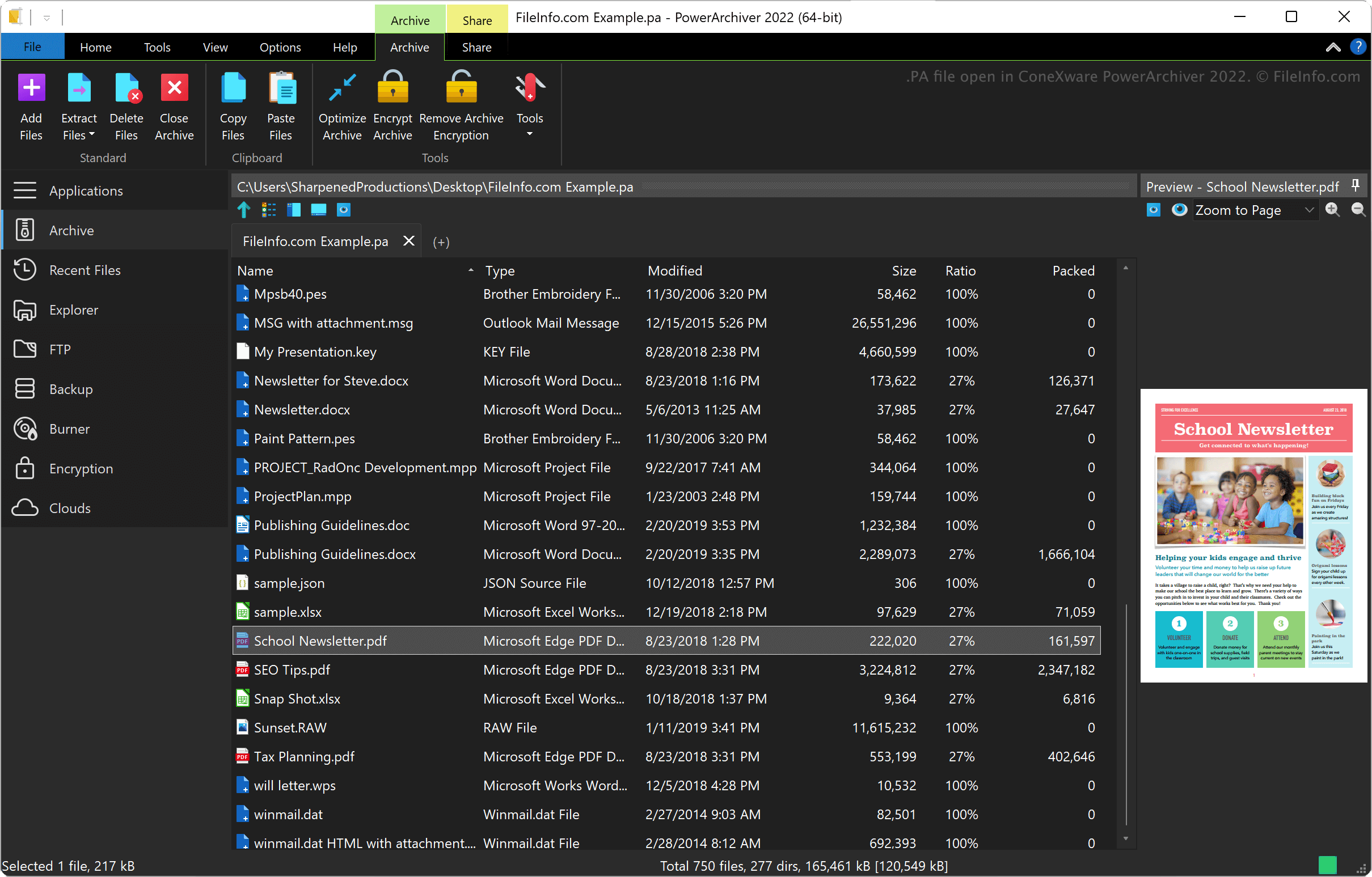
ConeXware PowerArchiver is een programma voor het comprimeren, versleutelen en maken van back-ups van gegevens in Windows en macOS. Het programma ondersteunt naast de PA-indeling meer dan 60 archiefindelingen, waaronder .ZIP, .RAR, .7Z, .LZH, .GZIP en .ARC.
Indeling Advanced Codec Pack van PowerArchiver
ConeXware introduceerde de indeling PowerArchiver Advanced Codec Pack bij de release van PowerArchiver 2017. De indeling heeft twee geoptimaliseerde compressiemodi: 1) "Optimized Fast" voor snellere compressie en 2) "Optimized Strong" voor sterkere compressie.
PowerArchiver gebruikt het BWTS-algoritme om gegevens vóór AES-versleuteling te mengen, zodat archieven beter worden beveiligd. Deze versleutelingsmethode resulteert in archieven die beter zijn beschermd dan ZIP- en 7Z AES-archiefindelingen.
Een PA-bestand openen
Je kunt een PA-bestand openen met ConeXware PowerArchiver in Windows en macOS. Om een PA-bestand te openen, selecteer je .
Een PA-bestand converteren
ConeXware PowerArchiver (alleen de Windows-versie) kan PA-bestanden converteren naar verschillende archieftypen, waaronder de volgende indelingen:
Programma's die PA-bestanden openen
PulseAudio-opstartscript
| Ontwikkelaar | PulseAudio Community |
| Populariteit |
3,7 | 3 stemmen |
Een PA-bestand is een configuratiebestand dat wordt gebruikt door PulseAudio, een gratis geluidsserverprogramma. Het wordt bij het opstarten uitgevoerd om aan te geven hoe het geluidssysteem van een gebruiker is geconfigureerd. Het belangrijkste PA-bestand van PulseAudio heet default.pa.
Meer informatie
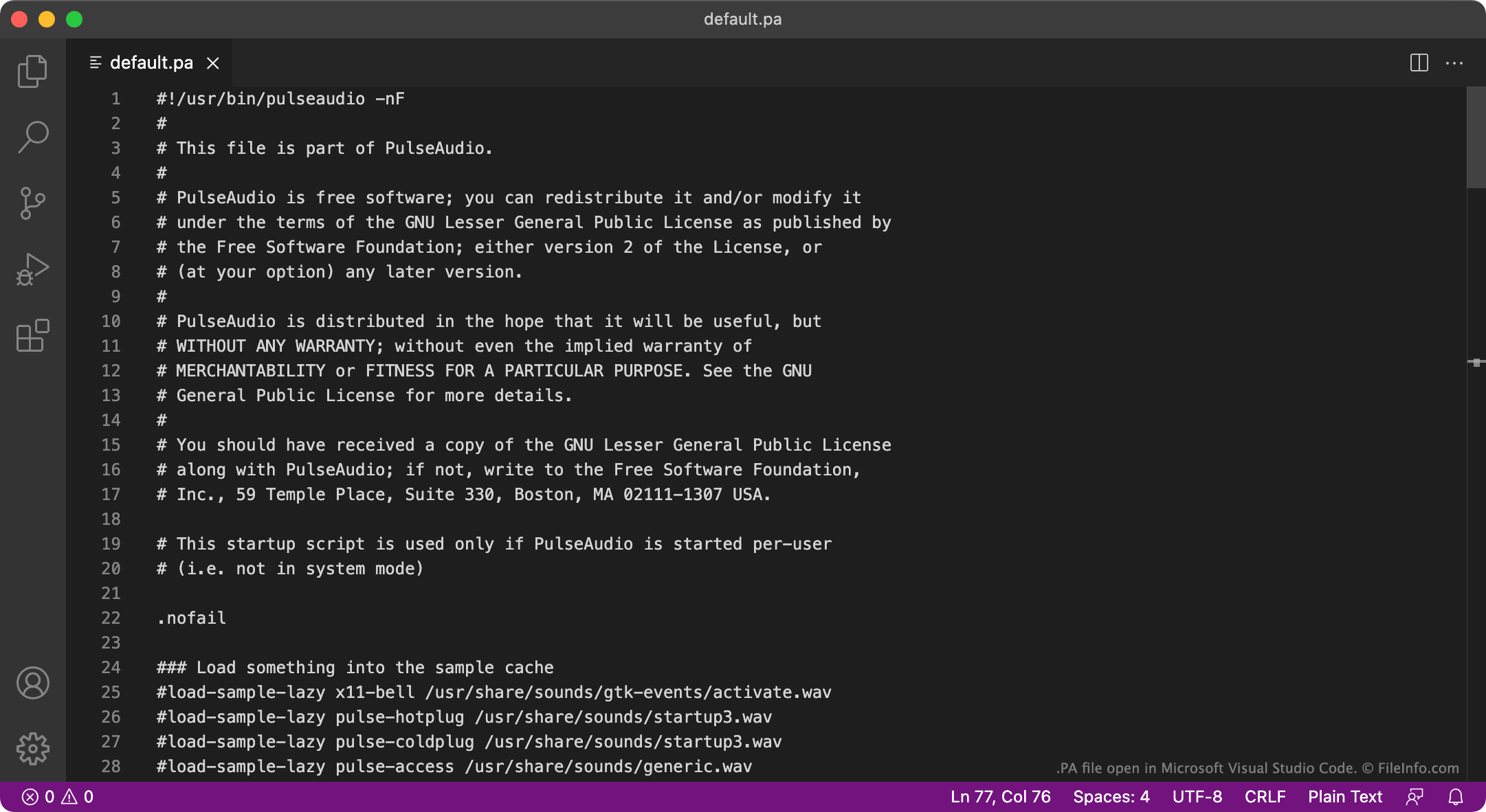
PulseAudio is een programma waarmee je kunt beheren hoe een computer audio uitvoert. Je kunt PulseAudio bijvoorbeeld gebruiken om meerdere audiostreams te mixen en ze via één audioapparaat uit te voeren, of om het sampleformaat of het aantal kanalen van audio te wijzigen. Het programma is voornamelijk beschikbaar voor Linux, maar er bestaan ook versies voor macOS en Windows.
Bij het opstarten laadt PulseAudio instellingen die bepalen hoe het audiosysteem van een gebruiker is ingesteld vanuit een PA-bestand. In de meeste gevallen laadt PulseAudio deze instellingen uit een bestand met de naam default.pa, dat zich bevindt in ~/.config/pulse/default.pa of etc/pulse/default.pa. Wanneer PulseAudio als systeemservice wordt uitgevoerd, laadt het in plaats daarvan instellingen uit etc/pulse/system.pa.
OPMERKING: De Windows-versie van PulseAudio wordt niet meer onderhouden.
Veelvoorkomende .PA-bestandsnamen
default.pa - Het standaardopstartscript van PulseAudio.
system.pa - Het opstartscript van de systeemservice van PulseAudio.
Een PA-bestand openen
De PA-bestanden van PulseAudio zijn platte tekstbestanden, dus je kunt ze openen en bewerken in GitHub Atom, Apple TextEdit, Microsoft Notepad of een andere teksteditor. Je kunt bijvoorbeeld default.pa bewerken om een nieuw standaardaudio-uitvoerapparaat op te geven. PulseAudio gebruikt dat nieuwe standaardapparaat de volgende keer dat je het programma start.