

.CAB Bestandsextensie
Windows Cabinet-bestand
| Ontwikkelaar | Microsoft |
| Populariteit |
3,8 | 120 stemmen |
Wat is een CAB-bestand?
Een CAB-bestand is een archief dat is opgeslagen in de Windows Cabinet-archiefindeling. De CAB-indeling ondersteunt de .ZIP-, Quantum- en LZX-datacompressie-algoritmen. CAB-bestanden bevatten gecomprimeerde gegevens en worden gebruikt voor Windows-software-installaties, zoals systeembestanden, netwerkonderdelen en apparaatstuurprogramma's.
Meer informatie
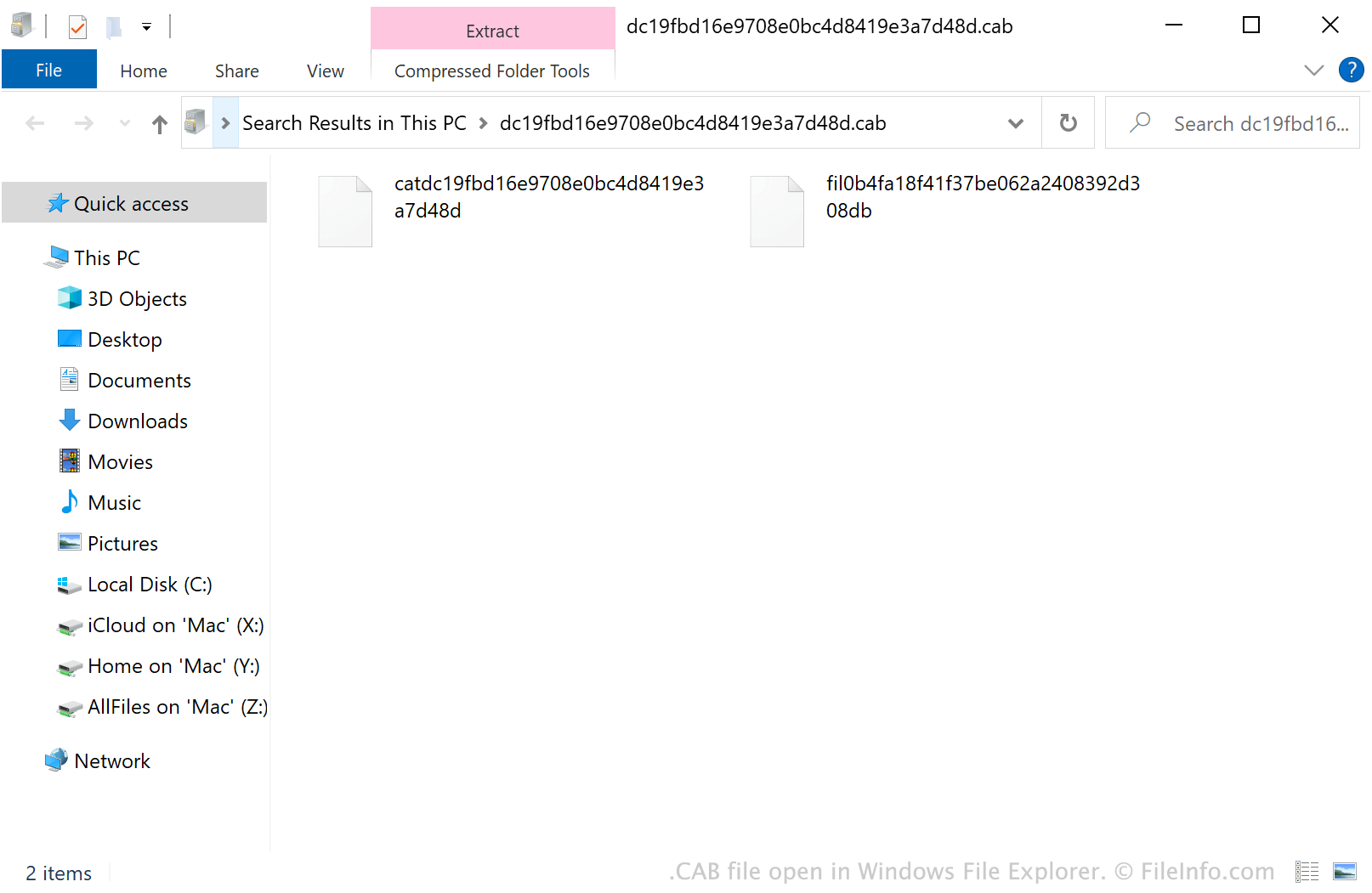
CAB-bestanden bevatten doorgaans updates voor Windows-systemen of apparaatstuurprogramma's. Een CAB-bestand kan bijvoorbeeld updates voor het stuurprogramma van een printer bevatten. Windows downloadt en installeert de updates in CAB-bestanden vaak automatisch, met behulp van installatieprogramma's zoals Setup API, Device Installer en AdvPack. Gebruikers kunnen CAB-bestanden ook handmatig downloaden uit de Microsoft Update-catalogus.
Daarnaast kunnen Windows-gebruikers hun eigen CAB-bestanden maken met een opdrachtregelprogramma genaamd makecab. Om makecab te gebruiken, open je een opdrachtpromptvenster, voer je makecab.exe in en druk je op Enter. Hierna worden instructies weergegeven voor het gebruik van makecab.
OPMERKING: De .PUZ-bestandsindeling, die wordt gebruikt door de Pack and Go Wizard van Microsoft Publisher, is in wezen identiek aan de CAB-bestandsindeling.
Een CAB-bestand openen
In Windows kun je dubbelklikken op een CAB-bestand om de inhoud ervan te bekijken in Windows Verkenner. Je kunt een CAB-bestand ook openen met verschillende hulpprogramma's voor archiefbeheer. Met Corel Winzip (Windows, Mac), 7-Zip (Windows), The Unarchiver (Mac) en ZDevs ZArchiver (Android) kunnen gebruikers bijvoorbeeld CAB-bestanden decomprimeren en de inhoud ervan bekijken.
Een CAB-bestand installeren
Als je de Windows-software in een CAB-bestand wilt installeren, voer je het Microsoft System Configuration Utility (msconfig.exe) uit en voer je vervolgens het volgende in:
dism /online /add-package /packagepath: path/to/your/CABfile.cab
Als je CAB-bestand zich bijvoorbeeld in de map Downloads bevindt, voer je dism /online /add-package /packagepath: Downloads/CABfile.cab in.
OPMERKING: Om msconfig.exe uit te voeren, selecteer je in het menu Start van Windows, typ je "msconfig" en druk je op Enter.