

.CAB Přípona souboru
Soubor Windows Cabinet
| Vývojář | Microsoft |
| Popularita |
3,8 | 120 hlasů |
Co je soubor CAB?
Soubor CAB je archiv uložený v archivním formátu Windows Cabinet. Formát CAB podporuje algoritmy komprese dat .ZIP, Quantum a LZX. Soubory CAB obsahují komprimovaná data a používají se k instalaci softwaru Windows, například systémových souborů, síťových komponent a ovladačů zařízení.
Další informace
Soubory CAB obvykle obsahují aktualizace systému Windows nebo ovladačů zařízení. Soubor CAB může například obsahovat aktualizace ovladače tiskárny. Windows často automaticky stahuje a instaluje aktualizace obsažené v souborech CAB pomocí instalačních programů, jako jsou Setup API, Device Installer a AdvPack. Uživatelé však mohou soubory CAB také ručně stahovat z katalogu Microsoft Update.
Uživatelé Windows mohou také vytvářet vlastní soubory CAB pomocí nástroje příkazového řádku s názvem makecab. Chcete-li makecab použít, otevřete okno příkazového řádku, zadejte makecab.exe a stiskněte Enter. Zobrazí se pokyny k použití nástroje makecab.
POZNÁMKA: Formát souborů .PUZ, který používá Microsoft Publisher's Pack and Go Wizard, je v podstatě totožný s formátem souborů CAB.
Jak otevřít soubor CAB
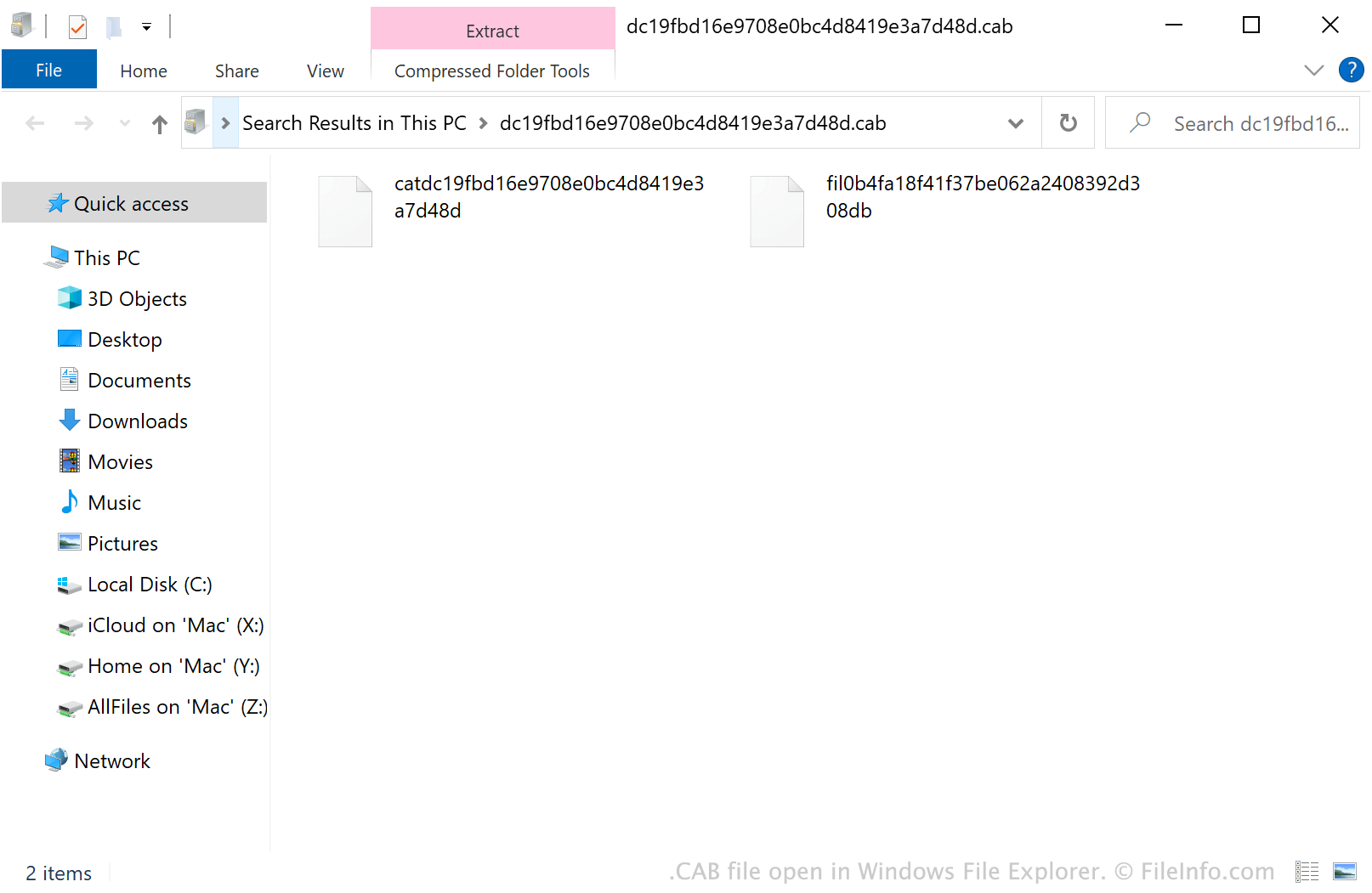
V systému Windows můžete soubor CAB otevřít poklepáním a prohlédnout si jeho obsah v Průzkumníku souborů Windows. Soubor CAB můžete také otevřít pomocí různých nástrojů pro správu archivů. Například Corel Winzip (Windows, Mac), 7-Zip (Windows), The Unarchiver (Mac) a ZDevs ZArchiver (Android) umožňují uživatelům dekomprimovat soubory CAB a prohlížet si jejich obsah.
Jak nainstalovat soubor CAB
Chcete-li nainstalovat software Windows obsažený v souboru CAB, spusťte nástroj Konfigurace systému Microsoft (msconfig.exe) a zadejte:
dism /online /add-package /packagepath: path/to/your/CABfile.cab
Pokud se například váš soubor CAB nachází v adresáři Downloads, zadejte dism /online /add-package /packagepath: Downloads/CABfile.cab.
POZNÁMKA: Chcete-li spustit msconfig.exe, vyberte v nabídce Start systému Windows možnost , zadejte „msconfig“ a stiskněte Enter.