

.CAB Extension de fichier
Fichier Cabinet Windows
| Développeur | Microsoft |
| Popularité |
3,8 | 120 Votes |
Qu'est-ce qu'un fichier CAB ?
Un fichier CAB est une archive enregistrée au format d’archive Cabinet de Windows. Le format CAB prend en charge les algorithmes de compression de données .ZIP, Quantum et LZX. Les fichiers CAB contiennent des données compressées et sont utilisés pour les installations de logiciels Windows, comme les fichiers système, les composants réseau et les pilotes de périphériques.
Plus d'informations
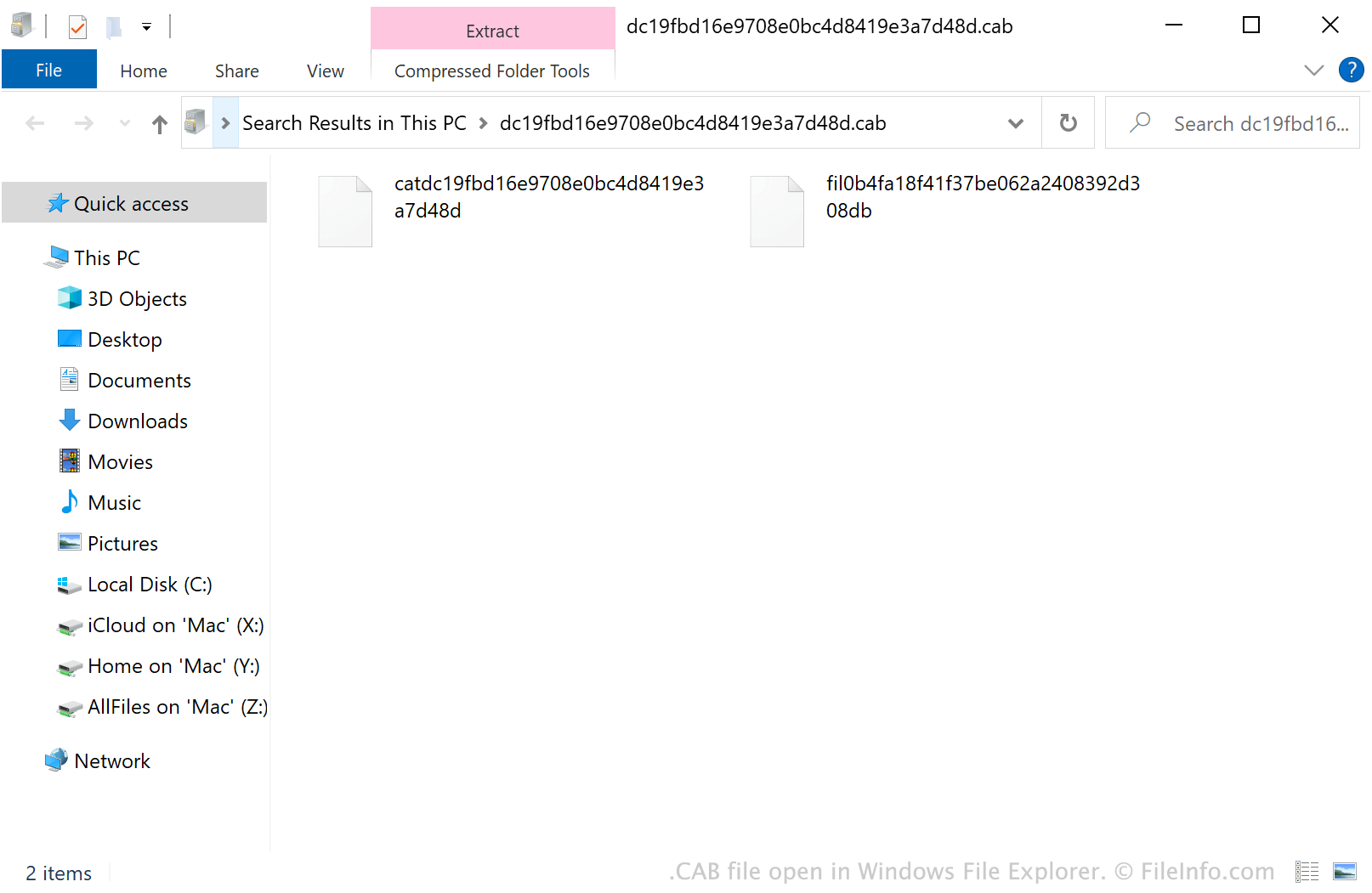
Généralement, les fichiers CAB contiennent des mises à jour du système Windows ou des pilotes de périphériques. Par exemple, un fichier CAB peut contenir des mises à jour de pilote pour une imprimante. Windows télécharge et installe souvent automatiquement les mises à jour contenues dans les fichiers CAB, à l’aide d’installateurs tels que Setup API, Device Installer et AdvPack. Toutefois, les utilisateurs peuvent également télécharger manuellement des fichiers CAB depuis le catalogue Microsoft Update.
De plus, les utilisateurs de Windows peuvent créer leurs propres fichiers CAB à l’aide d’un utilitaire en ligne de commande appelé makecab. Pour utiliser makecab, ouvrez une fenêtre d’invite de commandes, saisissez makecab.exe, puis appuyez sur Entrée. Des instructions sur l’utilisation de makecab s’affichent alors.
REMARQUE : Le format de fichier .PUZ, utilisé par l’Assistant Pack and Go de Microsoft Publisher, est essentiellement identique au format de fichier CAB.
Comment ouvrir un fichier CAB
Sous Windows, vous pouvez double-cliquer sur un fichier CAB pour examiner son contenu dans l’Explorateur de fichiers Windows. Vous pouvez également ouvrir un fichier CAB avec différents outils de gestion d’archives. Par exemple, Corel Winzip (Windows, Mac), 7-Zip (Windows), The Unarchiver (Mac) et ZDevs ZArchiver (Android) permettent tous de décompresser les fichiers CAB et d’en examiner le contenu.
Comment installer un fichier CAB
Si vous souhaitez installer le logiciel Windows contenu dans un fichier CAB, exécutez l’Utilitaire de configuration système de Microsoft (msconfig.exe), puis saisissez :
dism /online /add-package /packagepath: path/to/your/CABfile.cab
Par exemple, si votre fichier CAB se trouve dans votre répertoire Downloads, vous devez saisir dism /online /add-package /packagepath: Downloads/CABfile.cab.
REMARQUE : Pour exécuter msconfig.exe, sélectionnez dans le menu Démarrer de Windows, saisissez « msconfig », puis appuyez sur Entrée.