

.CAB Rozszerzenie pliku
Plik Windows Cabinet
| Deweloper | Microsoft |
| Popularność |
3,8 | 120 Głosów |
Czym jest plik CAB?
Plik CAB to archiwum zapisane w formacie archiwum Windows Cabinet. Format CAB obsługuje algorytmy kompresji danych .ZIP, Quantum i LZX. Pliki CAB zawierają skompresowane dane i są używane podczas instalowania oprogramowania systemu Windows, takiego jak pliki systemowe, składniki sieciowe i sterowniki urządzeń.
Więcej informacji
Zazwyczaj pliki CAB zawierają aktualizacje systemu Windows lub sterowników urządzeń. Na przykład plik CAB może zawierać aktualizacje sterownika drukarki. System Windows często automatycznie pobiera i instaluje aktualizacje zawarte w plikach CAB za pomocą instalatorów, takich jak Setup API, Device Installer i AdvPack. Użytkownicy mogą jednak również ręcznie pobierać pliki CAB z katalogu Microsoft Update.
Ponadto użytkownicy systemu Windows mogą tworzyć własne pliki CAB za pomocą narzędzia wiersza poleceń o nazwie makecab. Aby użyć narzędzia makecab, otwórz okno wiersza poleceń, wpisz makecab.exe i naciśnij klawisz Enter. Spowoduje to wyświetlenie instrukcji dotyczących korzystania z narzędzia makecab.
UWAGA: Format pliku .PUZ, używany przez kreatora Pack and Go Wizard programu Microsoft Publisher, jest zasadniczo identyczny z formatem pliku CAB.
Jak otworzyć plik CAB
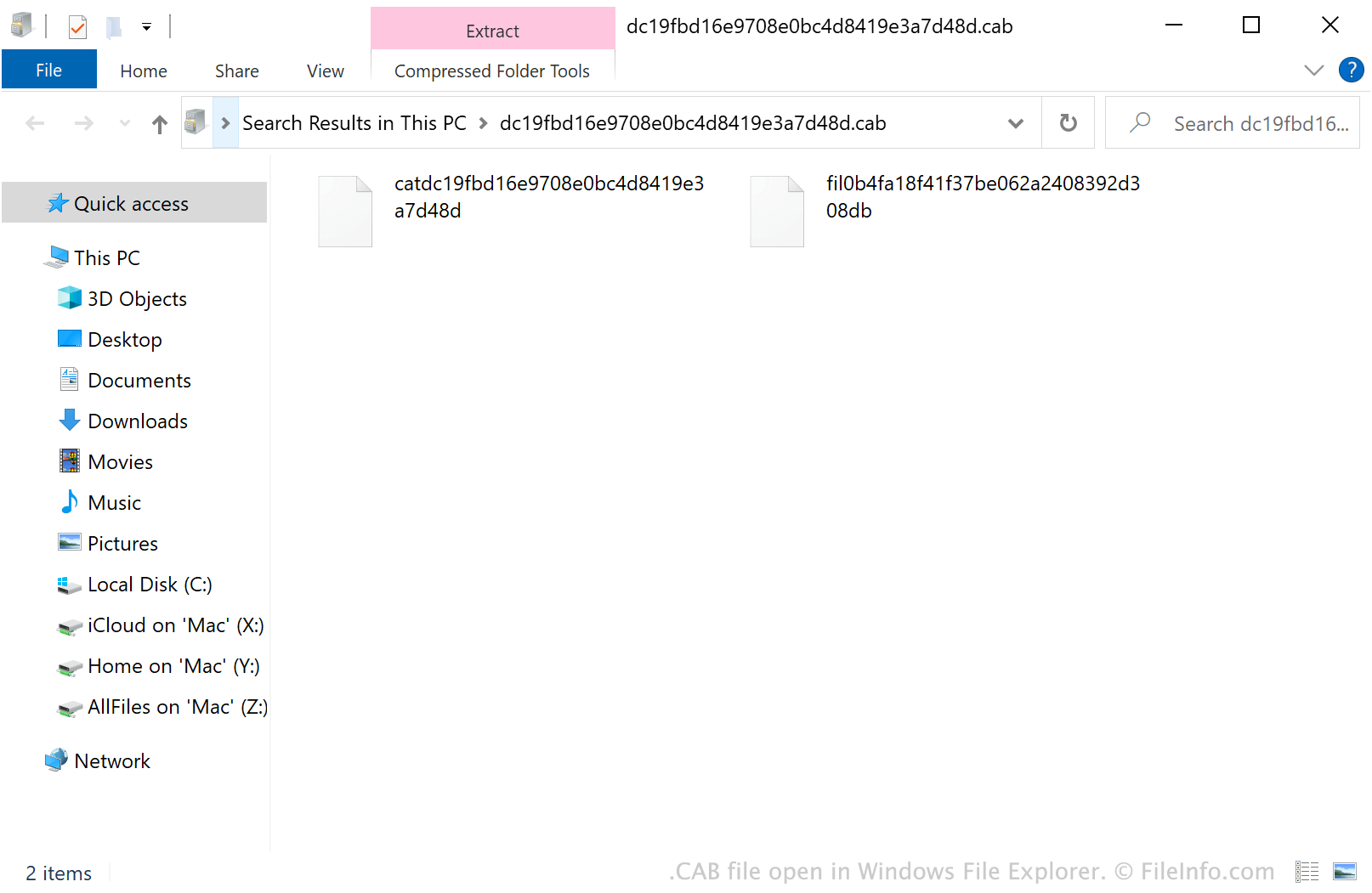
W systemie Windows możesz kliknąć dwukrotnie plik CAB, aby wyświetlić jego zawartość w Eksploratorze plików Windows. Możesz także otworzyć plik CAB za pomocą różnych narzędzi do zarządzania archiwami. Na przykład programy Corel Winzip (Windows, Mac), 7-Zip (Windows), The Unarchiver (Mac) i ZDevs ZArchiver (Android) umożliwiają użytkownikom rozpakowywanie plików CAB i wyświetlanie ich zawartości.
Jak zainstalować plik CAB
Jeśli chcesz zainstalować oprogramowanie systemu Windows zawarte w pliku CAB, uruchom narzędzie Konfiguracja systemu Microsoft (msconfig.exe), a następnie wpisz:
dism /online /add-package /packagepath: path/to/your/CABfile.cab
Na przykład jeśli plik CAB znajduje się w katalogu Downloads, wpisz dism /online /add-package /packagepath: Downloads/CABfile.cab.
UWAGA: Aby uruchomić narzędzie msconfig.exe, wybierz polecenie z menu Start systemu Windows, wpisz „msconfig” i naciśnij klawisz Enter.