

.CAB Dateiendung
Windows-Cabinet-Datei
| Entwickler | Microsoft |
| Beliebtheit |
3,8 | 120 Stimmen |
Was ist eine CAB-Datei?
Eine CAB-Datei ist ein Archiv, das im Windows-Cabinet-Archivformat gespeichert ist. Das CAB-Format unterstützt die Datenkomprimierungsalgorithmen .ZIP, Quantum und LZX. CAB-Dateien enthalten komprimierte Daten und werden für Windows-Softwareinstallationen verwendet, zum Beispiel für Systemdateien, Netzwerkkomponenten und Gerätetreiber.
Weitere Informationen
Typischerweise enthalten CAB-Dateien Aktualisierungen für Windows-Systeme oder Gerätetreiber. Eine CAB-Datei kann beispielsweise Treiberaktualisierungen für einen Drucker enthalten. Windows lädt die in CAB-Dateien enthaltenen Aktualisierungen häufig automatisch herunter und installiert sie mithilfe von Installationsprogrammen wie Setup API, Device Installer und AdvPack. Benutzer können CAB-Dateien jedoch auch manuell aus dem Microsoft Update Catalog herunterladen.
Außerdem können Windows-Benutzer mit einem Befehlszeilenprogramm namens makecab eigene CAB-Dateien erstellen. Um makecab zu verwenden, öffnen Sie ein Eingabeaufforderungsfenster, geben Sie makecab.exe ein und drücken Sie die Eingabetaste. Daraufhin werden Anweisungen zur Verwendung von makecab angezeigt.
HINWEIS: Das .PUZ-Dateiformat, das vom Pack and Go Wizard von Microsoft Publisher verwendet wird, ist im Wesentlichen mit dem CAB-Dateiformat identisch.
So öffnen Sie eine CAB-Datei
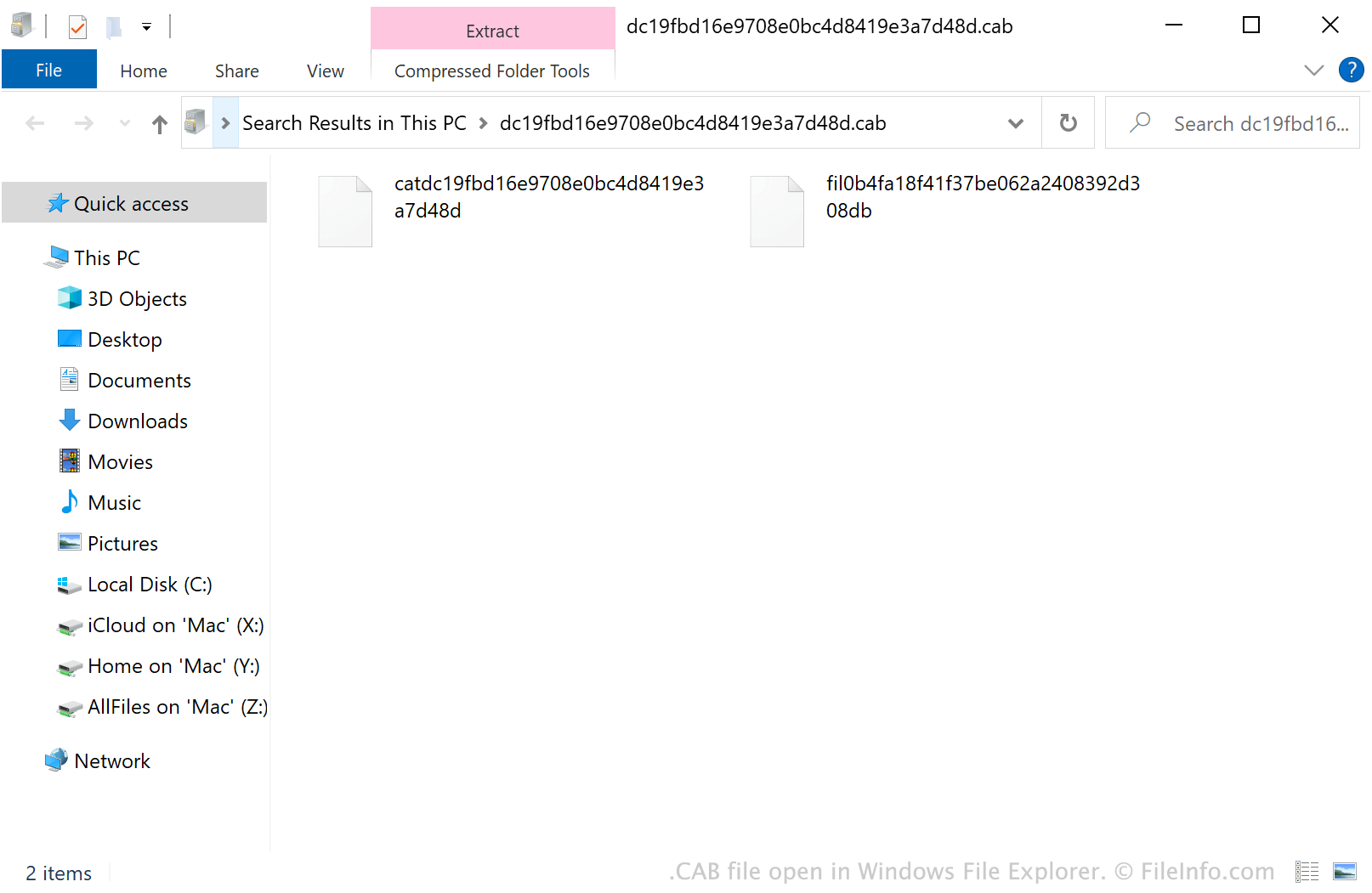
Unter Windows können Sie auf eine CAB-Datei doppelklicken, um ihren Inhalt im Windows-Datei-Explorer zu untersuchen. Sie können eine CAB-Datei auch mit verschiedenen Archivverwaltungsprogrammen öffnen. Mit Corel Winzip (Windows, Mac), 7-Zip (Windows), The Unarchiver (Mac) und ZDevs ZArchiver (Android) können Benutzer beispielsweise CAB-Dateien entpacken und ihren Inhalt untersuchen.
So installieren Sie eine CAB-Datei
Wenn Sie die Windows-Software installieren möchten, die eine CAB-Datei enthält, führen Sie das Microsoft-Systemkonfigurationsprogramm (msconfig.exe) aus und geben Sie anschließend Folgendes ein:
dism /online /add-package /packagepath: path/to/your/CABfile.cab
Wenn sich Ihre CAB-Datei beispielsweise in Ihrem Verzeichnis Downloads befindet, geben Sie dism /online /add-package /packagepath: Downloads/CABfile.cab ein.
HINWEIS: Um msconfig.exe auszuführen, wählen Sie im Windows-Startmenü aus, geben Sie "msconfig" ein und drücken Sie die Eingabetaste.