

.PA Přípona souboru
Komprimovaný soubor PowerArchiver
| Vývojář | ConeXware |
| Popularita |
3,0 | 6 hlasů |
Co je soubor PA?
Soubor PA je komprimovaný archiv vytvořený programem ConeXware PowerArchiver, nástrojem používaným ke komprimaci, šifrování a zálohování dat. Ukládá jeden nebo více souborů komprimovaných ve formátu Advanced Codec Pack (PA), který obsahuje různé pokročilé filtry a kodeky pro optimalizaci komprese podle typu souboru a může zahrnovat 256bitové šifrování AES podle standardu FIPS 140-2. Uživatelé programu PowerArchiver komprimují soubory do archivů PA, aby ušetřili místo při ukládání nebo přenosu a zabezpečili citlivé informace.
Další informace
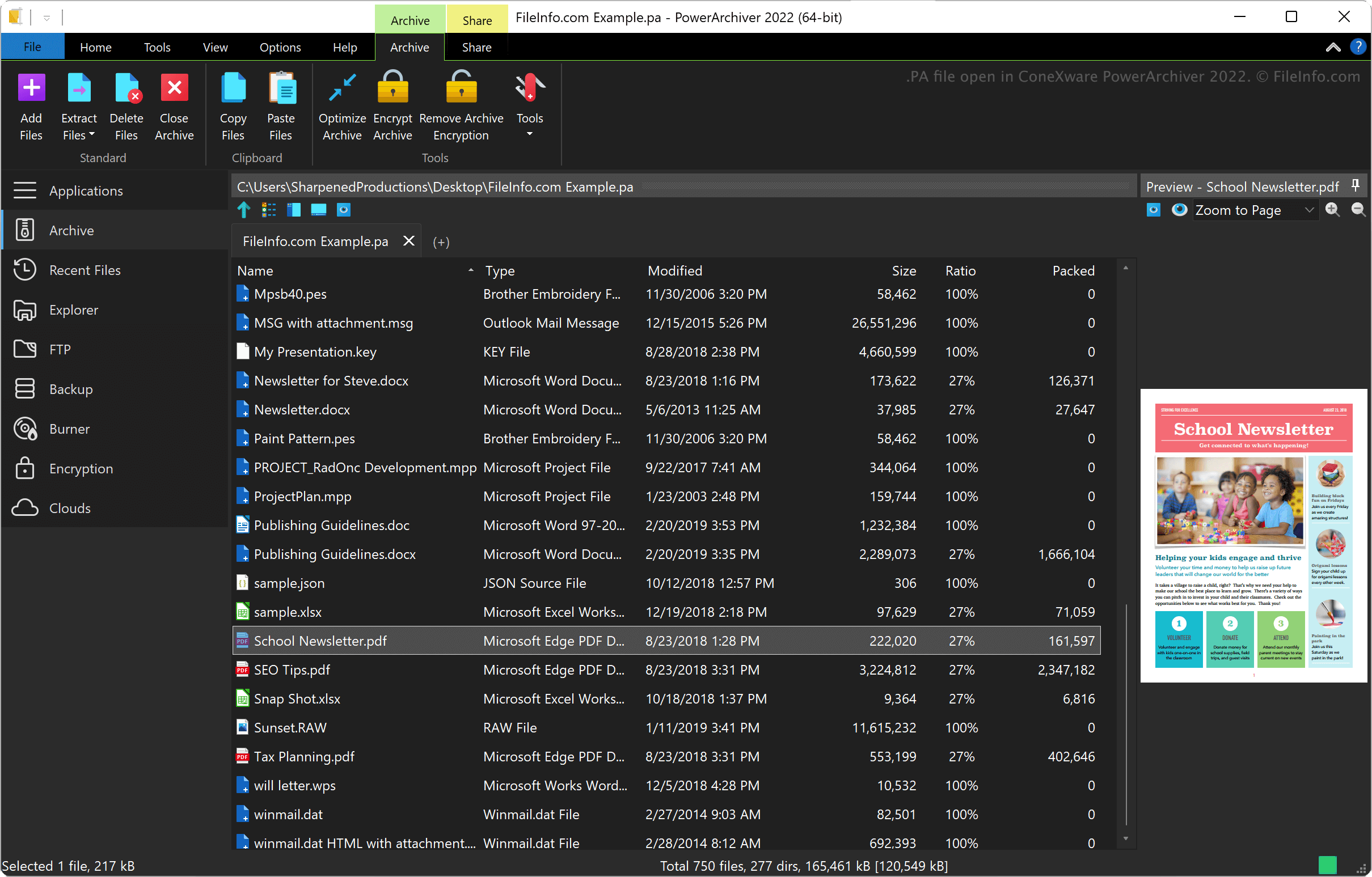
ConeXware PowerArchiver je nástroj pro komprimaci, šifrování a zálohování dat v systémech Windows a macOS. Nástroj podporuje více než 60 formátů archivů kromě formátu PA, včetně .ZIP, .RAR, .7Z, .LZH, .GZIP a .ARC.
Formát PowerArchiver Advanced Codec Pack
Společnost ConeXware představila formát PowerArchiver Advanced Codec Pack při vydání programu PowerArchiver 2017. Formát nabízí dva optimalizované režimy komprese: 1) „Optimized Fast“ pro rychlejší kompresi a 2) „Optimized Strong“ pro účinnější kompresi.
PowerArchiver používá algoritmus BWTS k promíchání dat před šifrováním AES, aby archivy lépe zabezpečil. Výsledkem této metody šifrování jsou archivy, které jsou lépe chráněné než archivy ZIP a 7Z s šifrováním AES.
Jak otevřít soubor PA
Soubor PA můžete otevřít programem ConeXware PowerArchiver v systémech Windows a macOS. Soubor PA otevřete výběrem možnosti .
Jak převést soubor PA
ConeXware PowerArchiver (pouze verze pro Windows) dokáže převádět soubory PA na různé typy archivů, včetně následujících formátů:
Programy, které otevírají soubory PA
Spouštěcí skript PulseAudio
| Vývojář | PulseAudio Community |
| Popularita |
3,7 | 3 hlasy |
Soubor PA je konfigurační soubor používaný programem PulseAudio, což je bezplatný zvukový server. Spouští se při startu a určuje, jak je nakonfigurován zvukový systém uživatele. Primární soubor PA programu PulseAudio se jmenuje default.pa.
Další informace
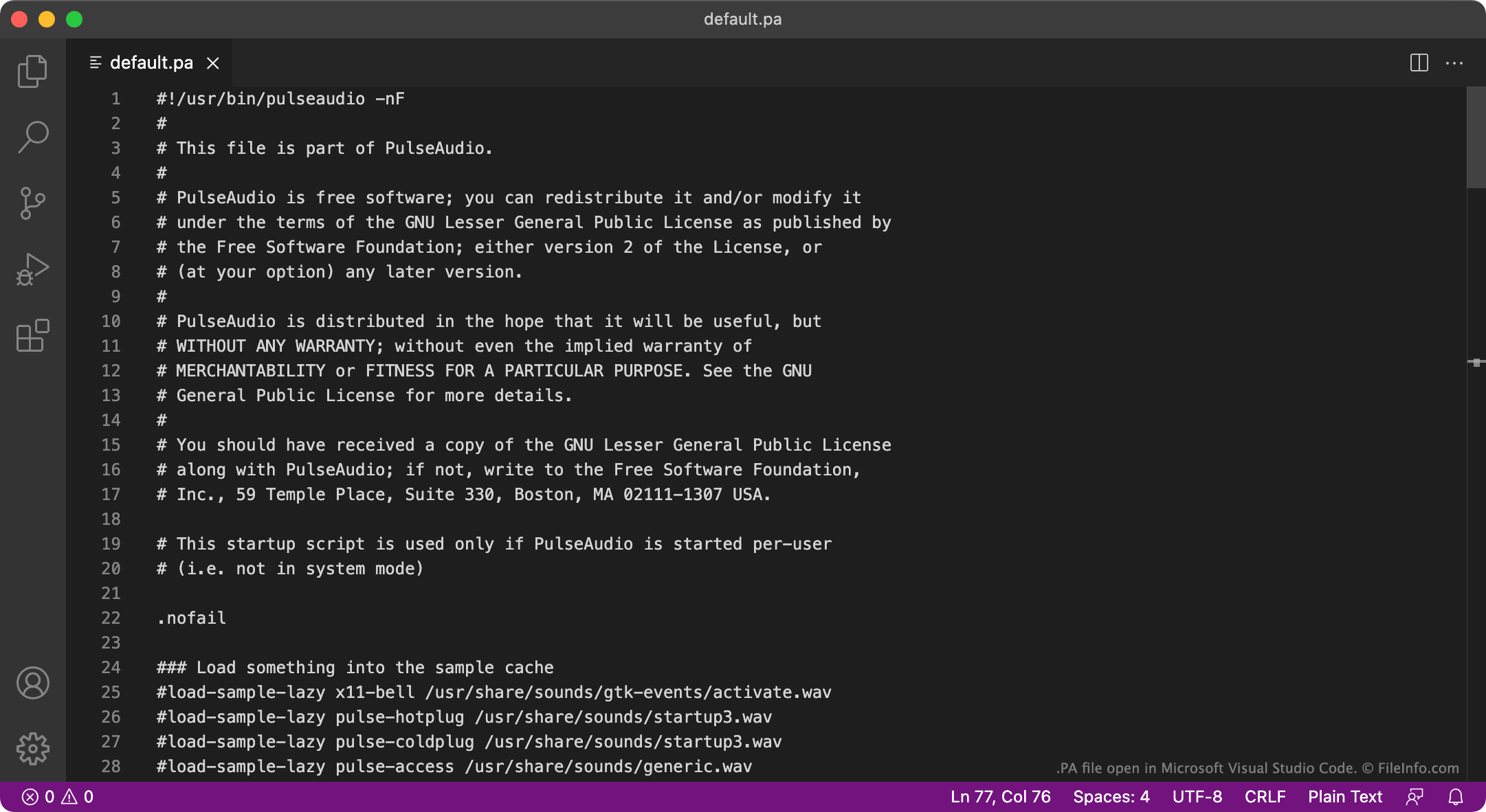
PulseAudio je program používaný ke správě způsobu, jakým počítač přehrává zvuk. PulseAudio můžete například použít ke smíchání několika zvukových streamů a jejich výstupu prostřednictvím jednoho zvukového zařízení nebo ke změně vzorkovacího formátu či počtu kanálů zvuku. Program je dostupný především pro Linux, existují však také verze pro macOS a Windows.
Při spuštění načte PulseAudio nastavení, která určují, jak je nastaven zvukový systém uživatele, ze souboru PA. Ve většině případů načte PulseAudio tato nastavení ze souboru s názvem default.pa, který se nachází buď v umístění ~/.config/pulse/default.pa, nebo etc/pulse/default.pa. Když PulseAudio běží jako systémová služba, načte nastavení místo toho z umístění etc/pulse/system.pa.
POZNÁMKA: Verze PulseAudio pro Windows již není udržována.
Běžné názvy souborů .PA
default.pa - Výchozí spouštěcí skript programu PulseAudio.
system.pa - Spouštěcí skript programu PulseAudio pro úroveň systémové služby.
Jak otevřít soubor PA
Soubory PA programu PulseAudio jsou soubory s prostým textem, takže je můžete otevřít a upravovat v programech GitHub Atom, Apple TextEdit, Microsoft Notepad nebo v jakémkoli jiném textovém editoru. Můžete například upravit soubor default.pa a určit nové výchozí zařízení zvukového výstupu. PulseAudio pak toto nové výchozí zařízení použije při příštím spuštění.