

.PA Extensão de arquivo
Arquivo compactado do PowerArchiver
| Desenvolvedor | ConeXware |
| Popularidade |
3,0 | 6 Votos |
O que é um arquivo PA?
Um arquivo PA é um arquivo compactado criado pelo ConeXware PowerArchiver, um utilitário usado para compactar, criptografar e fazer backup de dados. Ele armazena um ou mais arquivos compactados com o formato Advanced Codec Pack (PA), que inclui vários filtros e codecs avançados para otimizar a compactação com base no tipo de arquivo, e pode incluir criptografia AES de 256 bits compatível com FIPS 140-2. Os usuários do PowerArchiver compactam arquivos como arquivos PA para economizar espaço ao armazená-los ou transportá-los e proteger informações confidenciais.
Mais informações
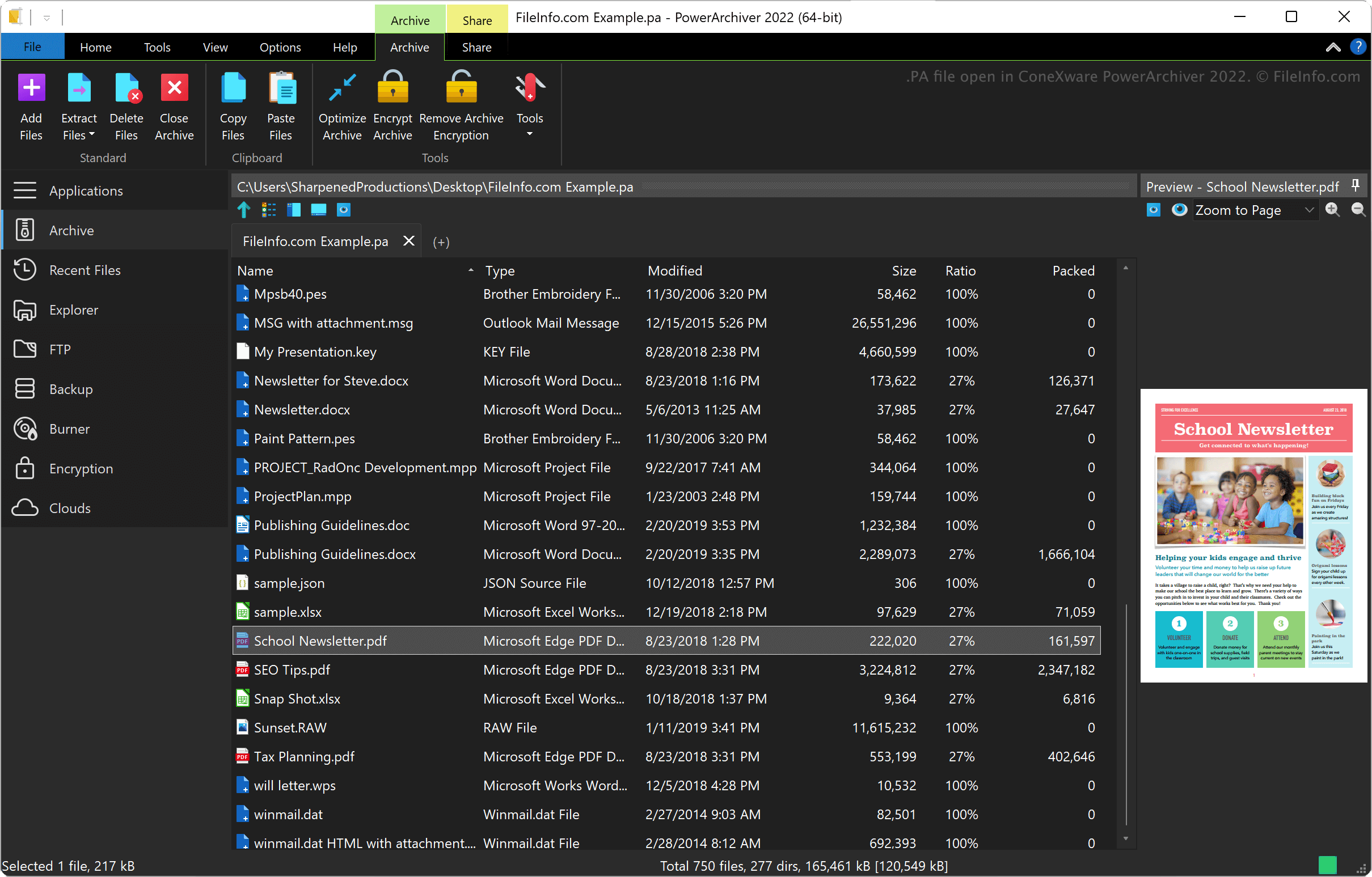
O ConeXware PowerArchiver é um utilitário para compactar, criptografar e fazer backup de dados no Windows e no macOS. O utilitário é compatível com mais de 60 formatos de arquivo, além do formato PA, incluindo .ZIP, .RAR, .7Z, .LZH, .GZIP e .ARC.
Formato PowerArchiver Advanced Codec Pack
A ConeXware introduziu o formato PowerArchiver Advanced Codec Pack quando lançou o PowerArchiver 2017. O formato conta com dois modos de compactação otimizados: 1) "Optimized Fast", para uma compactação mais rápida, e 2) "Optimized Strong", para uma compactação mais forte.
O PowerArchiver usa o algoritmo BWTS para misturar os dados antes da criptografia AES, protegendo melhor os arquivos. Esse método de criptografia resulta em arquivos mais protegidos do que os formatos de arquivo ZIP e 7Z com criptografia AES.
Como abrir um arquivo PA
Você pode abrir um arquivo PA com o ConeXware PowerArchiver no Windows e no macOS. Para abrir um arquivo PA, selecione .
Como converter um arquivo PA
O ConeXware PowerArchiver (somente na versão para Windows) pode converter arquivos PA para vários tipos de arquivo, incluindo os seguintes formatos:
Programas que abrem arquivos PA
Script de inicialização do PulseAudio
| Desenvolvedor | PulseAudio Community |
| Popularidade |
3,7 | 3 Votos |
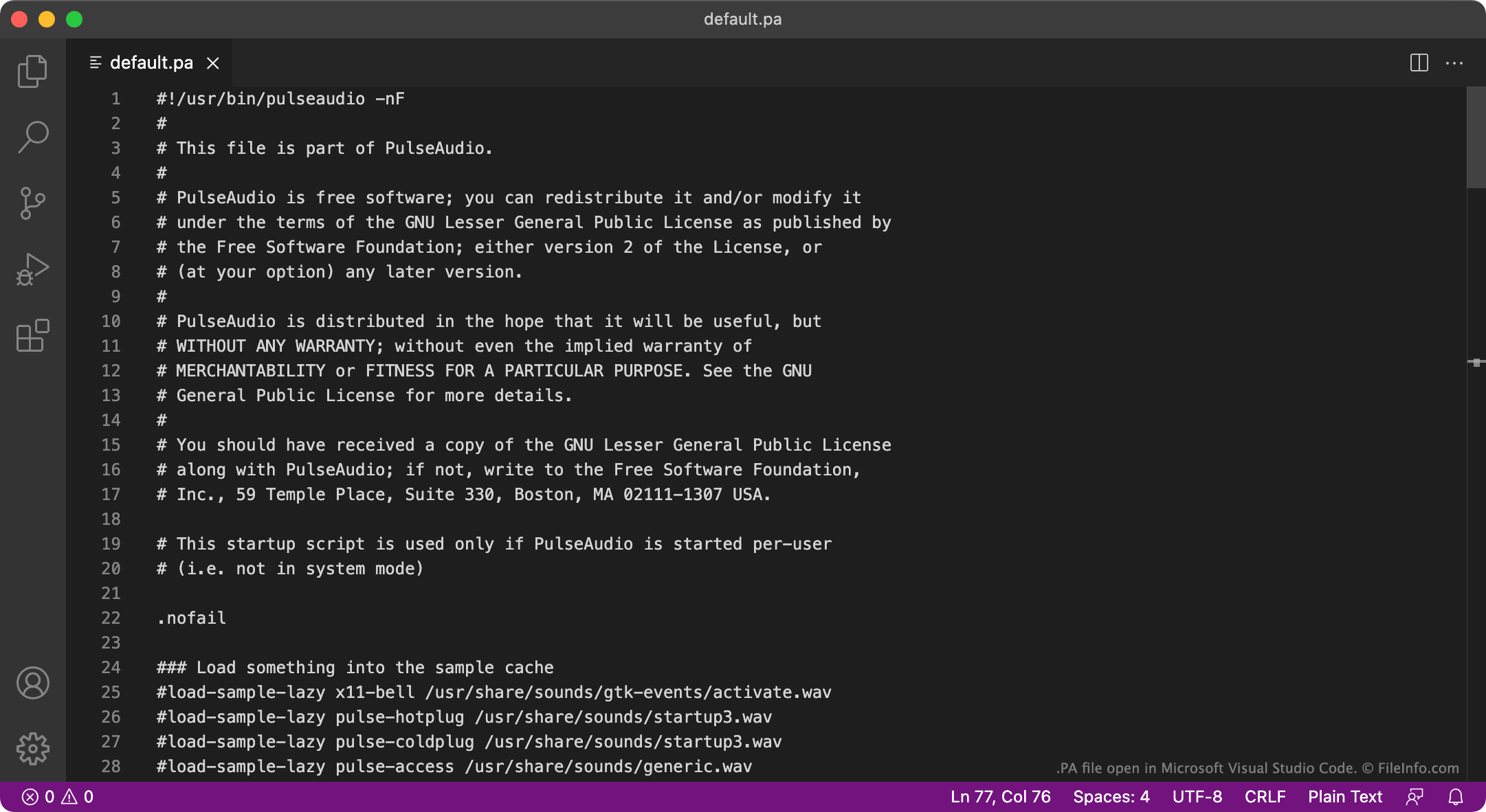
Um arquivo PA é um arquivo de configuração usado pelo PulseAudio, um programa gratuito de servidor de áudio. Ele é executado na inicialização para especificar como o sistema de áudio de um usuário é configurado. O principal arquivo PA do PulseAudio chama-se default.pa.
Mais informações
O PulseAudio é um programa usado para gerenciar como um computador reproduz áudio. Por exemplo, você pode usar o PulseAudio para mixar vários fluxos de áudio e reproduzi-los usando um único dispositivo de áudio, ou pode usá-lo para alterar o formato de amostra ou a quantidade de canais do áudio. O programa está disponível principalmente para Linux, mas também existem versões para macOS e Windows.
Na inicialização, o PulseAudio carrega, de um arquivo PA, as configurações que definem como o sistema de áudio de um usuário é configurado. Na maioria dos casos, o PulseAudio carrega essas configurações de um arquivo chamado default.pa, localizado em ~/.config/pulse/default.pa ou etc/pulse/default.pa. Quando o PulseAudio é executado como um serviço do sistema, ele carrega as configurações de etc/pulse/system.pa.
NOTA: A versão do PulseAudio para Windows não é mais mantida.
Nomes de arquivo .PA comuns
default.pa - Script de inicialização padrão do PulseAudio.
system.pa - Script de inicialização do serviço do sistema do PulseAudio.
Como abrir um arquivo PA
Os arquivos PA do PulseAudio são arquivos de texto simples, portanto você pode abri-los e editá-los no GitHub Atom, no Apple TextEdit, no Microsoft Notepad ou em qualquer outro editor de texto. Por exemplo, você pode editar o arquivo default.pa para especificar um novo dispositivo de saída de áudio padrão. O PulseAudio usará esse novo dispositivo padrão na próxima vez que você iniciar o programa.