

.PA ファイル拡張子
PowerArchiver圧縮ファイル
| 開発元 | ConeXware |
| 人気度 |
3.0 | 6 票 |
PAファイルとは?
PAファイルは、データの圧縮、暗号化、バックアップに使用されるユーティリティ、ConeXware PowerArchiverによって作成された圧縮アーカイブです。ファイルの種類に基づいて圧縮を最適化するためのさまざまな高度なフィルターとコーデックを含むAdvanced Codec Pack(PA)形式で圧縮された1つ以上のファイルを保存し、FIPS 140-2準拠の256ビットAES暗号化を含めることもできます。PowerArchiverユーザーは、保存や転送に必要な容量を節約し、機密情報を保護するために、ファイルをPAアーカイブとして圧縮します。
詳細情報
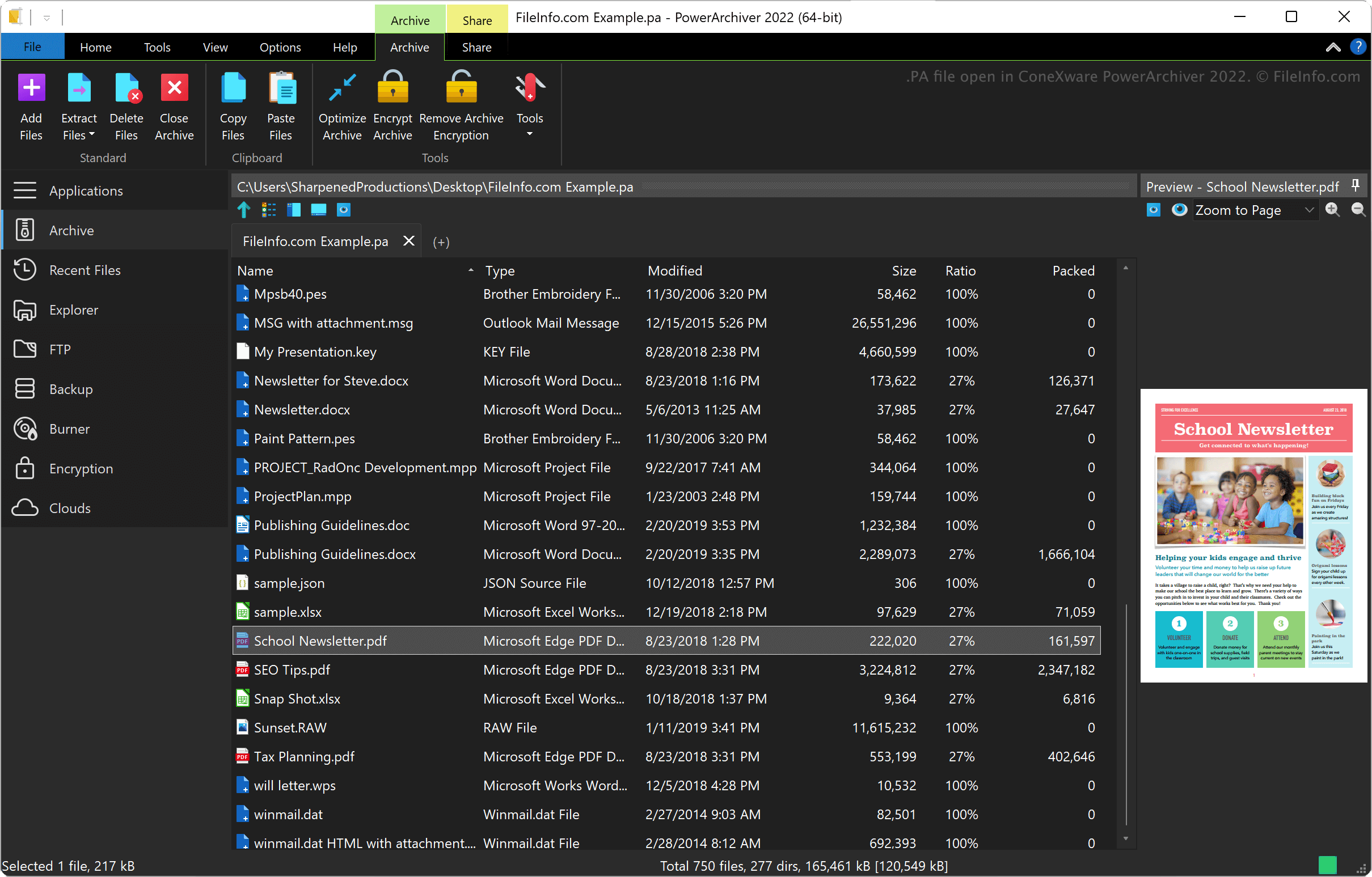
ConeXware PowerArchiverは、WindowsとmacOSでデータを圧縮、暗号化、バックアップするためのユーティリティです。このユーティリティは、PA形式以外にも、.ZIP、.RAR、.7Z、.LZH、.GZIP、.ARCなど、60種類を超えるアーカイブ形式に対応しています。
PowerArchiver Advanced Codec Pack形式
ConeXwareは、PowerArchiver 2017のリリース時にPowerArchiver Advanced Codec Pack形式を導入しました。この形式には、最適化された2つの圧縮モードがあります。1)より高速に圧縮する「Optimized Fast」と、2)より強力に圧縮する「Optimized Strong」です。
PowerArchiverは、アーカイブをより安全に保護するため、AES暗号化の前にBWTSアルゴリズムを使用してデータを混合します。この暗号化方式によって、ZIPおよび7ZのAESアーカイブ形式よりも安全性の高いアーカイブが作成されます。
PAファイルの開き方
WindowsとmacOSでは、ConeXware PowerArchiverでPAファイルを開けます。PAファイルを開くには、を選択します。
PAファイルの変換方法
PAファイルを開くプログラム
PulseAudio起動スクリプト
| 開発元 | PulseAudio Community |
| 人気度 |
3.7 | 3 票 |
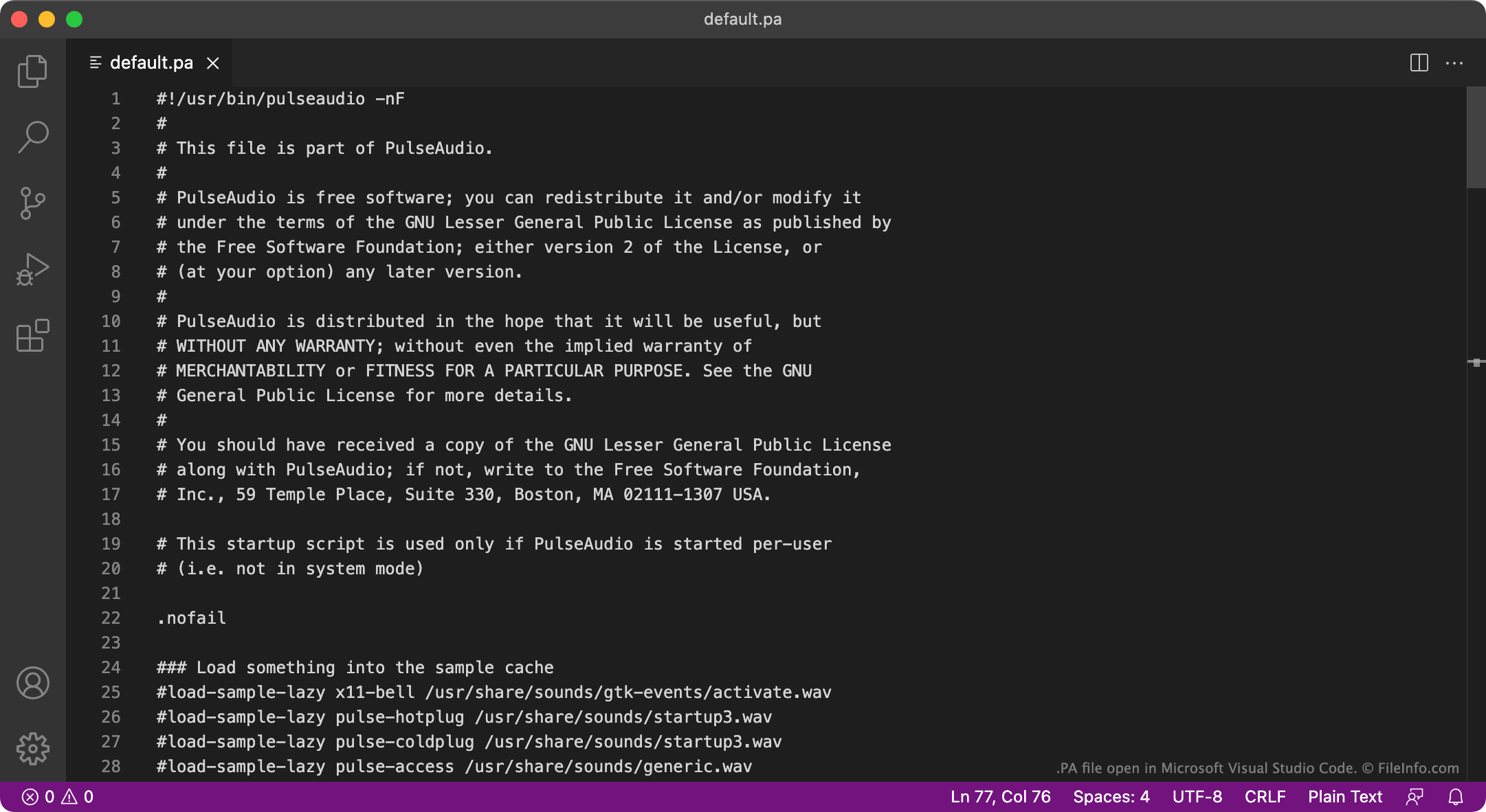
PAファイルは、無料のサウンドサーバープログラムであるPulseAudioが使用する設定ファイルです。起動時に実行され、ユーザーのサウンドシステムの構成方法を指定します。PulseAudioの主要なPAファイルの名前はdefault.paです。
詳細情報
PulseAudioは、コンピューターがオーディオを出力する方法を管理するために使用されるプログラムです。たとえば、PulseAudioを使用して複数のオーディオストリームをミックスし、1つのオーディオデバイスを使って出力できます。また、オーディオのサンプル形式やチャンネル数を変更することもできます。このプログラムは主にLinux向けに提供されていますが、macOS版とWindows版もあります。
起動時にPulseAudioは、PAファイルからユーザーのオーディオシステムの設定方法を定義する設定を読み込みます。ほとんどの場合、PulseAudioはdefault.paという名前のファイルからこれらの設定を読み込みます。このファイルは~/.config/pulse/default.paまたはetc/pulse/default.paにあります。PulseAudioがシステムサービスとして実行される場合は、代わりにetc/pulse/system.paから設定を読み込みます。
注: Windows版のPulseAudioは現在メンテナンスされていません。
一般的な.PAファイル名
default.pa - PulseAudioのデフォルト起動スクリプト。
system.pa - PulseAudioのシステムサービスレベルの起動スクリプト。
PAファイルの開き方
PulseAudioのPAファイルはプレーンテキストファイルなので、GitHub Atom、Apple TextEdit、Microsoft Notepadなどのテキストエディターで開いて編集できます。たとえば、default.paを編集して、新しいデフォルトのオーディオ出力デバイスを指定できます。すると、次回PulseAudioを起動したときに、その新しいデフォルトデバイスが使用されます。