

.TAR ファイル拡張子
テープアーカイブ
| 開発元 | AT&T Labs |
| 人気度 |
3.8 | 152 票 |
TARファイルとは?
TARファイルは、Tape Archive形式で保存されたアーカイブです。複数のファイルが、保存や共有を簡単にするためにまとめてパッケージ化されています。特に.ZIPファイルやその他の多くの種類のアーカイブとは異なり、TARファイルは圧縮されていません。
詳細情報
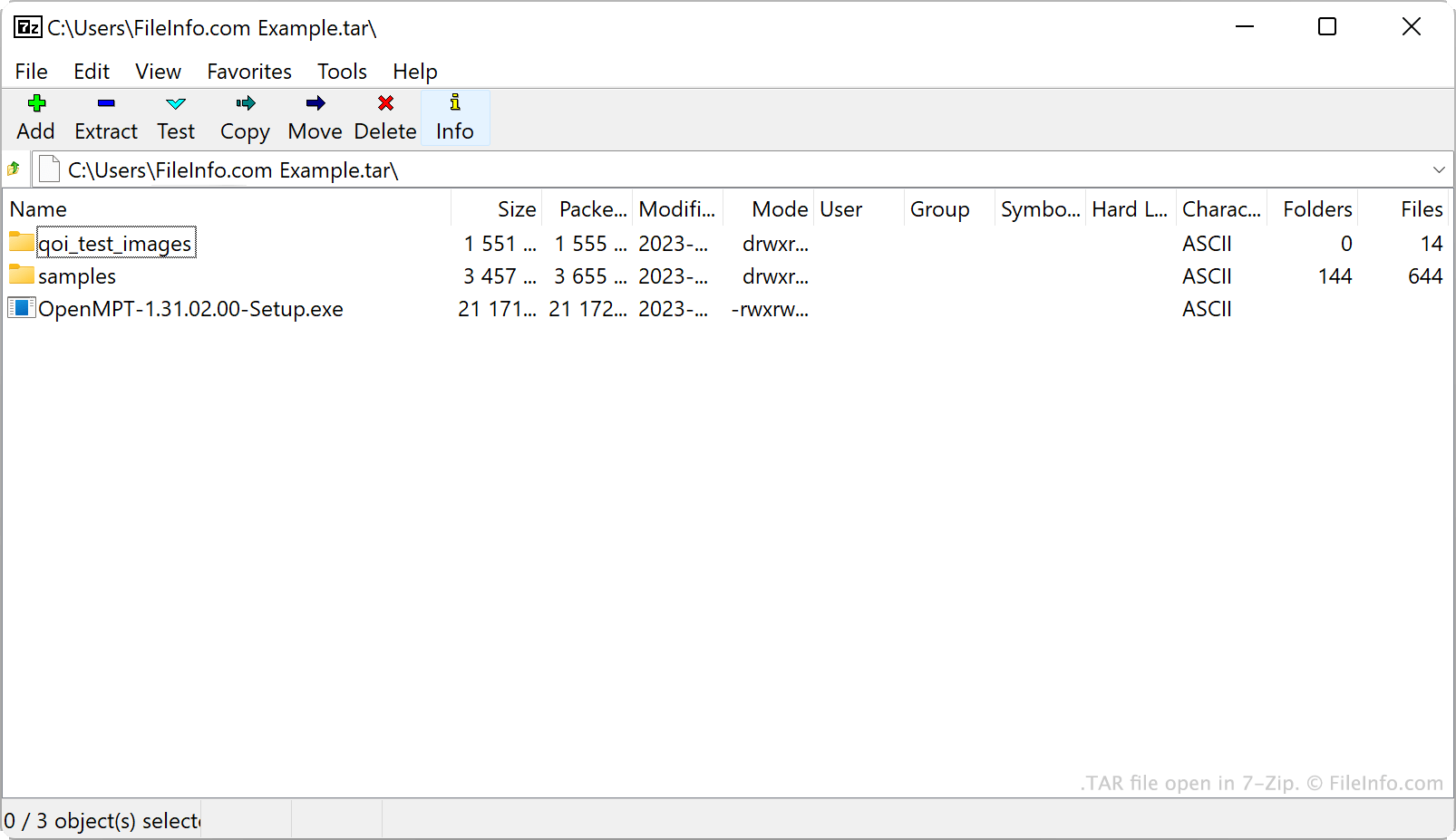
AT&T Bell Laboratoriesは、1979年にtarアーカイブユーティリティとTARアーカイブ形式を開発しました。もともとtarは、磁気テープ上のデータを読み書きするデータストレージデバイスであるテープドライブにデータを書き込むために使われていました。そのため、tarが作成したアーカイブはTape Archiveと呼ばれていました。
現在では、Linuxやその他のUnix系ユーザーがTARファイルの主な作成者です。たとえば、LinuxユーザーはソフトウェアパッケージをTARファイルとして配布することがよくあります。こうすることで、プログラムのダウンロードとインストールが簡単になります。こうしたユーザーの多くは、TARファイルをtarballと呼びます。これは、実際のタール玉が持つ、粘着性があり物を集める性質にちなんだニックネームです。
TARファイル自体は圧縮されていませんが、ユーザーはtarやその他の圧縮ユーティリティを使って圧縮することがよくあります。これによりTARファイルのファイルサイズが小さくなり、保存や共有がさらに簡単になります。主に、ユーザーはGzip圧縮を使ってTARファイルを圧縮し、.TGZファイルまたは.TAR.GZファイルにします。
TARファイルの作成方法
Windowsでは、7-Zipを使ってTARファイルを作成できます。その手順は次のとおりです。
- まだインストールしていない場合は、7-Zipをインストールします。
- 7-Zip File Manager内で、TARファイルにパッケージ化するファイルとフォルダーを選択します。
- 選択した項目のいずれかを右クリックし、を選択します。
- ウィンドウで、をtarに設定します。
- をクリックします。
macOSとLinuxでは、tarコマンドラインコマンドを使ってTARファイルを作成できます。たとえば、次のコマンドを入力するとTARファイルを作成できます。
tar -cf YourArchiveName.tar ~/path/to/your/files-or-folder
この処理で作成するTARファイルを圧縮する場合( .TAR.GZファイルを作成する場合)は、代わりに次のコマンドを入力します。
tar -czf YourArchiveName.tar.gz ~/path/to/your/files-or-folder
TARファイルの開き方
TARファイルは、次のようないくつかの一般的なアーカイブユーティリティで開き、含まれているファイルを抽出できます。
- 7-Zip(Windows)
- Apple Archive Utility(Mac)
- PeaZip(マルチプラットフォーム)
- B1 Free Archiver(マルチプラットフォーム)
AndroidユーザーはZDevs ZArchiverでTARファイルを開けます。iOSユーザーはComcSoft Corporation iZipでTARファイルを開けます。