.TAR 文件扩展名

Tape Archive

开发者 AT&T Labs
受欢迎程度
3.8  |  150 
 

什么是 TAR 文件?

A TAR file is an archive saved in the Tape Archive format. It contains multiple files that have been packaged together for easier storage and sharing. Notably, unlike .ZIP files and many other types of archives, TAR files are not compressed.

更多信息

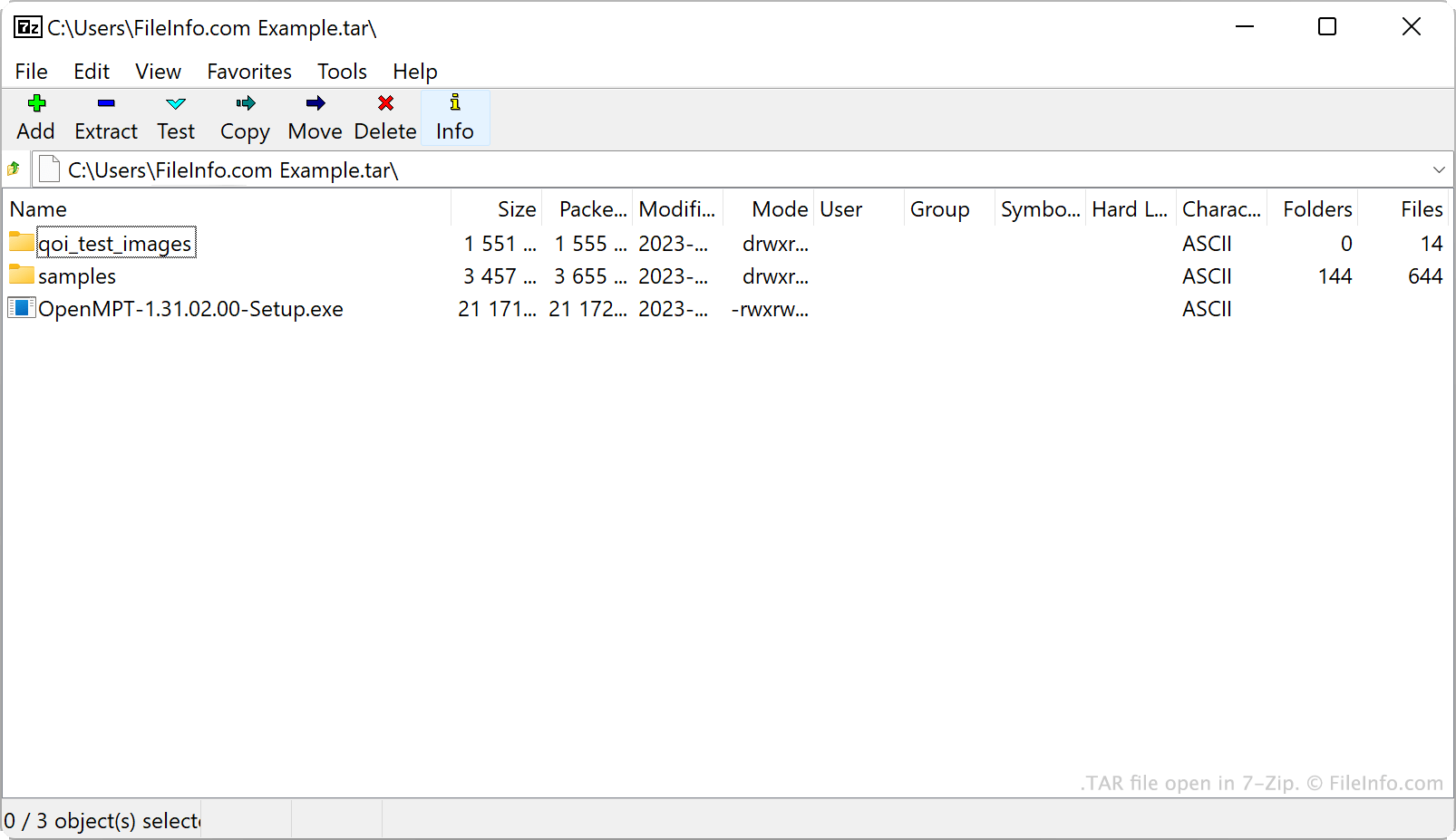
在 7-Zip 中打开的 .tar 文件截图
在 7-Zip 中打开的 TAR 文件

AT&T Bell Laboratories developed the tar archiving utility and TAR archive format in 1979. Originally, tar was used to write data to tape drives, which are data storage devices that read and write data on magnetic tape. Thus, the archives tar created were referred to as Tape Archives.

These days, Linux and other Unix-like users are the primary source of TAR files. For example, Linux users often distribute software packages as TAR files, to make those programs easier to download and install. Many of these users refer to TAR files as tarballs, a nickname that references real-life tar balls' sticky, object-gathering nature.

While TAR files themselves are not compressed, users often compress them using tar or other compression utilities. This reduces a TAR file's file size, making it even easier to store and share. Primarily, users compress TAR files using Gzip compression, turning them into .TGZ or .TAR.GZ files.

How to create a TAR file

In Windows, you can create a TAR file with 7-Zip. To do so:

  1. If you haven't already, install 7-Zip.
  2. From within 7-Zip File Manager, select the files and folders you want to package in your TAR file.
  3. Right-click one of the selected items and select 7-Zip → Add to archive....
  4. In the Add to Archive window, set the Archive format: to tar.
  5. Click OK.

In macOS and Linux, you can use the tar command-line command to create a TAR file. For example, you can enter the following command to create a TAR file:

tar -cf YourArchiveName.tar ~/path/to/your/files-or-folder

If you want to compress the TAR file you create in this process (creating a .TAR.GZ file), instead enter the following command:

tar -czf YourArchiveName.tar.gz ~/path/to/your/files-or-folder

如何打开 TAR 文件

You can open a TAR file, and extract the files it contains, with several common archive utilities, including:

Android users can open TAR files with ZDevs ZArchiver. iOS users can open TAR files with ComcSoft Corporation iZip.

使用File Viewer Plus打开并查看 .tar 文件。免费下载

可打开 TAR 文件的程序

Windows
Mac
操作系统自带
免费试用
免费
免费
免费
Linux
免费
免费
Android
分类: 数据
更新时间: 2023-06-15

验证者 FileInfo.com

FileInfo.com 团队 独立研究了本页面列出的 Tape Archive 文件格式和 Mac, Windows, Linux, Android, and iOS 应用。 我们的目标是达到 100% 的准确率,并且仅发布我们已验证过的文件类型信息。

如果您想为此页面提出新增或更新建议,请告诉我们