

.TAR Bestandsextensie
Tape Archive
| Ontwikkelaar | AT&T Labs |
| Populariteit |
3,8 | 152 stemmen |
Wat is een TAR-bestand?
Een TAR-bestand is een archief dat is opgeslagen in de indeling Tape Archive. Het bevat meerdere bestanden die samen zijn verpakt, zodat ze gemakkelijker kunnen worden opgeslagen en gedeeld. In tegenstelling tot .ZIP-bestanden en veel andere typen archieven zijn TAR-bestanden niet gecomprimeerd.
Meer informatie
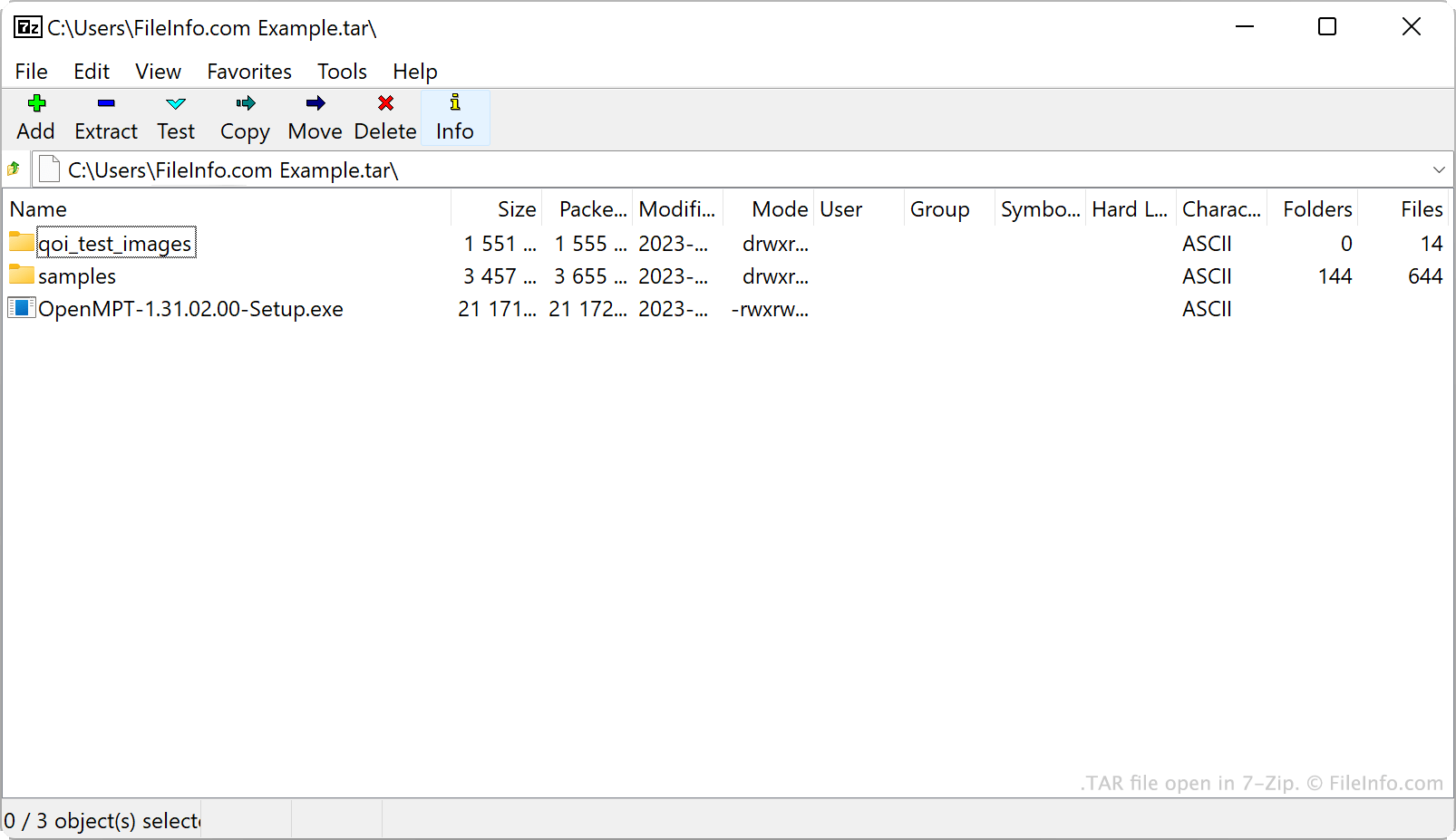
AT&T Bell Laboratories ontwikkelde het tar-archiveringsprogramma en de indeling voor TAR-archieven in 1979. Oorspronkelijk werd tar gebruikt om gegevens naar tapedrives te schrijven. Dit zijn apparaten voor gegevensopslag die gegevens op magnetische tape lezen en schrijven. Daarom werden de archieven die tar maakte Tape Archives genoemd.
Tegenwoordig zijn Linux- en andere Unix-achtige gebruikers de belangrijkste bron van TAR-bestanden. Linux-gebruikers verspreiden softwarepakketten bijvoorbeeld vaak als TAR-bestanden, zodat die programma's gemakkelijker kunnen worden gedownload en geïnstalleerd. Veel van deze gebruikers noemen TAR-bestanden tarballs, een bijnaam die verwijst naar de kleverige aard van echte teerballen, die voorwerpen verzamelen.
Hoewel TAR-bestanden zelf niet gecomprimeerd zijn, comprimeren gebruikers ze vaak met tar of andere compressieprogramma's. Hierdoor wordt de bestandsgrootte van een TAR-bestand kleiner, zodat het nog gemakkelijker kan worden opgeslagen en gedeeld. Gebruikers comprimeren TAR-bestanden voornamelijk met Gzip-compressie, waardoor ze worden omgezet in .TGZ- of .TAR.GZ-bestanden.
Een TAR-bestand maken
In Windows kun je een TAR-bestand maken met 7-Zip. Ga hiervoor als volgt te werk:
- Installeer 7-Zip als je dat nog niet hebt gedaan.
- Selecteer in 7-Zip File Manager de bestanden en mappen die je in je TAR-bestand wilt verpakken.
- Klik met de rechtermuisknop op een van de geselecteerde items en selecteer .
- Stel in het venster de optie in op tar.
- Klik op .
In macOS en Linux kun je het opdrachtregelcommando tar gebruiken om een TAR-bestand te maken. Je kunt bijvoorbeeld de volgende opdracht invoeren om een TAR-bestand te maken:
tar -cf YourArchiveName.tar ~/path/to/your/files-or-folder
Als je het TAR-bestand dat je met dit proces maakt wilt comprimeren (zodat je een .TAR.GZ-bestand maakt), voer je in plaats daarvan de volgende opdracht in:
tar -czf YourArchiveName.tar.gz ~/path/to/your/files-or-folder
Een TAR-bestand openen
Je kunt een TAR-bestand openen en de bestanden die het bevat uitpakken met verschillende veelgebruikte archiveringsprogramma's, waaronder:
- 7-Zip (Windows)
- Apple Archive Utility (Mac)
- PeaZip (multiplatform)
- B1 Free Archiver (multiplatform)
Android-gebruikers kunnen TAR-bestanden openen met ZDevs ZArchiver. iOS-gebruikers kunnen TAR-bestanden openen met ComcSoft Corporation iZip.