

.TAR Přípona souboru
Tape Archive
| Vývojář | AT&T Labs |
| Popularita |
3,8 | 152 hlasů |
Co je soubor TAR?
Soubor TAR je archiv uložený ve formátu Tape Archive. Obsahuje více souborů zabalených dohromady pro snadnější ukládání a sdílení. Na rozdíl od souborů .ZIP a mnoha dalších typů archivů nejsou soubory TAR komprimované.
Další informace
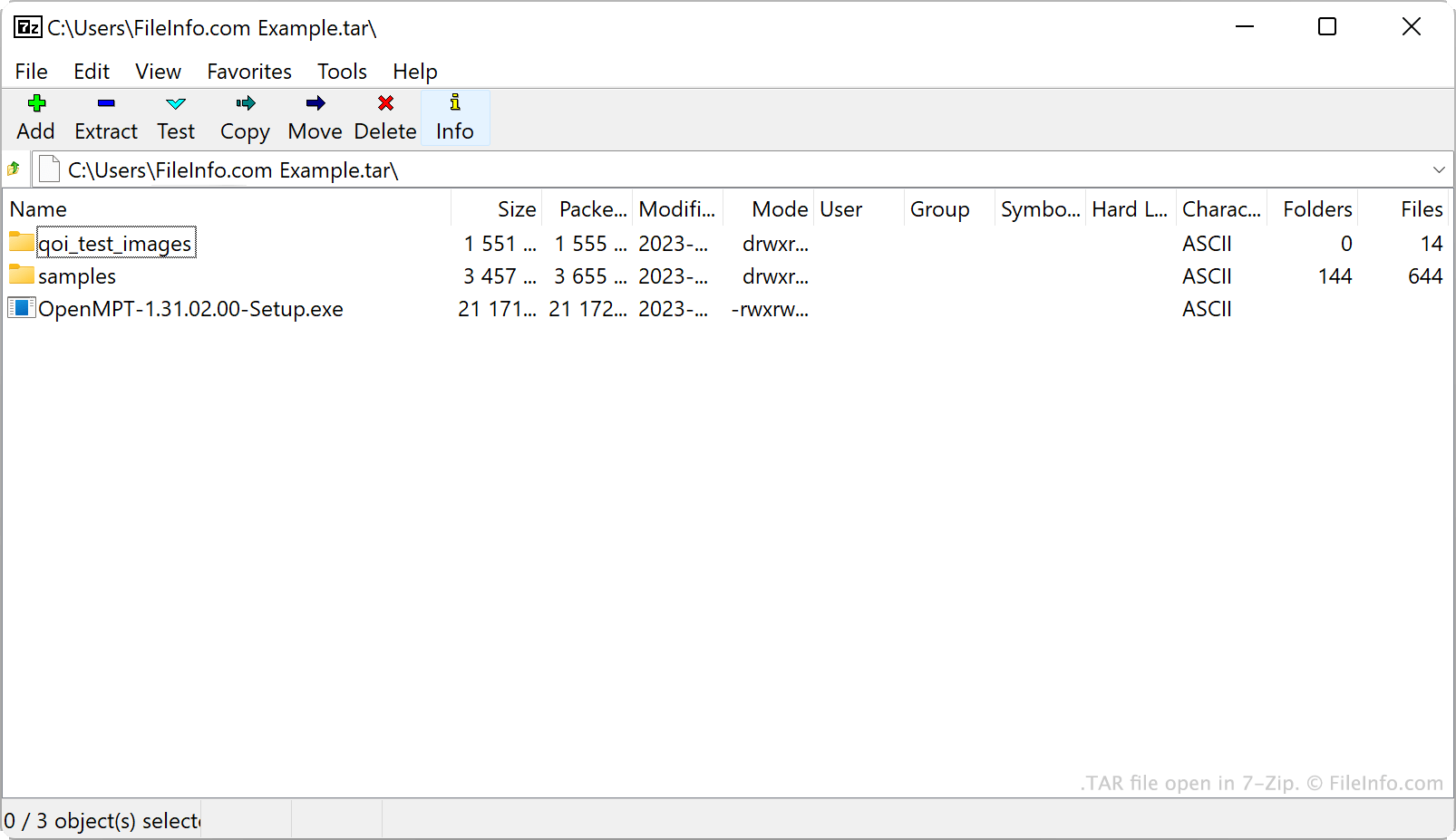
Společnost AT&T Bell Laboratories vyvinula v roce 1979 archivační nástroj tar a formát archivu TAR. Původně se tar používal k zápisu dat na páskové jednotky, což jsou zařízení pro ukládání dat, která čtou a zapisují data na magnetickou pásku. Archivy vytvořené nástrojem tar se proto označovaly jako Tape Archives.
V současnosti jsou hlavním zdrojem souborů TAR uživatelé systému Linux a dalších systémů podobných systému Unix. Uživatelé systému Linux například často distribuují softwarové balíčky jako soubory TAR, aby se tyto programy snadněji stahovaly a instalovaly. Mnozí z těchto uživatelů označují soubory TAR jako tarbally, což je přezdívka odkazující na lepkavou vlastnost skutečných dehtových koulí, na které se zachytává okolní materiál.
Ačkoli samotné soubory TAR nejsou komprimované, uživatelé je často komprimují pomocí nástroje tar nebo jiných komprimačních nástrojů. Tím se zmenší velikost souboru TAR, takže jeho ukládání a sdílení je ještě snazší. Soubory TAR uživatelé nejčastěji komprimují pomocí komprese Gzip, čímž z nich vytvoří soubory .TGZ nebo .TAR.GZ.
Jak vytvořit soubor TAR
V systému Windows můžete soubor TAR vytvořit pomocí programu 7-Zip. Postupujte takto:
- Pokud jste tak ještě neučinili, nainstalujte program 7-Zip.
- V okně Správce souborů 7-Zip vyberte soubory a složky, které chcete zabalit do souboru TAR.
- Klepněte pravým tlačítkem na jednu z vybraných položek a vyberte možnost .
- V okně nastavte možnost na hodnotu tar.
- Klepněte na tlačítko .
V systému macOS a Linuxu můžete k vytvoření souboru TAR použít příkazový řádek tar. Soubor TAR můžete například vytvořit zadáním následujícího příkazu:
tar -cf YourArchiveName.tar ~/path/to/your/files-or-folder
Pokud chcete soubor TAR vytvořený tímto postupem komprimovat (a vytvořit soubor .TAR.GZ), zadejte místo něj následující příkaz:
tar -czf YourArchiveName.tar.gz ~/path/to/your/files-or-folder
Jak otevřít soubor TAR
Soubor TAR můžete otevřít a extrahovat z něj obsažené soubory pomocí několika běžných archivačních nástrojů, například:
- 7-Zip (Windows)
- Apple Archive Utility (Mac)
- PeaZip (pro více platforem)
- B1 Free Archiver (pro více platforem)
Uživatelé systému Android mohou soubory TAR otevírat pomocí aplikace ZDevs ZArchiver. Uživatelé systému iOS mohou soubory TAR otevírat pomocí aplikace ComcSoft Corporation iZip.