

.TAR Dateiendung
Tape-Archiv
| Entwickler | AT&T Labs |
| Beliebtheit |
3,8 | 152 Stimmen |
Was ist eine TAR-Datei?
Eine TAR-Datei ist ein Archiv, das im Tape-Archiv-Format gespeichert ist. Sie enthält mehrere Dateien, die zum einfacheren Speichern und Teilen zusammengefasst wurden. Anders als .ZIP-Dateien und viele andere Archivtypen sind TAR-Dateien nicht komprimiert.
Weitere Informationen
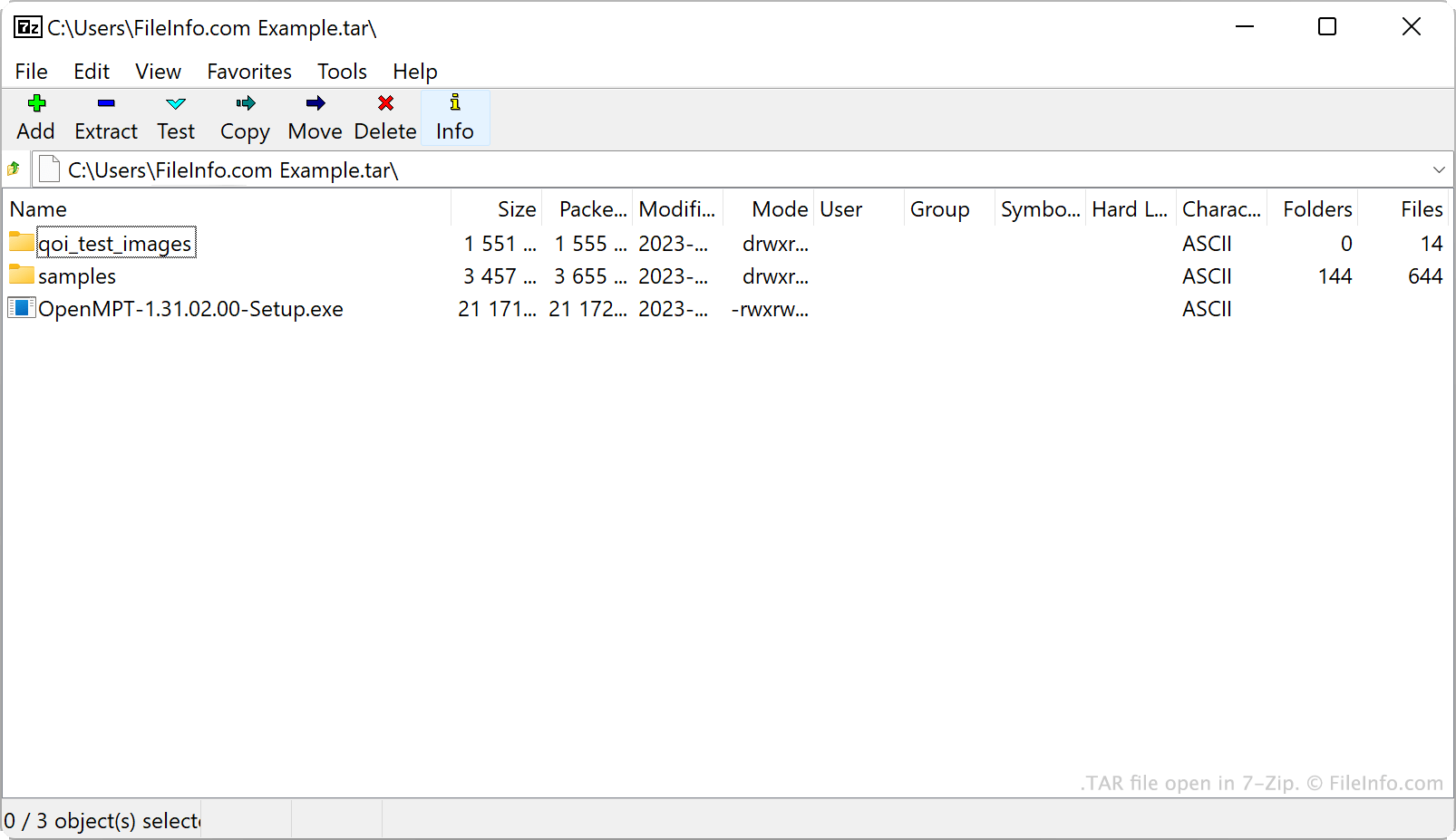
AT&T Bell Laboratories entwickelte 1979 das Archivierungsprogramm tar und das TAR-Archivformat. Ursprünglich wurde tar verwendet, um Daten auf Bandlaufwerke zu schreiben. Dabei handelt es sich um Datenspeichergeräte, die Daten auf Magnetband lesen und schreiben. Daher wurden die von tar erstellten Archive als Tape-Archive bezeichnet.
Heutzutage sind Linux- und andere Unix-ähnliche Benutzer die wichtigste Quelle für TAR-Dateien. Beispielsweise verteilen Linux-Benutzer Softwarepakete häufig als TAR-Dateien, damit sich diese Programme einfacher herunterladen und installieren lassen. Viele dieser Benutzer bezeichnen TAR-Dateien als Tarballs – ein Spitzname, der auf die klebrige, Dinge sammelnde Eigenschaft echter Teerkugeln anspielt.
TAR-Dateien selbst sind zwar nicht komprimiert, aber Benutzer komprimieren sie häufig mit tar oder anderen Komprimierungsprogrammen. Dadurch wird die Dateigröße einer TAR-Datei reduziert, sodass sie noch einfacher gespeichert und geteilt werden kann. TAR-Dateien werden hauptsächlich mit Gzip-Komprimierung komprimiert, wodurch .TGZ- oder .TAR.GZ-Dateien entstehen.
So erstellen Sie eine TAR-Datei
Unter Windows können Sie mit 7-Zip eine TAR-Datei erstellen. Gehen Sie dazu wie folgt vor:
- Installieren Sie 7-Zip, falls Sie dies noch nicht getan haben.
- Wählen Sie im 7-Zip-Dateimanager die Dateien und Ordner aus, die Sie in Ihre TAR-Datei packen möchten.
- Klicken Sie mit der rechten Maustaste auf eines der ausgewählten Elemente und wählen Sie .
- Legen Sie im Fenster das auf tar fest.
- Klicken Sie auf .
Unter macOS und Linux können Sie den Befehlszeilenbefehl tar verwenden, um eine TAR-Datei zu erstellen. Beispielsweise können Sie den folgenden Befehl eingeben, um eine TAR-Datei zu erstellen:
tar -cf YourArchiveName.tar ~/path/to/your/files-or-folder
Wenn Sie die TAR-Datei, die Sie in diesem Prozess erstellen, komprimieren möchten (wodurch eine .TAR.GZ-Datei entsteht), geben Sie stattdessen den folgenden Befehl ein:
tar -czf YourArchiveName.tar.gz ~/path/to/your/files-or-folder
So öffnen Sie eine TAR-Datei
Sie können eine TAR-Datei mit mehreren gängigen Archivprogrammen öffnen und die darin enthaltenen Dateien extrahieren, darunter:
- 7-Zip (Windows)
- Apple Archive Utility (Mac)
- PeaZip (plattformübergreifend)
- B1 Free Archiver (plattformübergreifend)
Android-Benutzer können TAR-Dateien mit ZDevs ZArchiver öffnen. iOS-Benutzer können TAR-Dateien mit ComcSoft Corporation iZip öffnen.