

.TAR Extensão de arquivo
Arquivo Tape Archive
| Desenvolvedor | AT&T Labs |
| Popularidade |
3,8 | 152 Votos |
O que é um arquivo TAR?
Um arquivo TAR é um arquivo compactado salvo no formato Tape Archive. Ele contém vários arquivos que foram empacotados juntos para facilitar o armazenamento e o compartilhamento. Vale destacar que, ao contrário dos arquivos .ZIP e de muitos outros tipos de arquivos compactados, os arquivos TAR não são comprimidos.
Mais informações
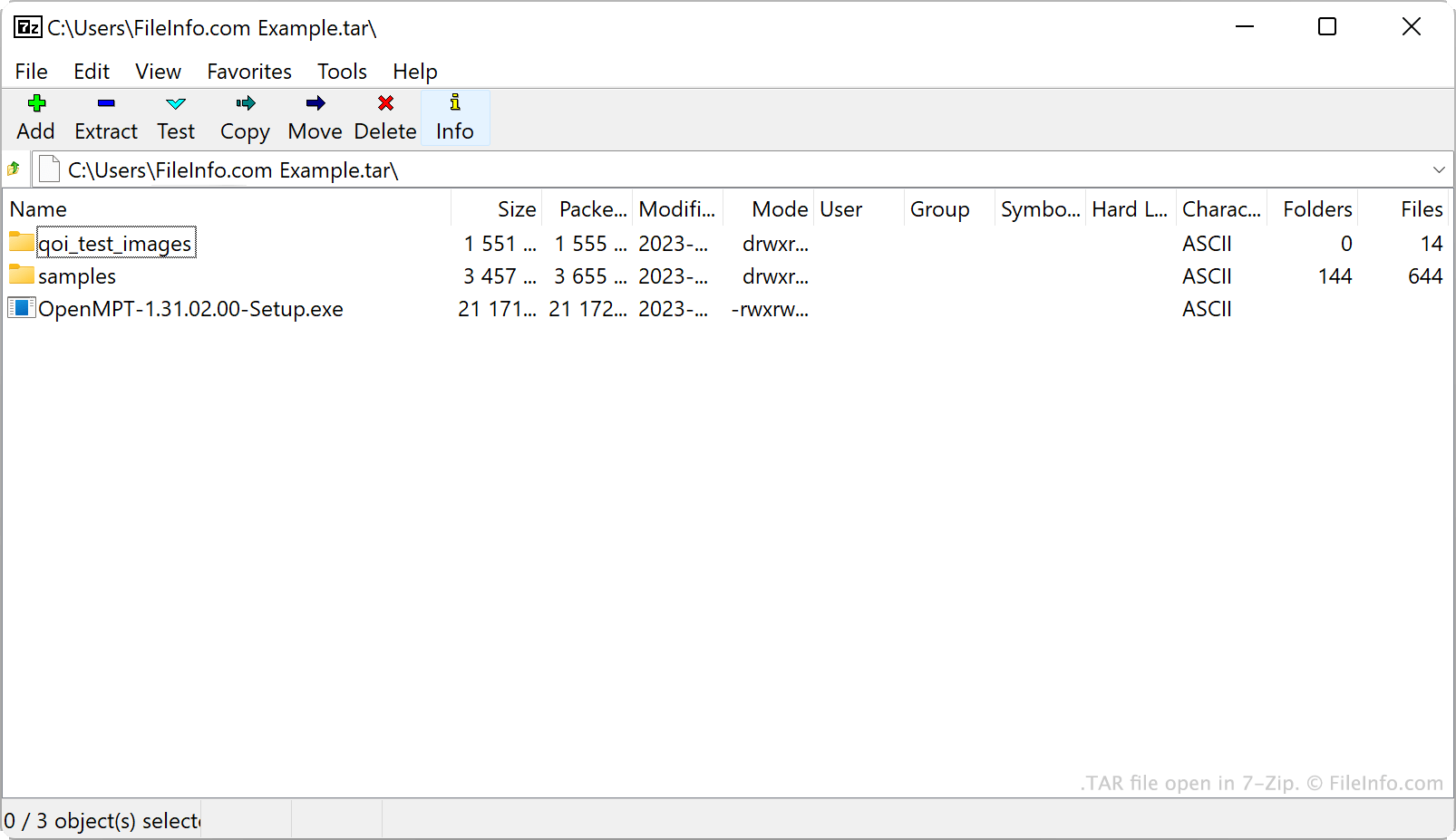
A AT&T Bell Laboratories desenvolveu o utilitário de arquivamento tar e o formato de arquivo TAR em 1979. Originalmente, o tar era usado para gravar dados em unidades de fita, que são dispositivos de armazenamento de dados que leem e gravam dados em fita magnética. Por isso, os arquivos criados pelo tar eram chamados de Tape Archives.
Atualmente, usuários do Linux e de outros sistemas semelhantes ao Unix são a principal fonte de arquivos TAR. Por exemplo, usuários do Linux frequentemente distribuem pacotes de software como arquivos TAR para facilitar o download e a instalação desses programas. Muitos desses usuários chamam os arquivos TAR de tarballs, um apelido que faz referência à natureza pegajosa e agregadora das bolas de piche reais.
Embora os próprios arquivos TAR não sejam comprimidos, os usuários frequentemente os comprimem usando o tar ou outros utilitários de compressão. Isso reduz o tamanho do arquivo TAR, facilitando ainda mais seu armazenamento e compartilhamento. Principalmente, os usuários comprimem arquivos TAR usando a compressão Gzip, transformando-os em arquivos .TGZ ou .TAR.GZ.
Como criar um arquivo TAR
No Windows, você pode criar um arquivo TAR com o 7-Zip. Para fazer isso:
- Se ainda não tiver feito isso, instale o 7-Zip.
- No Gerenciador de Arquivos do 7-Zip, selecione os arquivos e as pastas que deseja empacotar no arquivo TAR.
- Clique com o botão direito do mouse em um dos itens selecionados e selecione .
- Na janela , defina como tar.
- Clique em .
No macOS e no Linux, você pode usar o comando de linha de comando tar para criar um arquivo TAR. Por exemplo, você pode inserir o comando a seguir para criar um arquivo TAR:
tar -cf YourArchiveName.tar ~/path/to/your/files-or-folder
Se quiser comprimir o arquivo TAR criado nesse processo (criando um arquivo .TAR.GZ), insira o seguinte comando:
tar -czf YourArchiveName.tar.gz ~/path/to/your/files-or-folder
Como abrir um arquivo TAR
Você pode abrir um arquivo TAR e extrair os arquivos que ele contém com vários utilitários comuns de arquivamento, incluindo:
- 7-Zip (Windows)
- Apple Archive Utility (Mac)
- PeaZip (multiplataforma)
- B1 Free Archiver(multiplataforma)
Usuários do Android podem abrir arquivos TAR com o ZDevs ZArchiver. Usuários do iOS podem abrir arquivos TAR com o ComcSoft Corporation iZip.