

.TAR Rozszerzenie pliku
Archiwum taśmowe
| Deweloper | AT&T Labs |
| Popularność |
3,8 | 152 Głosy |
Czym jest plik TAR?
Plik TAR to archiwum zapisane w formacie Tape Archive. Zawiera wiele plików połączonych w jeden pakiet, co ułatwia ich przechowywanie i udostępnianie. Warto zauważyć, że w przeciwieństwie do plików .ZIP i wielu innych typów archiwów pliki TAR nie są skompresowane.
Więcej informacji
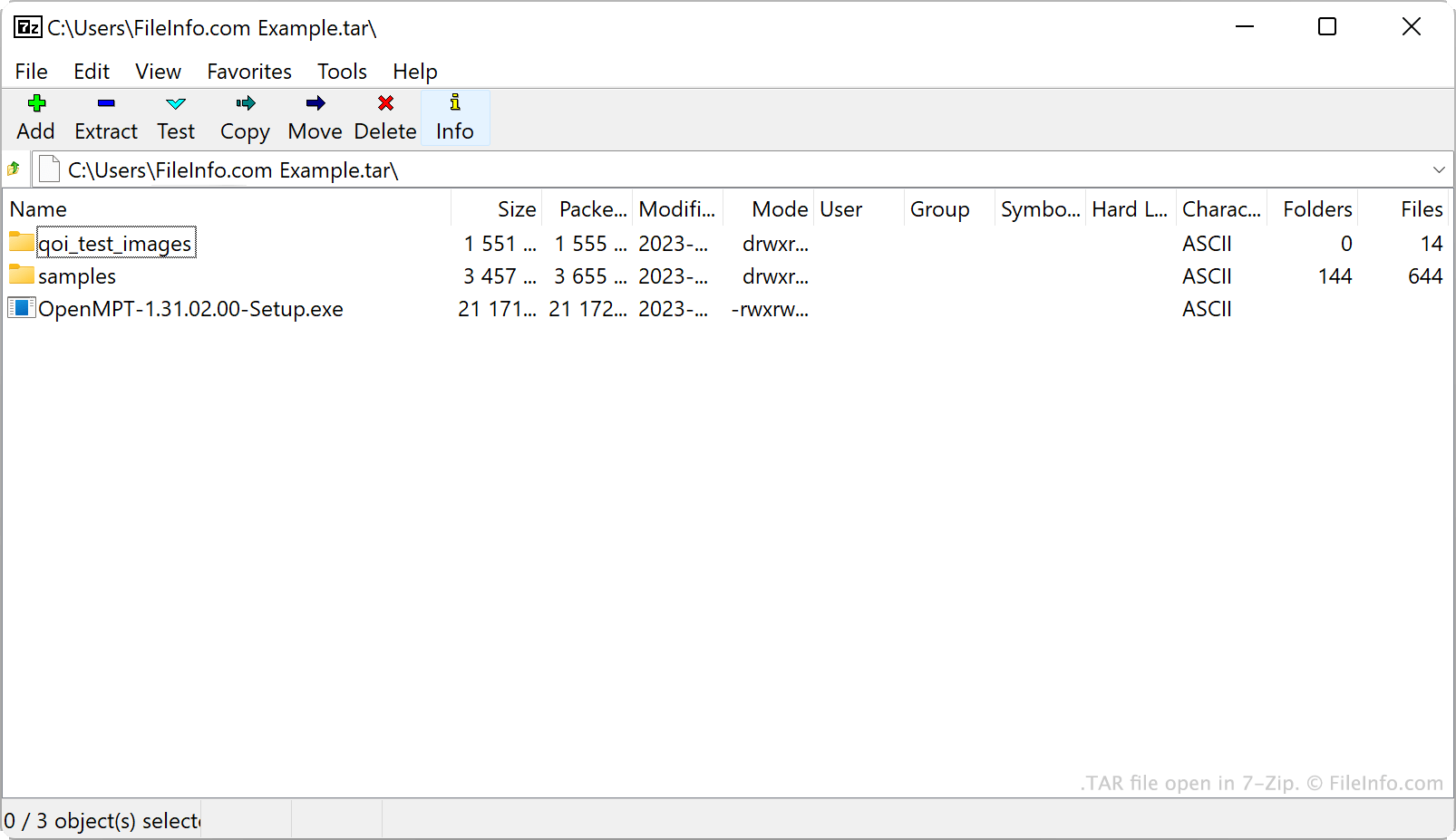
Firma AT&T Bell Laboratories opracowała narzędzie do archiwizowania tar oraz format archiwów TAR w 1979 roku. Początkowo tar służył do zapisywania danych na napędach taśmowych, czyli urządzeniach do przechowywania danych, które odczytują i zapisują dane na taśmie magnetycznej. Dlatego archiwa tworzone przez tar nazywano archiwami taśmowymi.
Obecnie głównym źródłem plików TAR są użytkownicy systemu Linux i innych systemów uniksopodobnych. Użytkownicy systemu Linux często rozpowszechniają pakiety oprogramowania jako pliki TAR, aby ułatwić pobieranie i instalowanie tych programów. Wielu z nich nazywa pliki TAR tarballami — jest to przydomek nawiązujący do lepkiej, przyciągającej różne przedmioty natury prawdziwych kul smoły.
Chociaż same pliki TAR nie są skompresowane, użytkownicy często kompresują je za pomocą tar lub innych narzędzi do kompresji. Zmniejsza to rozmiar pliku TAR, jeszcze bardziej ułatwiając jego przechowywanie i udostępnianie. Pliki TAR są najczęściej kompresowane za pomocą kompresji Gzip, w wyniku czego powstają pliki .TGZ lub .TAR.GZ.
Jak utworzyć plik TAR
W systemie Windows możesz utworzyć plik TAR za pomocą programu 7-Zip. Aby to zrobić:
- Jeśli jeszcze tego nie zrobiono, zainstaluj program 7-Zip.
- W Menedżerze plików 7-Zip wybierz pliki i foldery, które chcesz spakować do pliku TAR.
- Kliknij prawym przyciskiem myszy jeden z zaznaczonych elementów i wybierz .
- W oknie ustaw opcję na tar.
- Kliknij przycisk .
W systemach macOS i Linux możesz użyć polecenia wiersza poleceń tar, aby utworzyć plik TAR. Możesz na przykład wprowadzić następujące polecenie, aby utworzyć plik TAR:
tar -cf YourArchiveName.tar ~/path/to/your/files-or-folder
Jeśli chcesz skompresować utworzony w ten sposób plik TAR (tworząc plik .TAR.GZ), wprowadź zamiast tego następujące polecenie:
tar -czf YourArchiveName.tar.gz ~/path/to/your/files-or-folder
Jak otworzyć plik TAR
Plik TAR możesz otworzyć i wypakować zawarte w nim pliki za pomocą kilku popularnych narzędzi do obsługi archiwów, w tym:
- 7-Zip (Windows)
- Apple Archive Utility (Mac)
- PeaZip (wiele platform)
- B1 Free Archiver(wiele platform)
Użytkownicy systemu Android mogą otwierać pliki TAR za pomocą programu ZDevs ZArchiver. Użytkownicy systemu iOS mogą otwierać pliki TAR za pomocą programu ComcSoft Corporation iZip.