

.TAR 파일 확장자
테이프 아카이브
| 개발사 | AT&T Labs |
| 인기도 |
3.8 | 152 표 |
TAR 파일이란 무엇인가요?
TAR 파일은 Tape Archive 형식으로 저장된 아카이브입니다. 더 쉽게 저장하고 공유할 수 있도록 여러 파일을 하나로 묶어 포함합니다. 특히 .ZIP 파일 및 다른 많은 유형의 아카이브와 달리 TAR 파일은 압축되지 않습니다.
추가 정보
AT&T Bell Laboratories는 1979년에 tar 아카이브 유틸리티와 TAR 아카이브 형식을 개발했습니다. 원래 tar는 자기 테이프에 데이터를 읽고 쓰는 데이터 저장 장치인 테이프 드라이브에 데이터를 기록하는 데 사용되었습니다. 따라서 tar가 만든 아카이브를 Tape Archive라고 불렀습니다.
오늘날에는 리눅스 및 기타 유닉스 계열 사용자가 TAR 파일의 주요 생성자입니다. 예를 들어 리눅스 사용자는 프로그램을 더 쉽게 다운로드하고 설치할 수 있도록 소프트웨어 패키지를 TAR 파일로 배포하는 경우가 많습니다. 이러한 사용자 중 다수는 TAR 파일을 tarball이라고 부르기도 합니다. 이는 실제 타르 공이 끈적하고 물체를 모으는 성질을 가리키는 별명입니다.
TAR 파일 자체는 압축되지 않지만, 사용자는 tar 또는 다른 압축 유틸리티를 사용해 TAR 파일을 압축하는 경우가 많습니다. 이렇게 하면 TAR 파일의 파일 크기가 줄어들어 저장하고 공유하기가 더 쉬워집니다. 주로 Gzip 압축을 사용해 TAR 파일을 압축하며, 그러면 .TGZ 또는 .TAR.GZ 파일이 됩니다.
TAR 파일을 만드는 방법
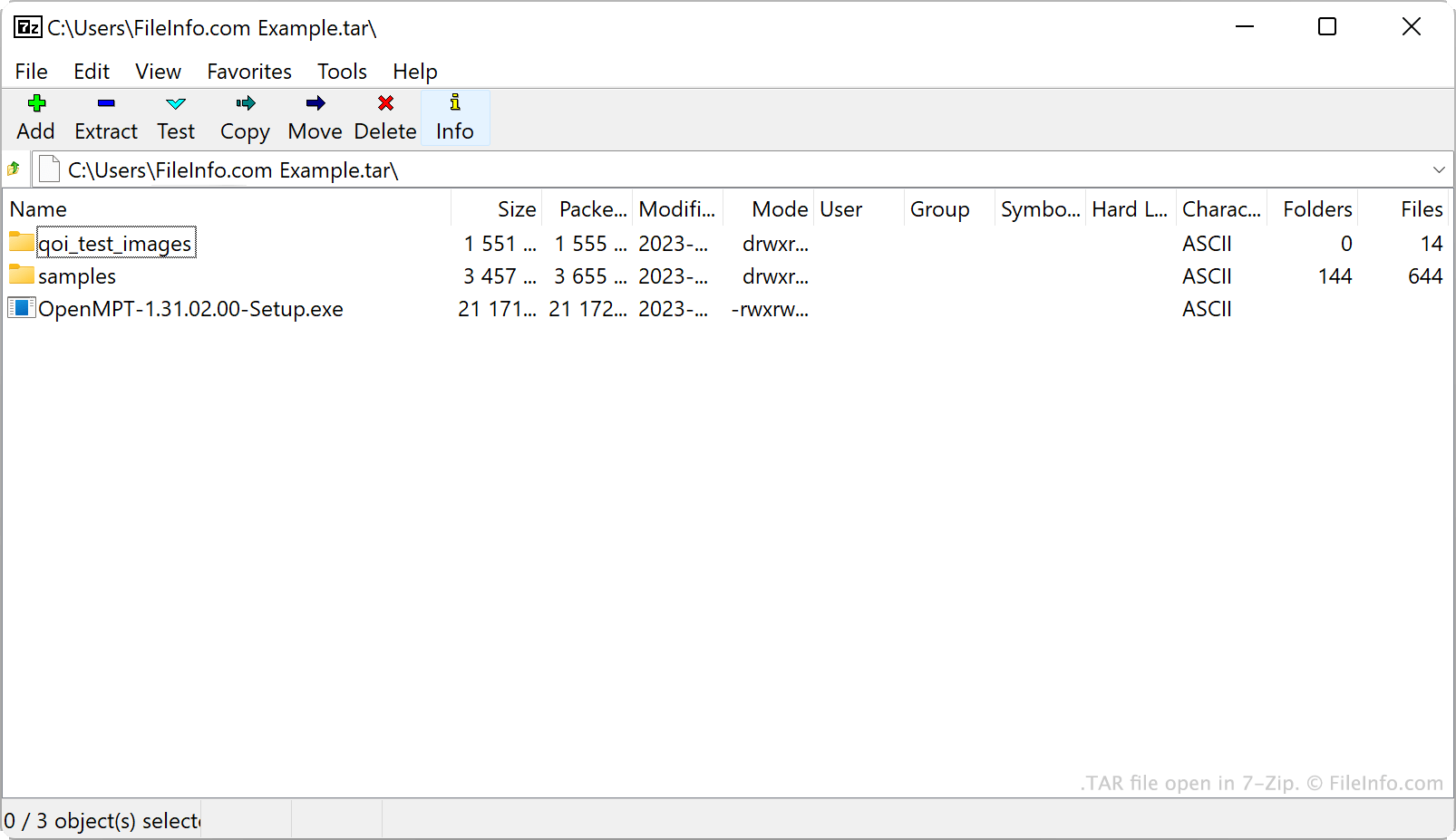
Windows에서는 7-Zip으로 TAR 파일을 만들 수 있습니다. 방법은 다음과 같습니다.
- 아직 설치하지 않았다면 7-Zip을 설치합니다.
- 7-Zip 파일 관리자에서 TAR 파일로 묶을 파일과 폴더를 선택합니다.
- 선택한 항목 중 하나를 마우스 오른쪽 버튼으로 클릭하고 를 선택합니다.
- 창에서 을 tar로 설정합니다.
- 를 클릭합니다.
macOS 및 리눅스에서는 tar 명령줄 명령을 사용해 TAR 파일을 만들 수 있습니다. 예를 들어 다음 명령을 입력하면 TAR 파일을 만들 수 있습니다.
tar -cf YourArchiveName.tar ~/path/to/your/files-or-folder
이 과정에서 만든 TAR 파일을 압축하려면( .TAR.GZ 파일 만들기) 다음 명령을 대신 입력합니다.
tar -czf YourArchiveName.tar.gz ~/path/to/your/files-or-folder
TAR 파일을 여는 방법
다음과 같은 일반적인 여러 아카이브 유틸리티를 사용해 TAR 파일을 열고 파일을 추출할 수 있습니다.
- 7-Zip (Windows)
- Apple Archive Utility (Mac)
- PeaZip (멀티플랫폼)
- B1 Free Archiver(멀티플랫폼)
Android 사용자는 ZDevs ZArchiver로 TAR 파일을 열 수 있습니다. iOS 사용자는 ComcSoft Corporation iZip으로 TAR 파일을 열 수 있습니다.