

.PA Dateiendung
Komprimierte PowerArchiver-Datei
| Entwickler | ConeXware |
| Beliebtheit |
3,0 | 6 Stimmen |
Was ist eine PA-Datei?
Eine PA-Datei ist ein komprimiertes Archiv, das mit ConeXware PowerArchiver erstellt wurde, einem Dienstprogramm zum Komprimieren, Verschlüsseln und Sichern von Daten. Sie speichert eine oder mehrere Dateien, die mit dem Format Advanced Codec Pack (PA) komprimiert wurden. Dieses umfasst verschiedene fortschrittliche Filter und Codecs, um die Komprimierung abhängig vom Dateityp zu optimieren, und kann eine FIPS-140-2-256-Bit-AES-Verschlüsselung enthalten. PowerArchiver-Benutzer komprimieren Dateien als PA-Archive, um Speicherplatz zu sparen, wenn sie Daten speichern oder übertragen, und um vertrauliche Informationen zu schützen.
Weitere Informationen
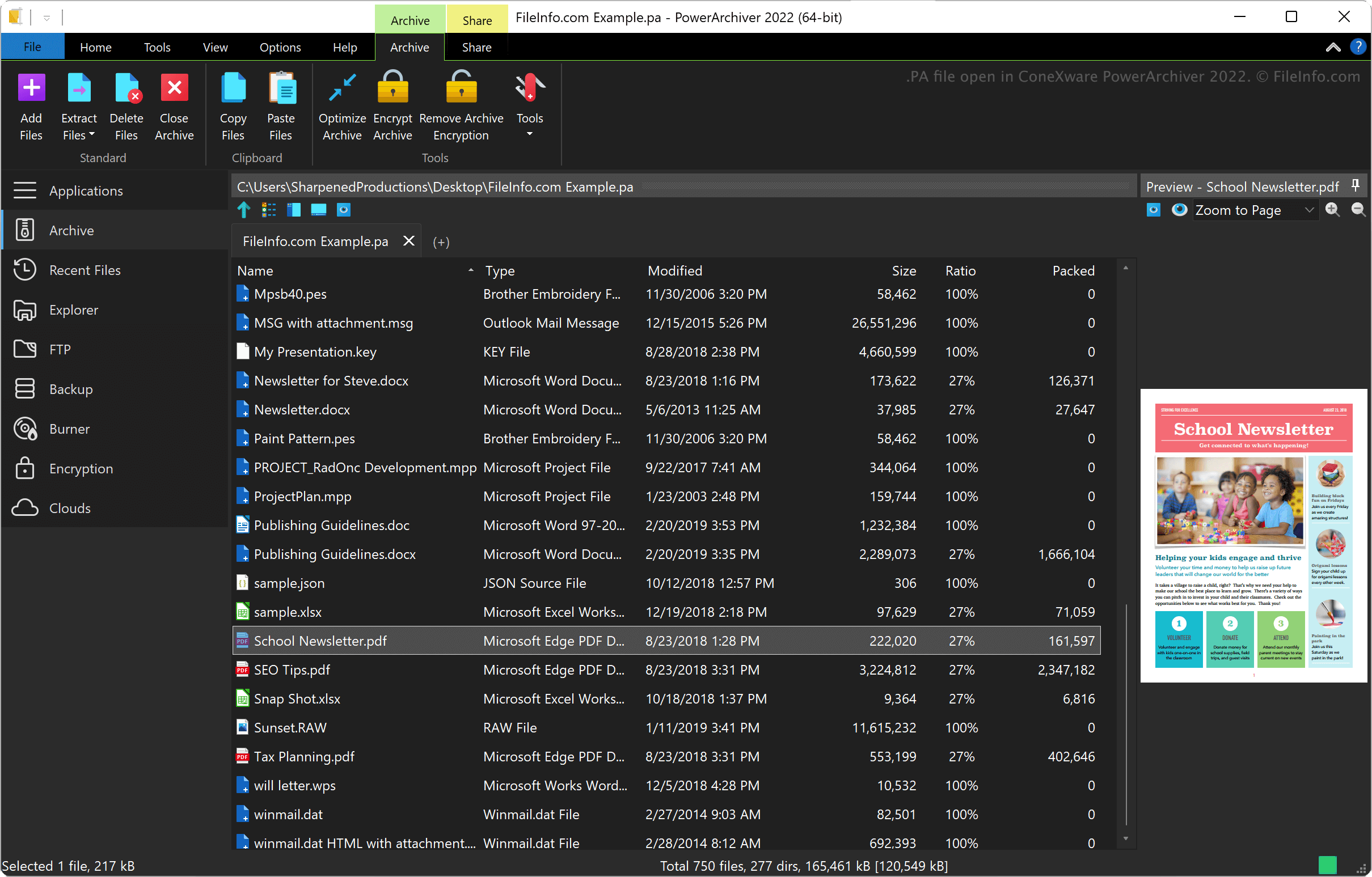
ConeXware PowerArchiver ist ein Dienstprogramm zum Komprimieren, Verschlüsseln und Sichern von Daten unter Windows und macOS. Das Dienstprogramm unterstützt neben dem PA-Format über 60 Archivformate, darunter .ZIP, .RAR, .7Z, .LZH, .GZIP und .ARC.
PowerArchiver-Advanced-Codec-Pack-Format
ConeXware führte das Format PowerArchiver Advanced Codec Pack mit der Veröffentlichung von PowerArchiver 2017 ein. Das Format bietet zwei optimierte Komprimierungsmodi: 1) „Optimized Fast“ für eine schnellere Komprimierung und 2) „Optimized Strong“ für eine stärkere Komprimierung.
PowerArchiver verwendet den BWTS-Algorithmus, um Daten vor der AES-Verschlüsselung zu vermischen und Archive besser zu schützen. Diese Verschlüsselungsmethode führt zu Archiven, die besser geschützt sind als Archive im ZIP- und 7Z-AES-Format.
So öffnen Sie eine PA-Datei
Sie können eine PA-Datei mit ConeXware PowerArchiver unter Windows und macOS öffnen. Um eine PA-Datei zu öffnen, wählen Sie .
So konvertieren Sie eine PA-Datei
ConeXware PowerArchiver (nur die Windows-Version) kann PA-Dateien in verschiedene Archivtypen konvertieren, darunter die folgenden Formate:
Programme, die .PA-Dateien öffnen
PulseAudio-Startskript
| Entwickler | PulseAudio Community |
| Beliebtheit |
3,7 | 3 Stimmen |
Eine PA-Datei ist eine Konfigurationsdatei, die von PulseAudio, einem kostenlosen Soundserverprogramm, verwendet wird. Sie wird beim Start ausgeführt, um festzulegen, wie das Soundsystem eines Benutzers konfiguriert ist. Die wichtigste PA-Datei von PulseAudio heißt default.pa.
Weitere Informationen
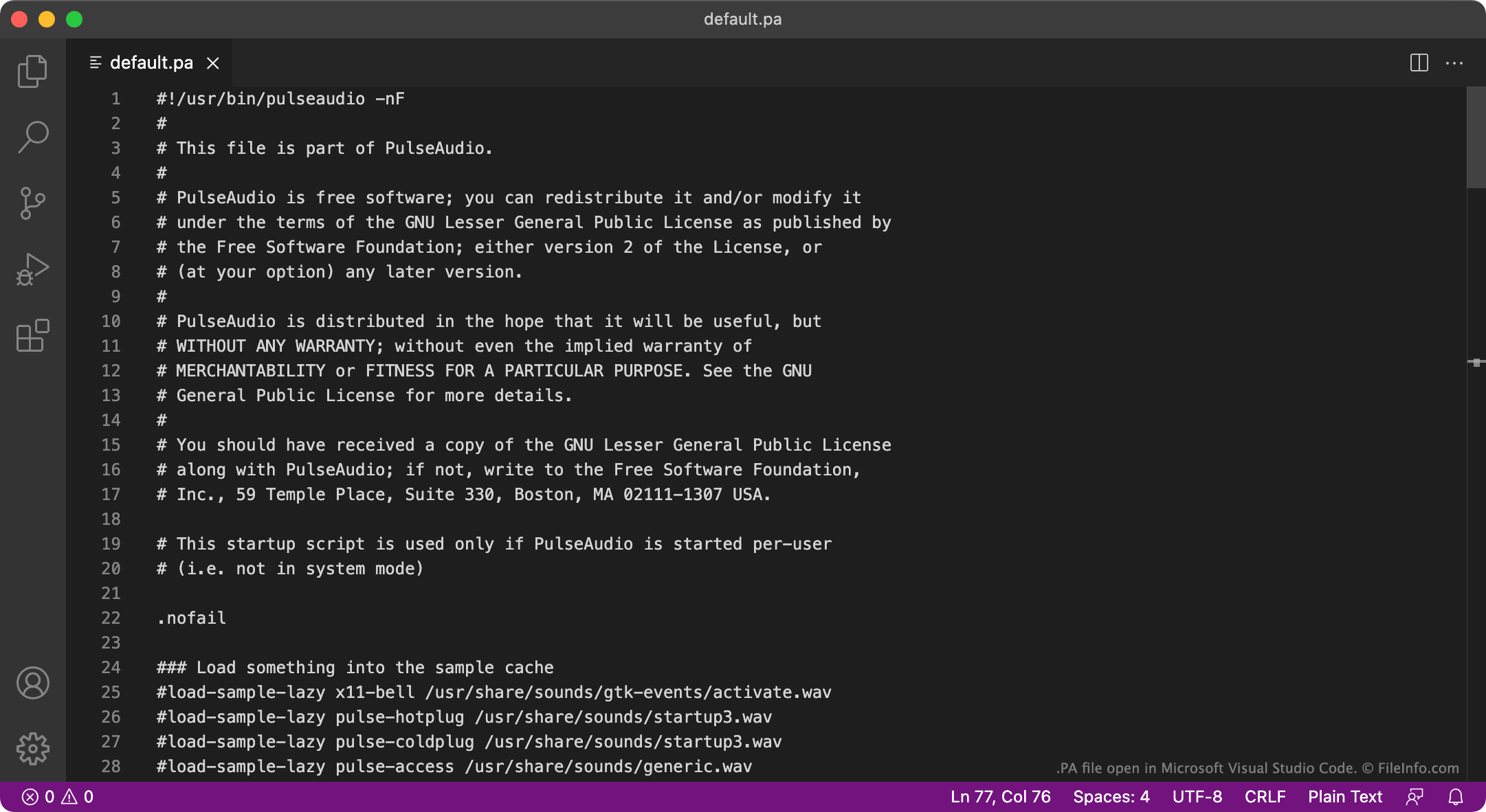
PulseAudio ist ein Programm, mit dem festgelegt wird, wie ein Computer Audio ausgibt. Beispielsweise können Sie PulseAudio verwenden, um mehrere Audiostreams zu mischen und sie über ein Audiogerät auszugeben. Sie können es auch verwenden, um das Abtastformat oder die Kanalanzahl von Audio zu ändern. Das Programm ist hauptsächlich für Linux verfügbar, es gibt jedoch auch Versionen für macOS und Windows.
Beim Start lädt PulseAudio aus einer PA-Datei Einstellungen, die festlegen, wie das Audiosystem eines Benutzers eingerichtet ist. In den meisten Fällen lädt PulseAudio diese Einstellungen aus einer Datei namens default.pa, die sich entweder unter ~/.config/pulse/default.pa oder unter etc/pulse/default.pa befindet. Wenn PulseAudio als Systemdienst ausgeführt wird, lädt es die Einstellungen stattdessen aus etc/pulse/system.pa.
HINWEIS: Die Windows-Version von PulseAudio wird nicht mehr gepflegt.
Häufige .PA-Dateinamen
default.pa - Das standardmäßige Startskript von PulseAudio.
system.pa - Das Startskript von PulseAudio auf Systemdienstebene.
So öffnen Sie eine PA-Datei
Die PA-Dateien von PulseAudio sind reine Textdateien. Daher können Sie sie in GitHub Atom, Apple TextEdit, Microsoft Notepad oder jedem anderen Texteditor öffnen und bearbeiten. Beispielsweise können Sie default.pa bearbeiten, um ein neues standardmäßiges Audioausgabegerät festzulegen. PulseAudio verwendet dieses neue Standardgerät beim nächsten Start.