

.PA 파일 확장자
PowerArchiver 압축 파일
| 개발사 | ConeXware |
| 인기도 |
3.0 | 6 표 |
PA 파일이란 무엇인가요?
PA 파일은 데이터를 압축하고, 암호화하고, 백업하는 데 사용되는 유틸리티인 ConeXware PowerArchiver가 만든 압축 아카이브입니다. 이 파일에는 Advanced Codec Pack(PA) 형식으로 압축된 하나 이상의 파일이 저장됩니다. 이 형식에는 파일 유형에 따라 압축을 최적화하기 위한 다양한 고급 필터와 코덱이 포함되어 있으며, FIPS 140-2 256비트 AES 암호화가 포함될 수도 있습니다. PowerArchiver 사용자는 저장 또는 전송을 위해 공간을 절약하고 중요한 정보를 보호하려고 파일을 PA 아카이브로 압축합니다.
추가 정보
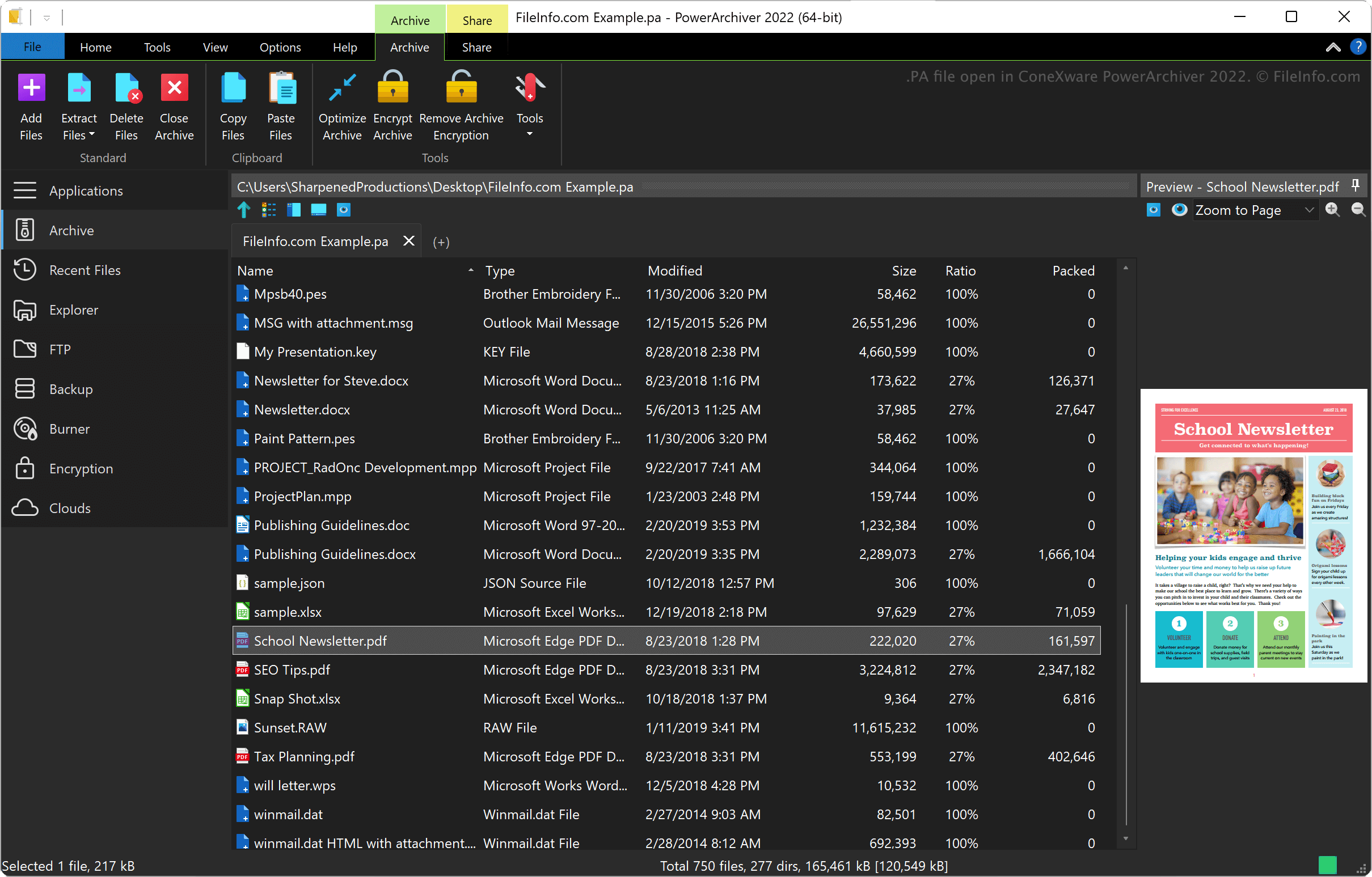
ConeXware PowerArchiver는 Windows와 macOS에서 데이터를 압축하고, 암호화하고, 백업하는 유틸리티입니다. 이 유틸리티는 PA 형식 외에도 .ZIP, .RAR, .7Z, .LZH, .GZIP, .ARC를 비롯한 60개 이상의 아카이브 형식을 지원합니다.
PowerArchiver Advanced Codec Pack 형식
ConeXware는 PowerArchiver 2017을 출시하면서 PowerArchiver Advanced Codec Pack 형식을 도입했습니다. 이 형식에는 두 가지 최적화된 압축 모드가 있습니다. 1) 더 빠르게 압축하는 "Optimized Fast"와 2) 더 강하게 압축하는 "Optimized Strong"입니다.
PowerArchiver는 AES 암호화 전에 BWTS 알고리즘을 사용하여 데이터를 섞어 아카이브를 더 안전하게 보호합니다. 이 암호화 방식으로 만든 아카이브는 ZIP 및 7Z AES 아카이브 형식보다 더 안전하게 보호됩니다.
PA 파일을 여는 방법
Windows와 macOS에서는 ConeXware PowerArchiver로 PA 파일을 열 수 있습니다. PA 파일을 열려면 를 선택합니다.
PA 파일을 변환하는 방법
PA 파일을 여는 프로그램
PulseAudio 시작 스크립트
| 개발사 | PulseAudio Community |
| 인기도 |
3.7 | 3 표 |
PA 파일은 무료 사운드 서버 프로그램인 PulseAudio에서 사용하는 구성 파일입니다. 사용자의 사운드 시스템이 구성되는 방식을 지정하기 위해 시작할 때 실행됩니다. PulseAudio의 기본 PA 파일 이름은 default.pa입니다.
추가 정보
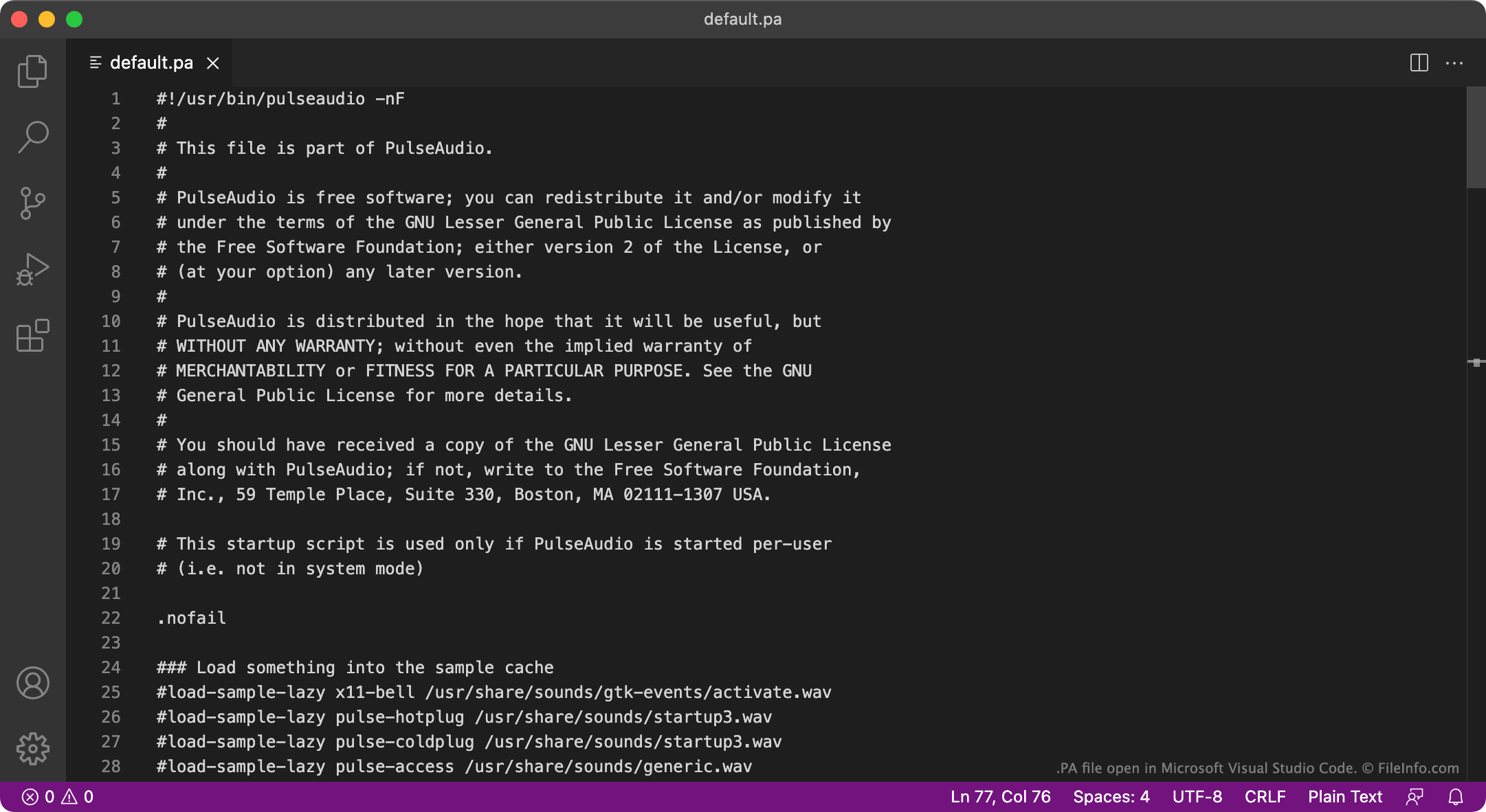
PulseAudio는 컴퓨터가 오디오를 출력하는 방식을 관리하는 데 사용하는 프로그램입니다. 예를 들어 PulseAudio를 사용하면 여러 오디오 스트림을 믹싱하여 하나의 오디오 장치로 출력하거나, 오디오의 샘플 형식 또는 채널 수를 변경할 수 있습니다. 이 프로그램은 주로 Linux에서 사용할 수 있지만 macOS 및 Windows 버전도 있습니다.
시작할 때 PulseAudio는 PA 파일에서 사용자의 오디오 시스템 설정 방식을 정의하는 설정을 불러옵니다. 대부분의 경우 PulseAudio는 default.pa라는 파일에서 이러한 설정을 불러오며, 이 파일은 ~/.config/pulse/default.pa 또는 etc/pulse/default.pa에 있습니다. PulseAudio가 시스템 서비스로 실행되는 경우에는 etc/pulse/system.pa에서 설정을 불러옵니다.
참고: Windows 버전의 PulseAudio는 더 이상 유지 관리되지 않습니다.
일반적인 .PA 파일 이름
default.pa - PulseAudio의 기본 시작 스크립트입니다.
system.pa - PulseAudio 시스템 서비스 수준의 시작 스크립트입니다.
PA 파일을 여는 방법
PulseAudio의 PA 파일은 일반 텍스트 파일이므로 GitHub Atom, Apple TextEdit, Microsoft Notepad 또는 다른 텍스트 편집기에서 열고 편집할 수 있습니다. 예를 들어 default.pa를 편집하여 새로운 기본 오디오 출력 장치를 지정할 수 있습니다. 그러면 PulseAudio는 다음에 시작할 때 새로운 기본 장치를 사용합니다.