

.MOD Bestandsextensie
Muziekmodulebestand
| Ontwikkelaar | Karsten Obarski |
| Populariteit |
3,6 | 57 stemmen |
Wat is een MOD-bestand?
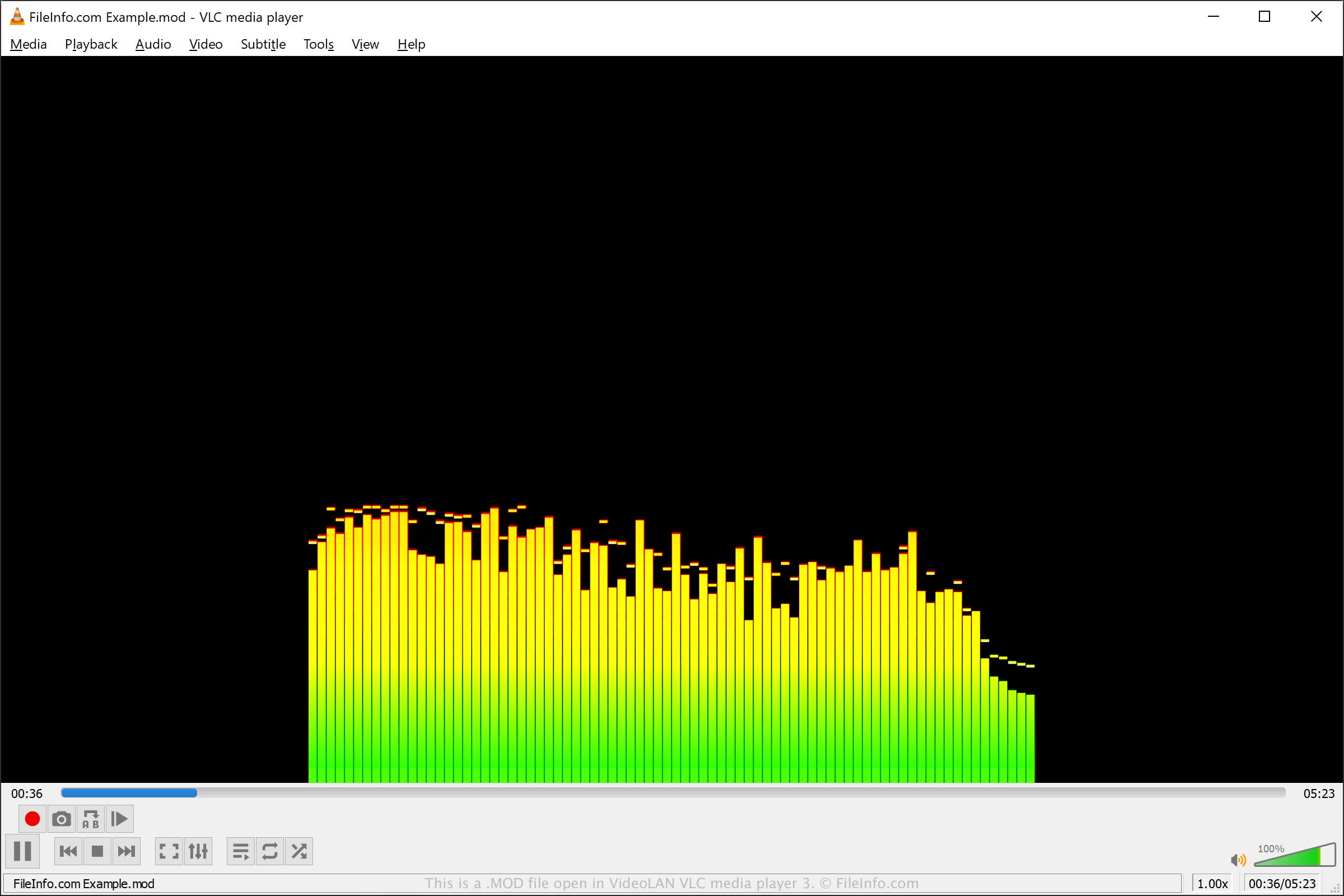
Een MOD-bestand is een muziekmodulebestand dat is opgeslagen in het standaardformaat voor muziekmodules, dat afkomstig is van het Amiga-moduleformaat. Het bevat notenpatronen (vergelijkbaar met een .MIDI-bestand) en geluidsfragmenten die verschillende instrumenten vertegenwoordigen en volgens de noten worden afgespeeld. MOD-bestanden worden meestal gebruikt voor achtergrondmuziek in videogames en de computergemeenschap van de "demoscene".
Meer informatie
Karsten Obarski ontwikkelde aanvankelijk het Amiga-moduleformaat en bracht het in 1987 uit met de software Ultimate Soundtracker voor het Commodore Amiga-systeem. Toen muziektrackers het formaat begonnen te ondersteunen, vooral op pc's in de jaren 90, brachten andere ontwikkelaars varianten van het MOD-formaat uit.
Aanvankelijk ondersteunde het MOD-formaat slechts vier audiokanalen en zestien instrumenten. Recente MOD-varianten hebben het aantal ondersteunde kanalen echter verhoogd naar 32 en het aantal ondersteunde instrumenten naar 31.
De geluidsfragmenten in een module worden aan verschillende tracks toegewezen en volgens de noten in de partituur afgespeeld. Een MOD-module bevat ook een lijst die de toepassing die de module afspeelt, vertelt in welke volgorde de patronen moeten worden afgespeeld.
OPMERKING: MOD-bestanden kunnen worden gemaakt met verschillende MOD-trackers, waaronder FastTracker, StarTrekker, Noise Tracker, MilkyTracker en Cog.
Een MOD-bestand openen
Je kunt een MOD-bestand openen met verschillende audiospelers, zoals Nullsoft Winamp (Windows), VideoLAN VLC media player (multiplatform), Schism Tracker (multiplatform) en MikMod (multiplatform). Helaas worden sommige audiospelers die MOD-bestanden ondersteunen mogelijk niet meer ontwikkeld en werken ze mogelijk niet op moderne besturingssystemen.
Op een Android-apparaat kun je MOD-bestanden afspelen met Smarper Amiga Mod Player for Android. Op iOS-apparaten kun je PureModPlay of VividTracker gebruiken om MOD-bestanden af te spelen.
Een MOD-bestand converteren
Programma's die MOD-bestanden openen
Go-moduledefinitie
| Ontwikkelaar | |
| Populariteit |
4,4 | 7 stemmen |
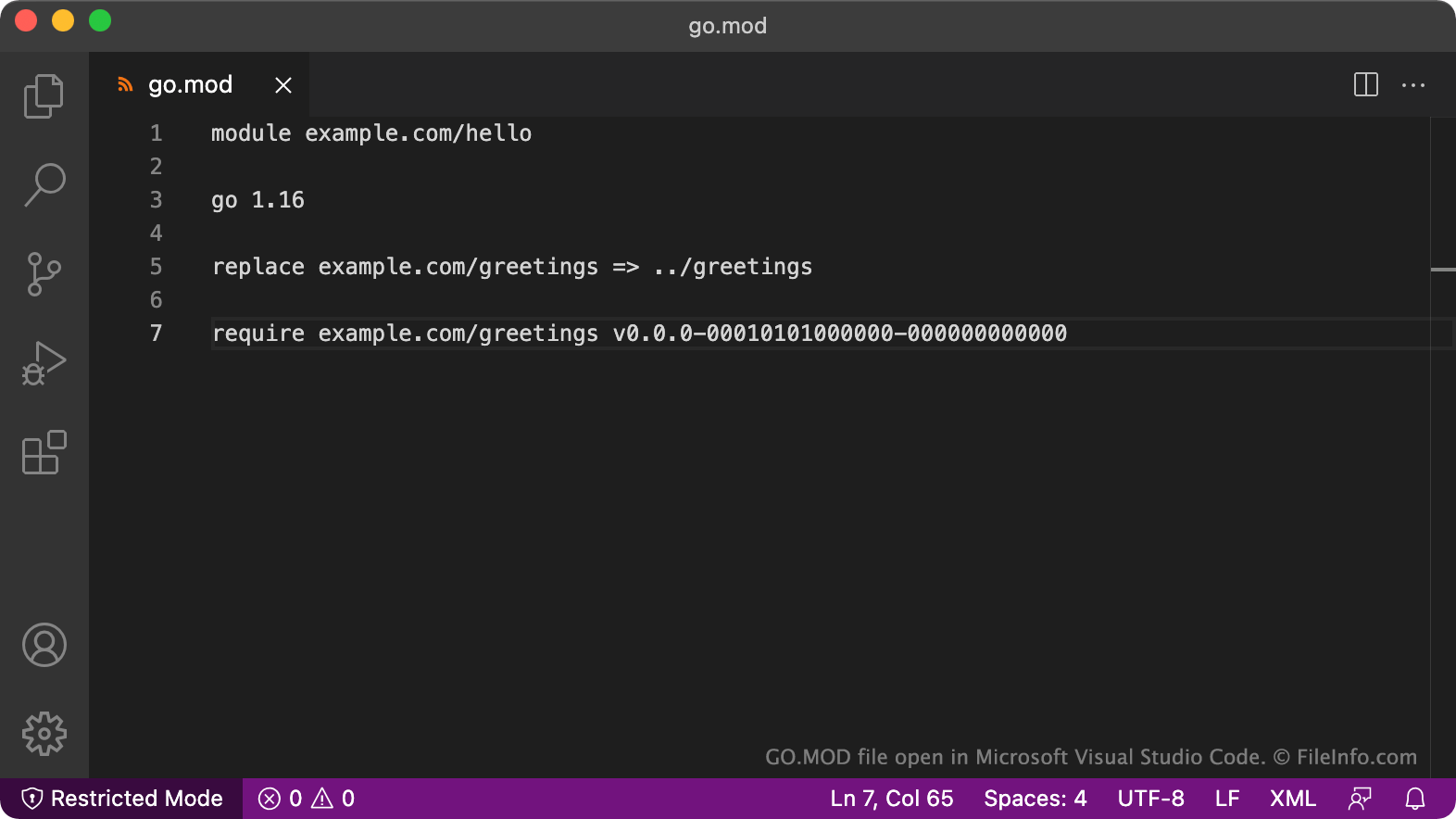
Go.mod is een bestand waarin de afhankelijkheden van een Go-module worden bijgehouden. Het bevat platte tekst waarin de naam van een module, vereisten voor de Go-versie en afhankelijke modules worden opgegeven. Elke Go-module is gekoppeld aan een bijbehorend go.mod-bestand.
Meer informatie
Go is een open-sourcetaal die oorspronkelijk bij Google is ontwikkeld. De taal lijkt op C, maar bevat extra functies. Go wordt soms ook Golang genoemd.
Modules zijn de belangrijkste bouwstenen van Go. Elke Go-module bevat een of meer functies die door andere modules kunnen worden aangeroepen. Om ervoor te zorgen dat de vereiste Go-versies en codeafhankelijkheden van elke module nauwkeurig worden bijgehouden, maakt Go voor elke module een go.mod-bestand. In het go.mod-bestand van elke module staan:
- De naam van de module, na de instructie module
- De vereiste Go-versie(s) van de module
- De modules waarvan de module afhankelijk is
Complexere modules kunnen aanvullende informatie bevatten in hun go.mod-bestanden. Ontwikkelaars kunnen bijvoorbeeld de opdracht exclude gebruiken om te voorkomen dat hun module een bepaalde versie van een afhankelijke module gebruikt, of de opdracht replace om een andere versie van een afhankelijke module te laden. Ontwikkelaars kunnen ook opmerkingen toevoegen door deze vooraf te laten gaan door //.
Een MOD-bestand openen
Je kunt go.mod openen in elke teksteditor of broncode-editor, zoals Microsoft Visual Studio Code (voor meerdere platforms). Je moet go.mod echter niet handmatig bewerken, omdat het bijbehorende Go-module daardoor mogelijk niet goed werkt.
Als je wijzigingen wilt aanbrengen in een go.mod-bestand, moet je dit doen met de opdracht go mod en bijbehorende subopdrachten, zoals go mod edit of go mod tidy.
Programma's die MOD-bestanden openen of ernaar verwijzen
Door camcorder opgenomen videobestand
| Ontwikkelaar | JVC |
| Populariteit |
2,6 | 19 stemmen |
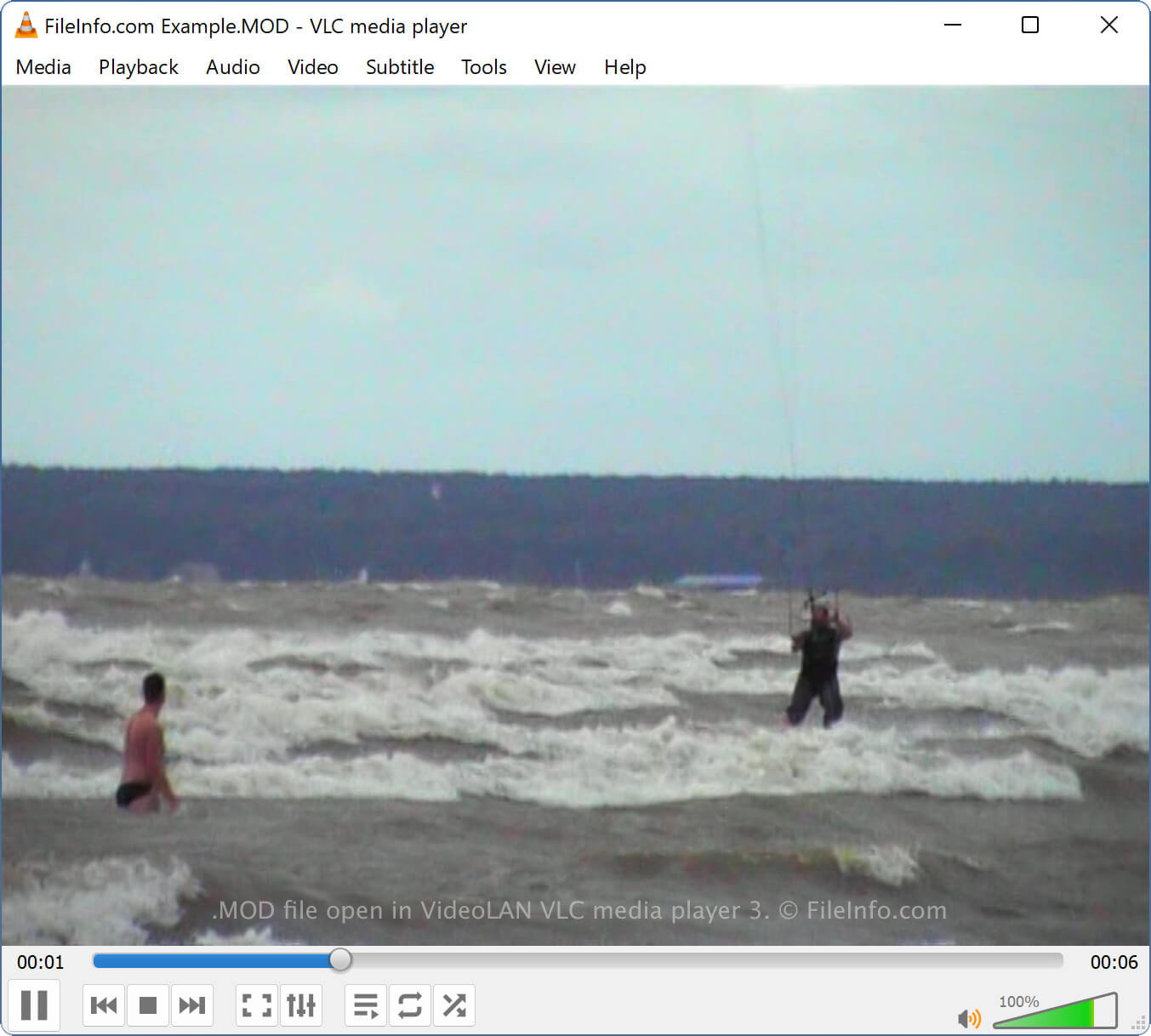
Een MOD-bestand is een videobestand dat is opgenomen met verschillende camcorders, waaronder JVC EVERIO GZ-MC100-, Canon FS- en Panasonic D-Snap-camcorders met SD-kaart. Het bevat videogegevens die zijn gecomprimeerd met MPEG-2-compressie en audiogegevens die zijn gecomprimeerd met MPEG-1 Audio Layer II-compressie.
Meer informatie
Omdat het MOD-videoformaat zeldzaam is, kom je waarschijnlijk alleen MOD-bestanden tegen als je een camcorder bezit die dergelijke bestanden maakt. Omdat de camcorders die MOD-bestanden maken niet meer worden geproduceerd, vind je mogelijk een oud MOD-bestand op je computer dat je jaren geleden hebt overgezet.
OPMERKING: JVC EVERIO MG130, MG7230 en MG630 maken ook MOD-videobestanden.
Een MOD-bestand openen
Je kunt MOD-videobestanden openen met verschillende mediaspelers, waaronder VideoLAN VLC media player (multimedia) en CyberLink PowerDirector (Windows).
Als je de camcorder hebt gekocht waarmee het MOD-bestand is opgenomen, kun je de video ook afspelen met de software die bij de digitale camcorder is geleverd.
Een MOD-bestand converteren
Verschillende mediaspelers, waaronder VideoLAN VLC media player en CyberLink PowerDirector, kunnen MOD-videobestanden converteren naar andere indelingen.
VLC media player kan MOD-bestanden bijvoorbeeld converteren naar de volgende indelingen:
Programma's die MOD-bestanden openen
V-pakketdefinitie
| Ontwikkelaar | Alex Medvednikov |
| Populariteit |
2,5 | 2 stemmen |
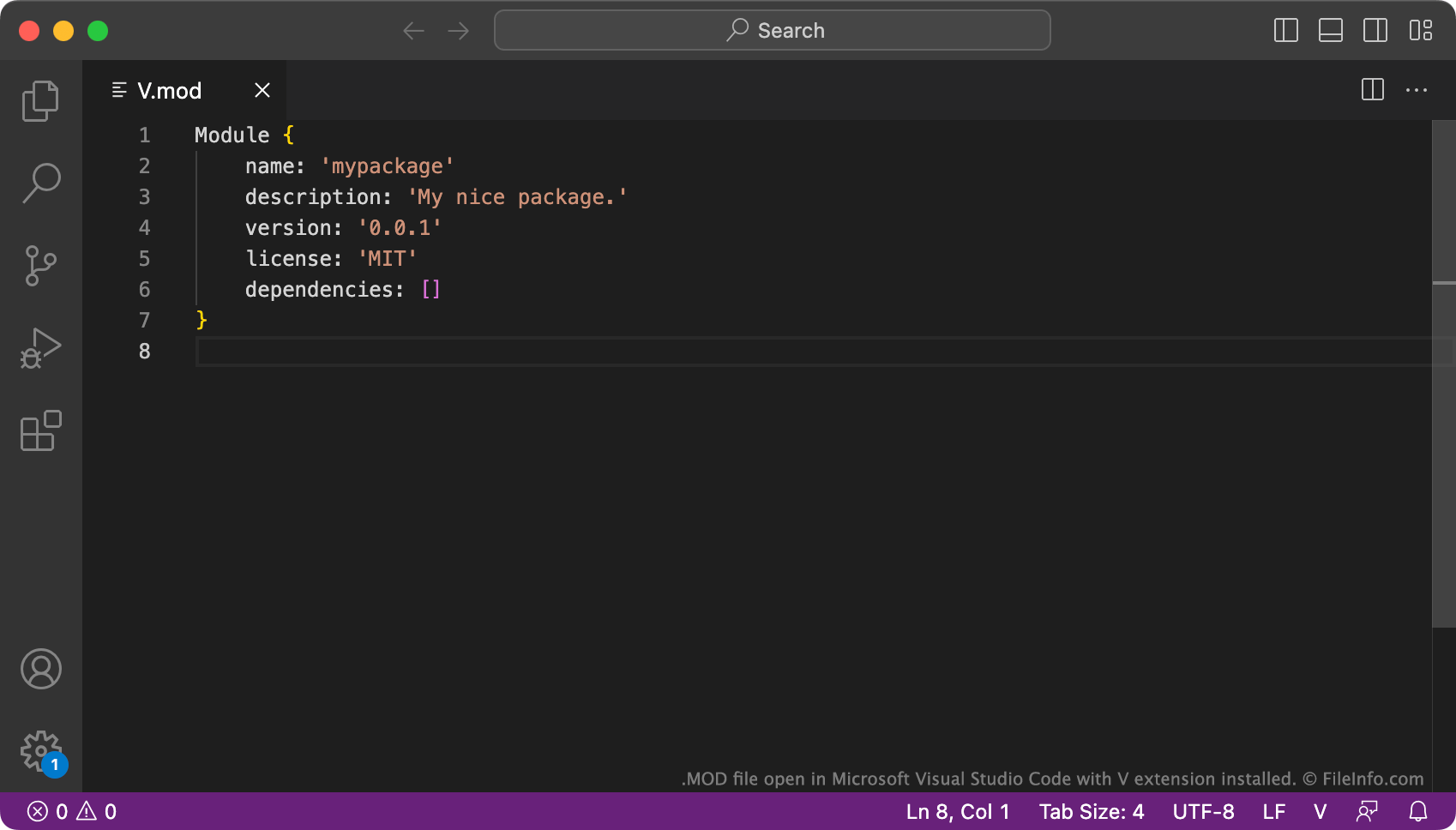
V.mod is een bestand met de definitie van een V-pakket. Het wordt opgeslagen in de map op het hoogste niveau van een V-pakket, samen met een of meer V-modules. V.mod bevat de naam, beschrijving, versie, licentie en afhankelijkheden van een pakket.
Meer informatie
V is een statisch getypeerde, gecompileerde programmeertaal die is ontwikkeld door Alex Medvednikov. De taal lijkt op de programmeertaal Go van Google. Met V kunnen ontwikkelaars functies groeperen in een module en modules groeperen in een pakket. Hierdoor kunnen ontwikkelaars snel alle functies in een pakket installeren, bijwerken en op andere manieren beheren.
Elk V-pakket is een map die een of meer modules en een v.mod-bestand bevat. Wanneer een ontwikkelaar de opdracht v new gebruikt om een nieuw V-pakket te maken, vraagt V de ontwikkelaar om enkele basisgegevens over dat pakket. Vervolgens slaat het die gegevens op in het bestand v.mod.
Veelvoorkomende .MOD-bestandsnamen
V.mod - De standaardnaam die wordt toegewezen aan bestanden met de definitie van een V-pakket.
Een MOD-bestand openen
Je kunt een bestand v.mod openen met Microsoft Visual Studio Code (voor meerdere platforms) of een andere teksteditor om de definitie van het V-pakket dat het bevat te bekijken.
Programma's die MOD-bestanden openen of ernaar verwijzen
Archicad-module
| Ontwikkelaar | GRAPHISOFT |
| Populariteit |
1,2 | 6 stemmen |
Een MOD-bestand is een module die is gemaakt door de architectuurontwerpsoftware GRAPHISOFT Archicad. Het is een vereenvoudigde versie van een .PLN-bestand, die alleen zichtbare lagen, ingesloten objecten en verwijzingen bevat die door opgenomen elementen worden gebruikt (.PLN-bestanden slaan meer informatie op en zijn groter). Archicad-gebruikers kunnen elementen die ze opnieuw willen gebruiken opslaan als module en de module vervolgens in andere projecten invoegen.
Meer informatie

Archicad is een applicatie voor building information modeling (BIM) waarmee je interieurs, exterieurs, landschappen en complete gebouwen kunt ontwerpen en visualiseren. De software biedt veel handige ontwerptools, waaronder modules die fungeren als hoofdsjablonen die je in projecten kunt "hotlinken" of insluiten.
Gehotlinkte modules zijn handig wanneer je elementen in verschillende projecten meerdere keren wilt herhalen. Je kunt een module als hotlinkmodule aan een project toevoegen. Als je wijzigingen in de module wilt aanbrengen, hoef je alleen de oorspronkelijke "bronmodule" in het MOD-bestand aan te passen (en Archicad voert de wijzigingen door in de gehotlinkte modules).
Als je bijvoorbeeld veel kamers of verdiepingen met hetzelfde ontwerp aan een hotel wilt toevoegen, kun je één kamer- of verdiepingsontwerp maken, dit opslaan als MOD-bestand, het invoegen in je hotelontwerp en het herhalen. Als je vervolgens wijzigingen in het kamer- of verdiepingsontwerp moet aanbrengen, hoef je alleen het oorspronkelijke MOD-bestand van het kamer- of verdiepingsontwerp aan te passen, in plaats van alle herhaalde kamers of verdiepingen.
Je kunt een module in een MOD-bestand ook samenvoegen met een project in plaats van deze als hotlinkmodule toe te voegen. Dit is handig wanneer je een module opnieuw wilt gebruiken in een project, maar deze niet in een ontwerp hoeft te herhalen. Zodra je de module echter hebt samengevoegd, is deze niet meer verbonden met het MOD-bestand.
Een MOD-bestand openen
Je kunt een MOD-bestand openen met GRAPHISOFT Archicad in Windows en macOS. Om een MOD-bestand te openen, selecteer je en selecteer je het MOD-bestand.