

.LDOC Bestandsextensie
CutOut-project
| Ontwikkelaar | FRANZIS |
| Populariteit |
2,0 | 1 stem |
Wat is een LDOC-bestand?
Een LDOC-bestand is een project dat is gemaakt met FRANZIS CutOut, een app voor het uitsnijden van objecten in afbeeldingen. Het bevat een afbeelding met lagen, maskers, tekst en andere bewerkingen die een CutOut-gebruiker op een project toepast.
Meer informatie
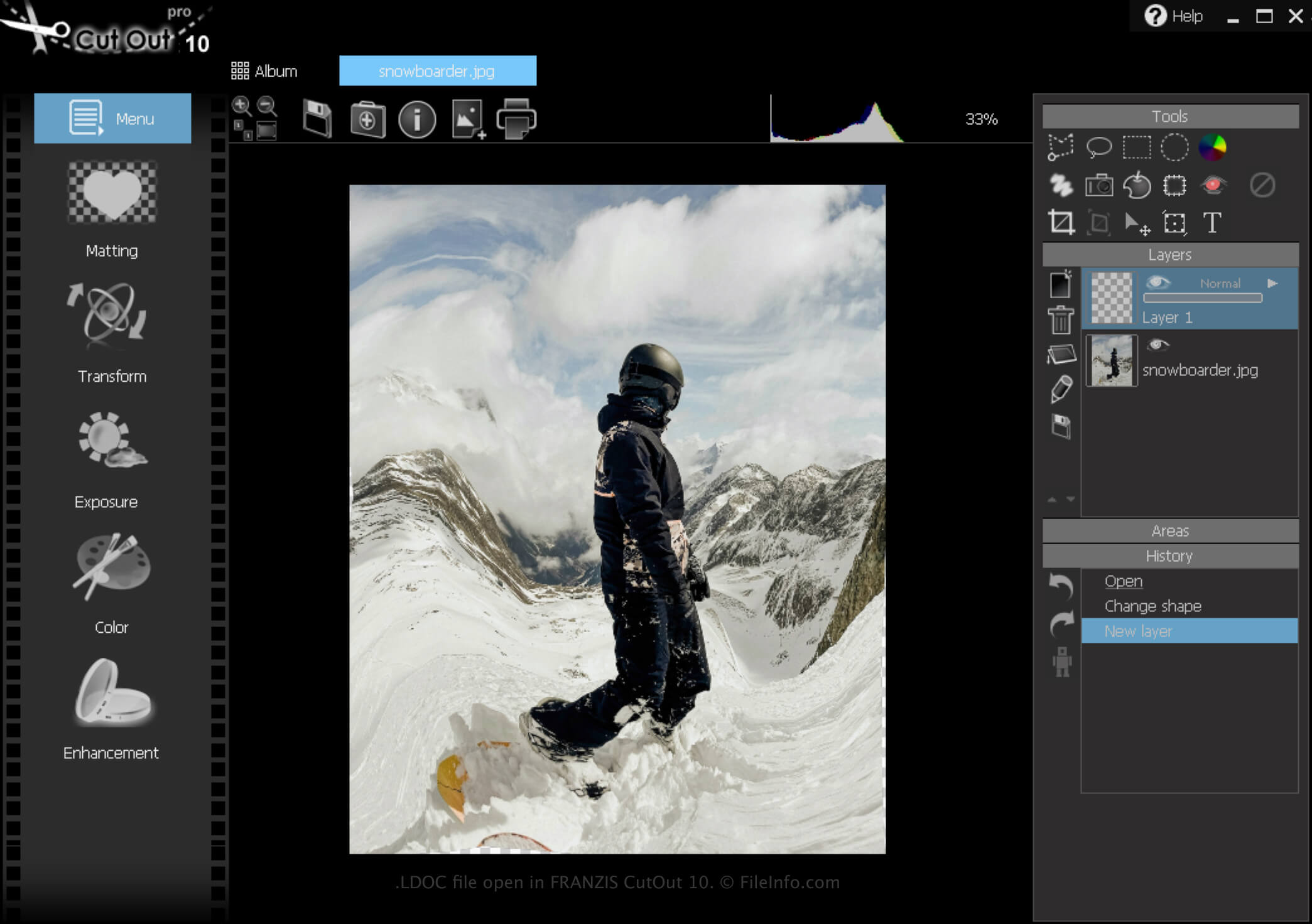
CutOut is een Windows-app die verschillende hulpmiddelen biedt voor het verwijderen van achtergronden uit afbeeldingen en het samenstellen van fotocollages. Daarnaast kun je met de software projecten opslaan, sluiten en later opnieuw openen om ze verder te bewerken.
Een LDOC-bestand maken
Zo maak je een LDOC-bestand met CutOut:
- Klik op het menupictogram
- Selecteer
- Kies "Projectbestand"
Nadat je klaar bent met het bewerken van je project, kun je het opslaan in een breed ondersteund afbeeldingsformaat, zoals .JPEG of .TIFF.
Een LDOC-bestand openen
Je kunt een LDOC-bestand in Windows openen met FRANZIS CutOut door op het menupictogram te klikken en vervolgens te selecteren.