

.LDOC Dateiendung
CutOut-Projekt
| Entwickler | FRANZIS |
| Beliebtheit |
2,0 | 1 Stimme |
Was ist eine LDOC-Datei?
Eine LDOC-Datei ist ein mit FRANZIS CutOut erstelltes Projekt, einer App zum Ausschneiden von Objekten aus Bildern. Sie speichert ein Bild mit Ebenen, Masken, Text und anderen Bearbeitungen, die ein CutOut-Benutzer auf ein Projekt anwendet.
Weitere Informationen
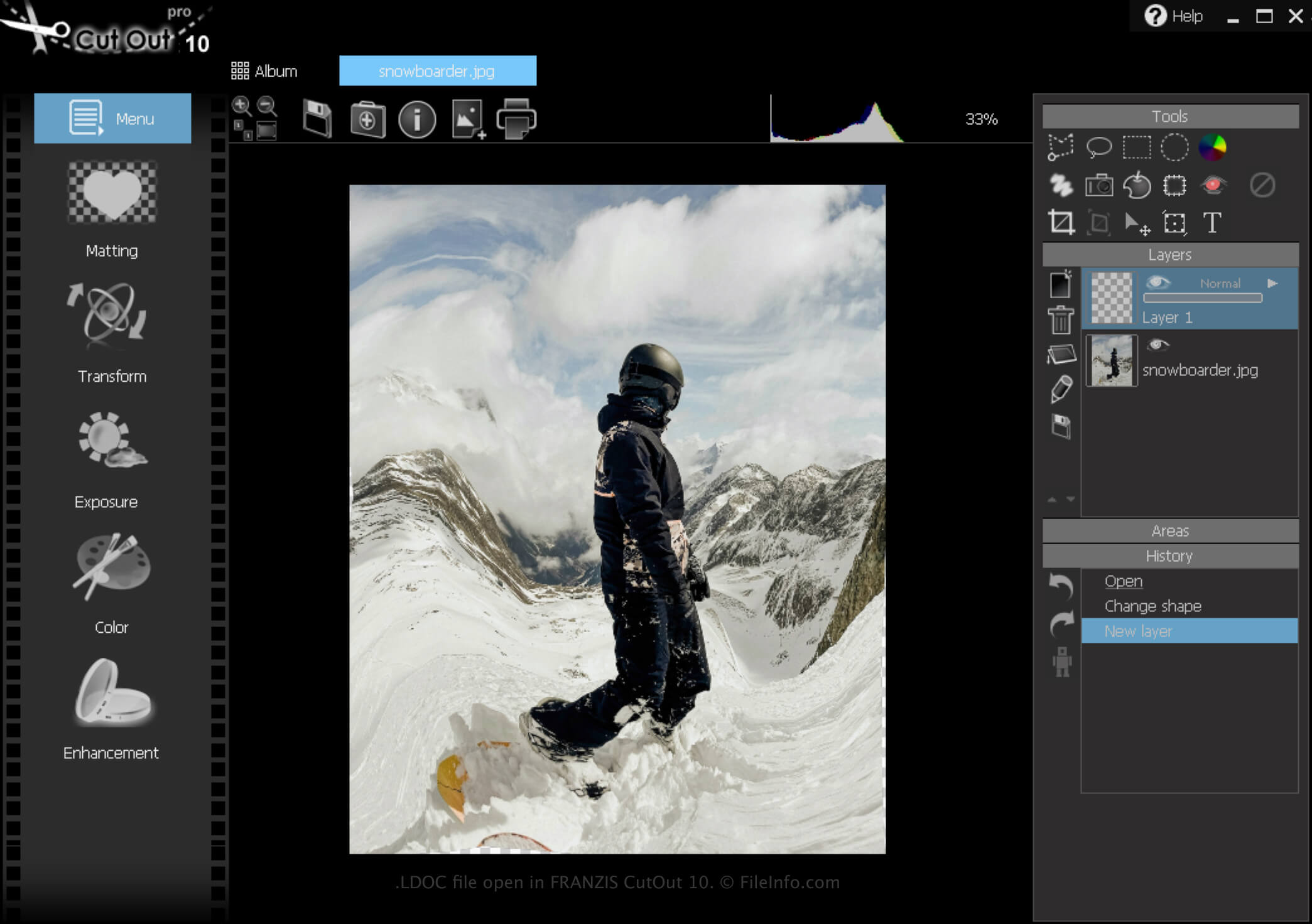
CutOut ist eine Windows-App, die verschiedene Werkzeuge zum Entfernen von Bildhintergründen und Erstellen von Fotocollagen bietet. Außerdem können Sie mit der Software Projekte speichern, schließen und anschließend zur weiteren Bearbeitung wieder öffnen.
So erstellen Sie eine LDOC-Datei
So erstellen Sie mit CutOut eine LDOC-Datei:
- Klicken Sie auf das Menüsymbol
- Wählen Sie
- Wählen Sie „Project file“
Nachdem Sie die Bearbeitung Ihres Projekts abgeschlossen haben, können Sie es in einem weit verbreiteten Bildformat speichern, z. B. als .JPEG oder .TIFF.
So öffnen Sie eine LDOC-Datei
Sie können eine LDOC-Datei mit FRANZIS CutOut unter Windows öffnen, indem Sie auf das Menüsymbol klicken und anschließend auswählen.