.LDOC ファイル拡張子

CutOut Project

開発元 FRANZIS
人気度
2.0  |  1 
 

LDOCファイルとは?

An LDOC file is a project created by FRANZIS CutOut, an app for cutting out objects in images. It stores an image with layers, masks, text, and other edits a CutOut user applies to a project.

詳細情報

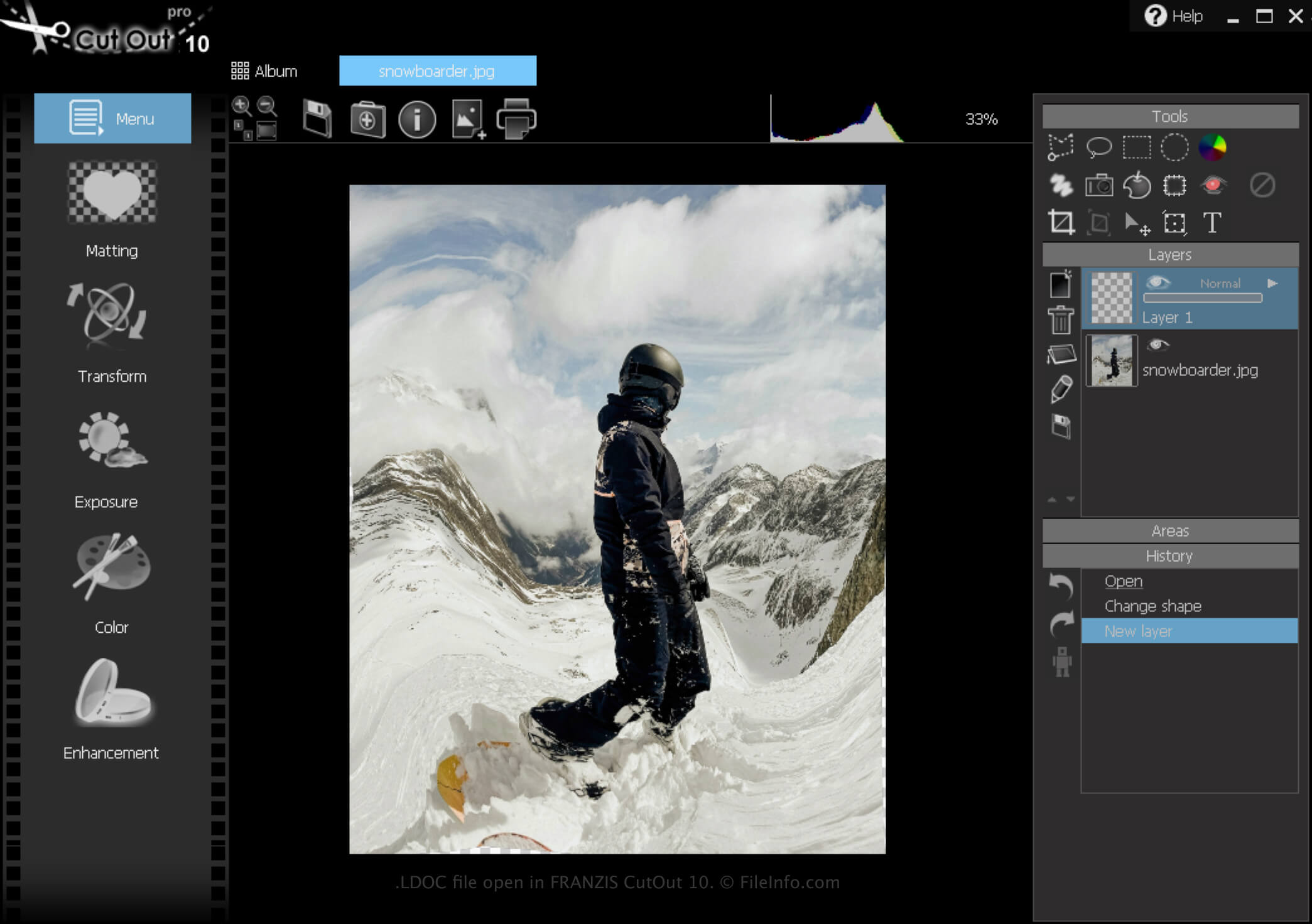
FRANZIS CutOut 10で開いた.ldocファイルのスクリーンショット
FRANZIS CutOut 10で開いたLDOCファイル

CutOut is a Windows app that provides various tools for removing images' backgrounds and composing photo collages. In addition, the software allows you to save projects, close them, then re-open them for further editing.

How to create an LDOC file

To create an LDOC file with CutOut:

  1. Click the Menu icon
  2. Select File → Save as...
  3. Choose "Project file"

After you finish editing your project, you can save it in a widely supported image format, such as .JPEG or .TIFF.

LDOCファイルの開き方

You can open an LDOC file with FRANZIS CutOut in Windows by clicking the Menu icon, then selecting Load project....

LDOCファイルの変換方法

CutOut can convert an LDOC file to the following image formats:

  • .JPG - JPEG Image
  • .PNG - Portable Network Graphic
  • .TIF - Tagged Image File Format
  • .GIF - Graphical Interchange Format
  • .BMP - Bitmap Image
  • .PCX - Paintbrush Bitmap Image
File Viewer Plusで400種類以上のファイル形式を開けます。無料ダウンロード

LDOCファイルを開くプログラム

Windows
無料体験版

検証者 FileInfo.com

FileInfo.comチーム は、このページに掲載されているCutOut Projectファイル形式とWindowsアプリについて独自に調査しました。 私たちの目標は100%の正確性であり、検証済みのファイルタイプに関する情報のみを公開しています。

このページへの追加や更新をご提案いただける場合は、お知らせください。