

.LDOC Estensione file
Progetto CutOut
| Sviluppatore | FRANZIS |
| Popolarità |
2,0 | 1 Voto |
Che cos'è un file LDOC?
Un file LDOC è un progetto creato da FRANZIS CutOut, un'app per ritagliare oggetti nelle immagini. Memorizza un'immagine con livelli, maschere, testo e altre modifiche applicate dall'utente di CutOut a un progetto.
Maggiori informazioni
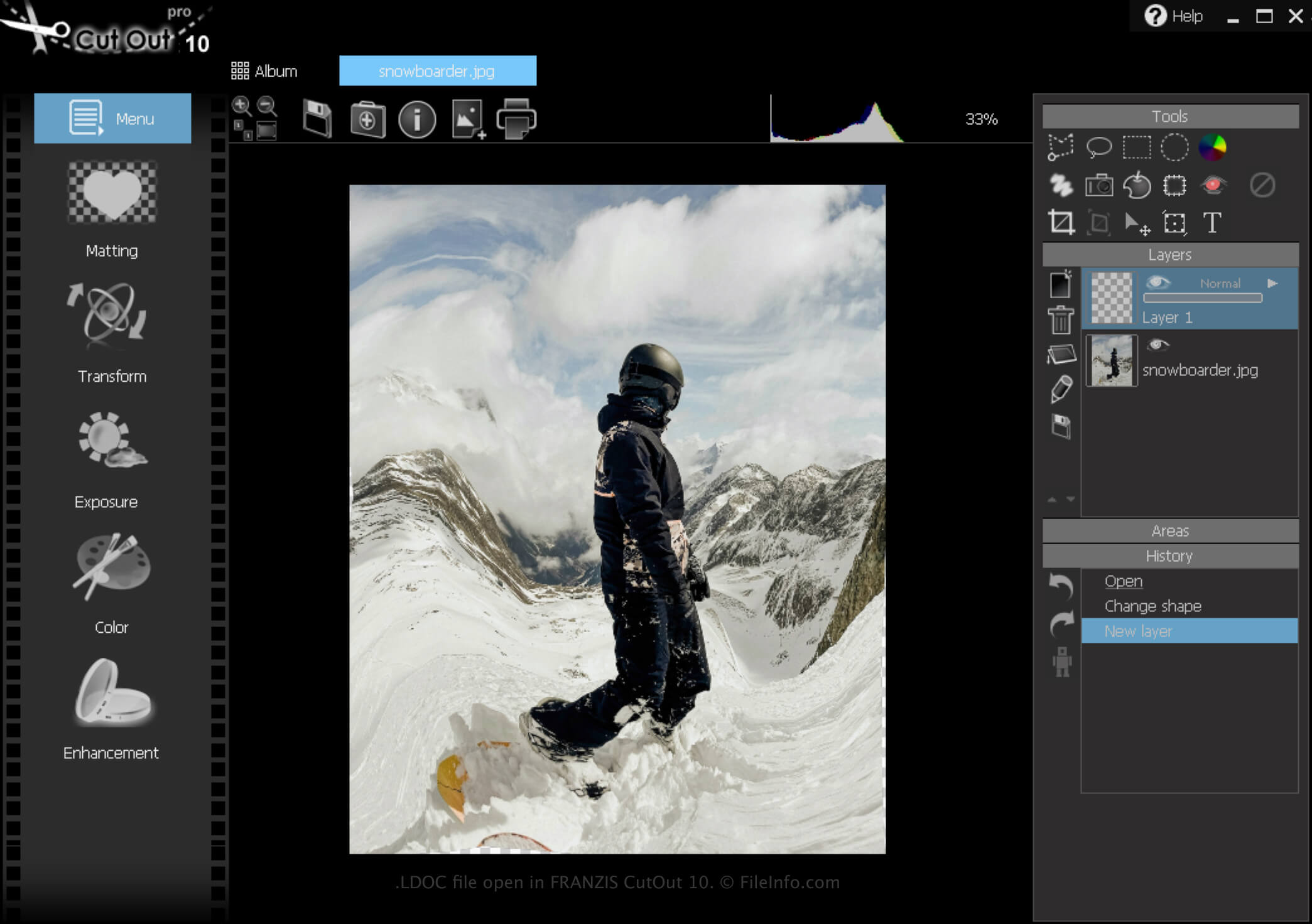
CutOut è un'app per Windows che offre vari strumenti per rimuovere gli sfondi dalle immagini e creare collage fotografici. Inoltre, il software permette di salvare i progetti, chiuderli e poi riaprirli per continuare a modificarli.
Come creare un file LDOC
Per creare un file LDOC con CutOut:
- Fai clic sull'icona Menu
- Seleziona
- Scegli "Project file"
Al termine della modifica del progetto, puoi salvarlo in un formato immagine ampiamente supportato, come .JPEG o .TIFF.
Come aprire un file LDOC
Puoi aprire un file LDOC con FRANZIS CutOut in Windows facendo clic sull'icona Menu e selezionando .
Come convertire un file LDOC
Programmi che aprono i file LDOC
Windows
Prova gratuita