.LDOC 文件扩展名

CutOut Project

开发者 FRANZIS
受欢迎程度
2.0  |  1 
 

什么是 LDOC 文件?

An LDOC file is a project created by FRANZIS CutOut, an app for cutting out objects in images. It stores an image with layers, masks, text, and other edits a CutOut user applies to a project.

更多信息

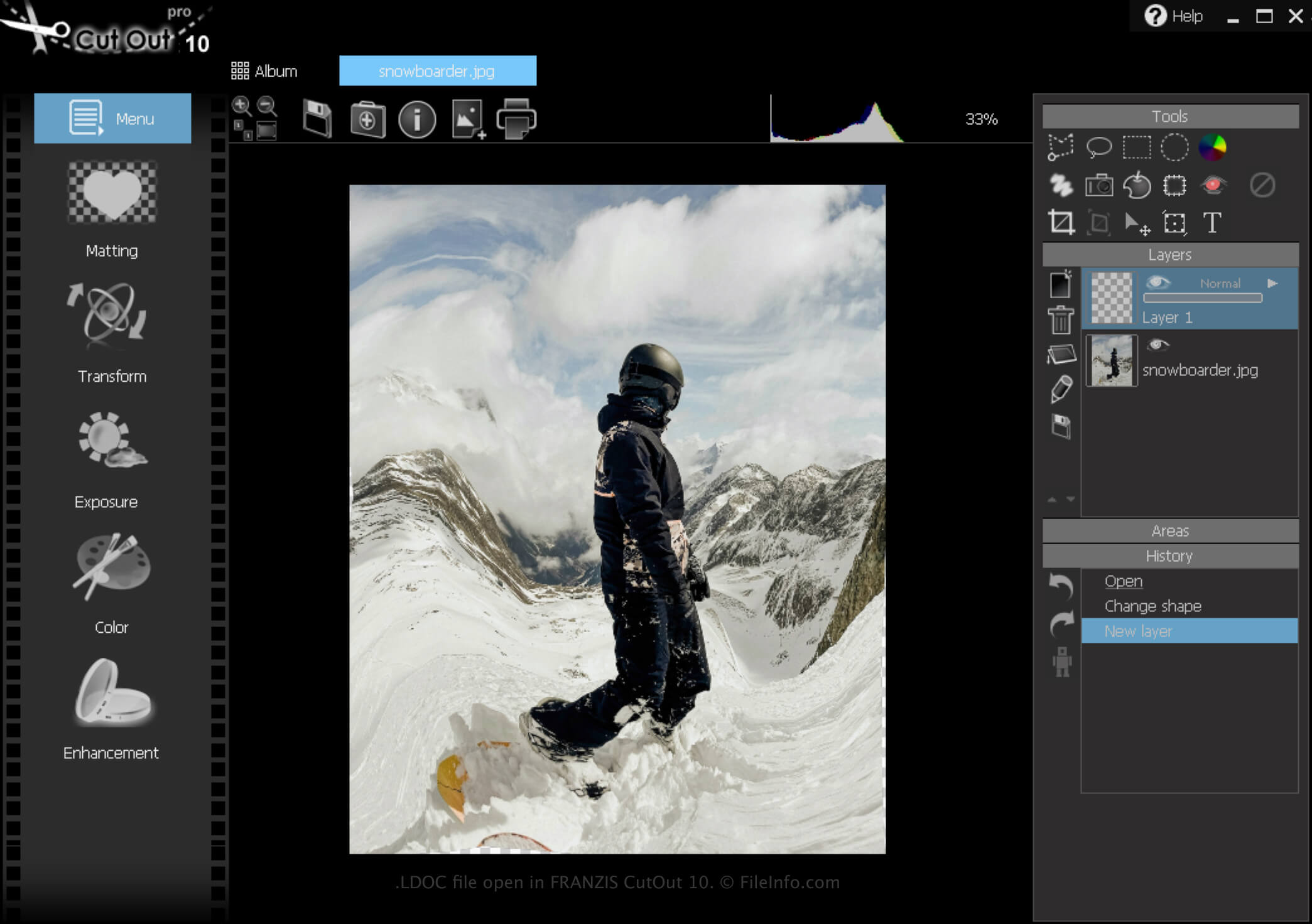
在 FRANZIS CutOut 10 中打开的 .ldoc 文件截图
在 FRANZIS CutOut 10 中打开的 LDOC 文件

CutOut is a Windows app that provides various tools for removing images' backgrounds and composing photo collages. In addition, the software allows you to save projects, close them, then re-open them for further editing.

How to create an LDOC file

To create an LDOC file with CutOut:

  1. Click the Menu icon
  2. Select File → Save as...
  3. Choose "Project file"

After you finish editing your project, you can save it in a widely supported image format, such as .JPEG or .TIFF.

如何打开 LDOC 文件

You can open an LDOC file with FRANZIS CutOut in Windows by clicking the Menu icon, then selecting Load project....

如何转换 LDOC 文件

CutOut can convert an LDOC file to the following image formats:

  • .JPG - JPEG Image
  • .PNG - Portable Network Graphic
  • .TIF - Tagged Image File Format
  • .GIF - Graphical Interchange Format
  • .BMP - Bitmap Image
  • .PCX - Paintbrush Bitmap Image
使用File Viewer Plus打开 400 多种文件格式。免费下载

可打开 LDOC 文件的程序

Windows
免费试用

验证者 FileInfo.com

FileInfo.com 团队 独立研究了本页面列出的 CutOut Project 文件格式和 Windows 应用。 我们的目标是达到 100% 的准确率,并且仅发布我们已验证过的文件类型信息。

如果您想为此页面提出新增或更新建议,请告诉我们