

.LDOC Extension de fichier
Projet CutOut
| Développeur | FRANZIS |
| Popularité |
2,0 | 1 Vote |
Qu'est-ce qu'un fichier LDOC ?
Un fichier LDOC est un projet créé par FRANZIS CutOut, une application permettant de détourer des objets dans des images. Il stocke une image avec des calques, des masques, du texte et d'autres modifications appliquées à un projet par un utilisateur de CutOut.
Plus d'informations
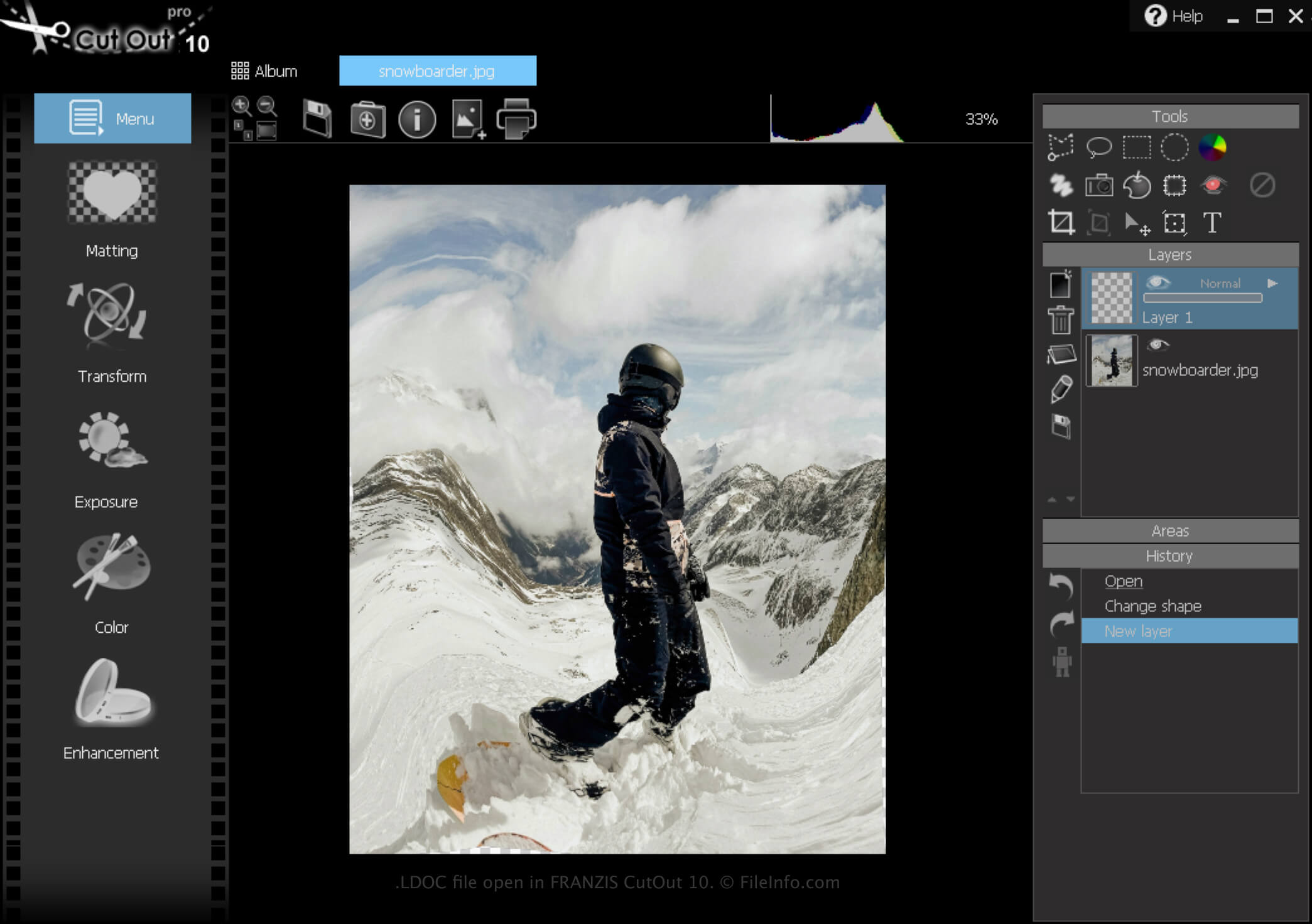
CutOut est une application Windows qui fournit divers outils pour supprimer l'arrière-plan des images et composer des collages de photos. En outre, le logiciel permet d'enregistrer des projets, de les fermer, puis de les rouvrir pour poursuivre leur modification.
Comment créer un fichier LDOC
Pour créer un fichier LDOC avec CutOut :
- Cliquez sur l'icône Menu
- Sélectionnez
- Choisissez « Project file »
Une fois la modification de votre projet terminée, vous pouvez l'enregistrer dans un format d'image largement pris en charge, tel que .JPEG ou .TIFF.
Comment ouvrir un fichier LDOC
Vous pouvez ouvrir un fichier LDOC avec FRANZIS CutOut sous Windows en cliquant sur l'icône Menu, puis en sélectionnant .