

.COLORS Bestandsextensie
Painter-kleurenset
| Ontwikkelaar | Corel |
| Populariteit |
4,0 | 4 stemmen |
Wat is een COLORS-bestand?
Een COLORS-bestand is een kleurenset die is gemaakt en wordt gebruikt door Corel Painter, een toepassing voor digitaal schilderen. Het bevat een set kleuren die een gebruiker handmatig heeft gegroepeerd of uit een afbeelding of laag heeft gemaakt. Door een kleurenset op te slaan als COLORS-bestand kunnen kunstenaars die kleurenset in andere projecten importeren en gebruiken.
Meer informatie
Kunstenaars kunnen het deelvenster Color Set Libraries van Corel Painter gebruiken om veel kleuren samen te voegen in een kleurenset. Een kunstenaar die bijvoorbeeld meerdere kunstwerken maakt die door hetzelfde bedrijf worden gebruikt, wil misschien de merkkleuren van dat bedrijf samenvoegen in een kleurenset. Vervolgens kan de kunstenaar tijdens het schilderen, tekenen of toevoegen van tekst en vormelementen snel de juiste, door het bedrijf goedgekeurde kleur(en) uit de kleurenset kiezen.
Als een kunstenaar weet dat die een gemaakte kleurenset in de toekomst opnieuw zal gebruiken, kan die de kleurenset opslaan als COLORS-bestand. Vervolgens kan de kunstenaar de kleurenset importeren en er snel kleuren uit selecteren bij het werken aan toekomstige projecten.
Hoe sla ik een kleurenset van Corel Painter op?
Een kleurenset opslaan als COLORS-bestand:
- Selecteer in Painter's Palette Drawer het deelvenster Color Set Libraries.
- Selecteer de hamburgermenuknop die naast het deelvenster Color Set Libraries wordt weergegeven.
- Selecteer .
- Volg de aanwijzingen om je kleurenset een naam te geven en als COLORS-bestand op te slaan.
Een COLORS-bestand openen
Je kunt de kleurenset in een COLORS-bestand importeren in Corel Painter (Windows, Mac). Dit doe je als volgt:
- Selecteer in Painter's Palette Drawer het deelvenster Color Set Libraries.
- Selecteer de hamburgermenuknop die naast het deelvenster Color Set Libraries wordt weergegeven.
- Selecteer .
- Blader naar je COLORS-bestand en open het.
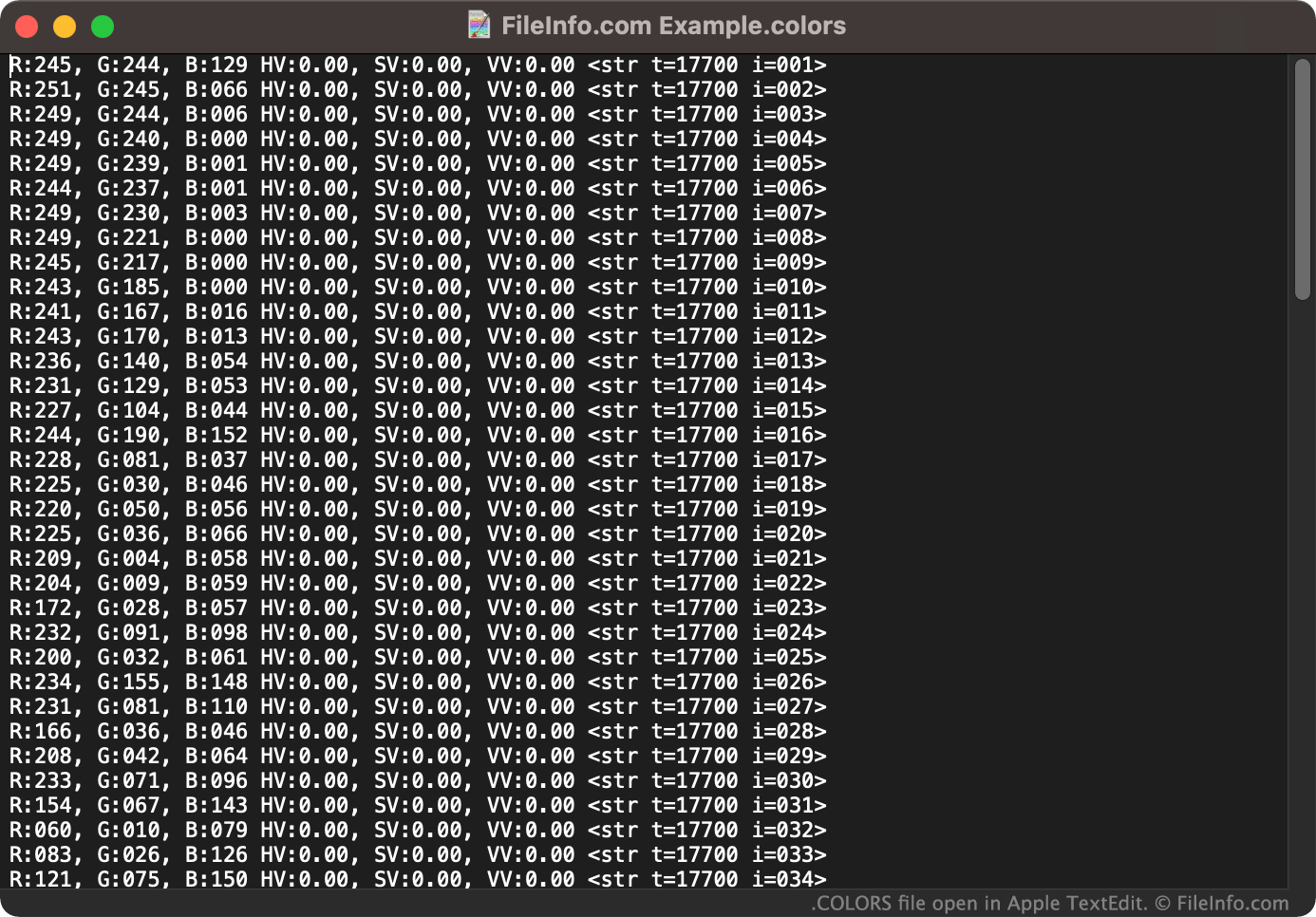
Indien nodig kun je een COLORS-bestand ook als tekstdocument openen in een teksteditor, zoals Microsoft Notepad (Windows) of Apple TextEdit (Mac). Zo kun je de RGB-waarden bekijken die horen bij de kleurenset in je COLORS-bestand. (Je wilt je COLORS-bestand bijvoorbeeld in een teksteditor openen als je geen toegang hebt tot Corel Painter en moet zien welke kleuren het bestand bevat.)