.SIM 파일 확장자

Steam Game Backup Information File

개발사 Valve
인기도
3.9  |  36 투표
 

SIM 파일이란 무엇인가요?

Backup information file used by Steam's backup service, which allows users to backup and restore games using DVDs or other external media; contains settings and other information for the backup, along with a corresponding .SIS file.

추가 정보

SIM files are used to restore a backup from .SID game data files.

File Viewer Plus(으)로 400개 이상의 파일 형식을 여세요.무료 다운로드

SIM 파일을 열거나 참조하는 프로그램

Windows
카테고리: 백업
업데이트: 2010-04-26

SAP Tutor File

개발사 SAP
인기도
3.1  |  21 투표
 

Tutorial created by SAP Tutor, a program used to record, edit, and play interactive self-learning units; contains a lesson, which may include screenshot images, text instructions, and assessment questions; used to train employees how to operate software programs.

추가 정보

SIM files may be played back using the SAP Tutor Player, which is bundled with the SAP Tutor package or available as a standalone program.

참고: The size of SIM files may vary depending on how many screenshot images are included in the tutorial.

SIM 파일을 여는 프로그램

Windows
SAP Tutor
카테고리: 데이터
업데이트: 2010-04-02

SimLab Composer Scene

개발사 Simulation Lab Software
인기도
4.3  |  3 투표
 

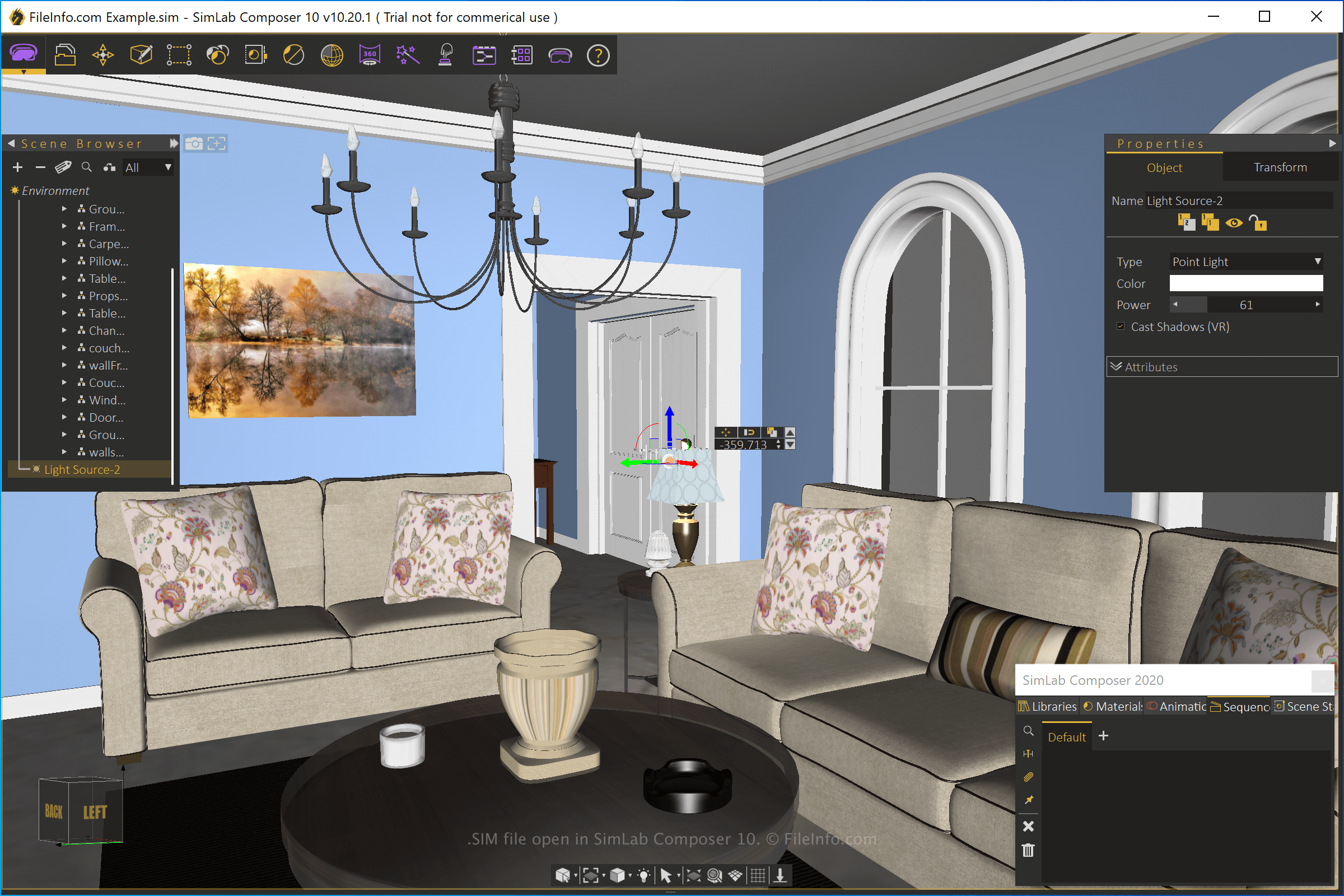
A SIM file contains a 3D scene created by SimLab Composer, a 3D modeling, animation, and rendering application. It stores one or more objects and the surrounding 3D environment. SIM files may also include animations, materials, lighting effects, and annotations.

추가 정보

SimLab Composer 10에서 열린 .sim 파일의 스크린샷
SimLab Composer 10에서 열린 SIM 파일

SimLab Composer comes with various capabilities, including support for different types of models, 3D rendering, building VR scenes, and creating interactive VR training sessions. When saving a scene with SimLab Composer, the application creates a SIM file, which is the native SimLab Composer scene format.

To create a SIM file with SimLab Composer, select File → New, modify the scene, then select File → Save or Save As. After saving the file, you can close it, re-open it, then continue editing the scene in the file.

You can also export SimLab SIM scenes to other formats, such as .STL, .3DS, .DWF, .DWG, .OBJ, .DXF, .DAE, .3MF, .U3D, .USDZ, and .PDF. To export a SIM file with SimLab Composer, select File → Export.

SIM 파일을 여는 방법

You can only open SIM 3D scene files with SimLab Composer (Windows and macOS). To open the file, select File → Open.

SIM 파일을 여는 프로그램

Windows
무료 체험판
Mac
무료 체험판
카테고리: CAD
업데이트: 2021-07-27

Aurora Image

개발사 해당 없음
인기도
2.6  |  8 투표
 

A SIM file is a raster image saved in the Aurora image format. The Aurora format is obsolete and no longer used. Therefore, SIM files are quite uncommon, and most image viewers cannot open them.

SIM 파일을 여는 방법

You can open a SIM file with XnViewMP (multiplatform). To do so, select File → Open.. from the program's menu bar. Then, navigate to and open your SIM file.

SIM 파일을 변환하는 방법

You can use XnViewMP to convert a SIM file to other image formats, including:

  • .JPG - JPEG Image
  • .GIF - Graphical Interchange Format
  • .PNG - Portable Network Graphic
  • .TIFF - Tagged Image File Format
  • .BMP - Bitmap Image
  • .PCX - Paintbrush Bitmap Image
  • .TGA - Targa Graphic
  • .JP2 - JPEG 2000 Core Image
  • .JXR - JPEG XR Image
  • .WEBP - WebP Image

SIM 파일을 여는 프로그램

Windows
무료
Mac
무료
Linux
무료

The Sims 3 Sim File

개발사 Electronic Arts
인기도
2.6  |  5 투표
 

A SIM file contains a "Sim", which is a virtual person created for The Sims 3, an open-ended life simulation game. It stores information about a pre-made or custom Sim person, which includes his or her personality and appearance. SIM files are typically used for sharing with other users and for backing up Sims persons.

추가 정보

The .SIM file is one of three main file types, along with .PACKAGE and .SIMS3PACK, used in The Sims 3 to contain custom content. SIM files are typically compressed in a .ZIP or .RAR file and need to be decompressed before being installed. There are many programs available to extract archives, such as Apple Archive Utility, Corel WinZip, and PeaZip. After you extract the SIM file from the ZIP or RAR file using a decompression program, place the file in the following directory:

  • Windows XP: C:\​Documents and Settings\​[username]\​My Documents\​Electronic Arts\​The Sims 3\​SavedSims
  • Windows Vista/7/8/10: C:\​Users\​[username]\​Documents\​Electronic Arts\​The Sims 3\​SavedSims
  • macOS: /​Users/​[username]/​Documents/​Electronic Arts/​The Sims 3/​SavedSims

참고: If there is no "SavedSims" folder, you can create one.

SIM 파일을 여는 프로그램

카테고리: 데이터
업데이트: 2018-09-12

LogikSim Simulation File

개발사 N/A
인기도
2.0  |  1 투표
 

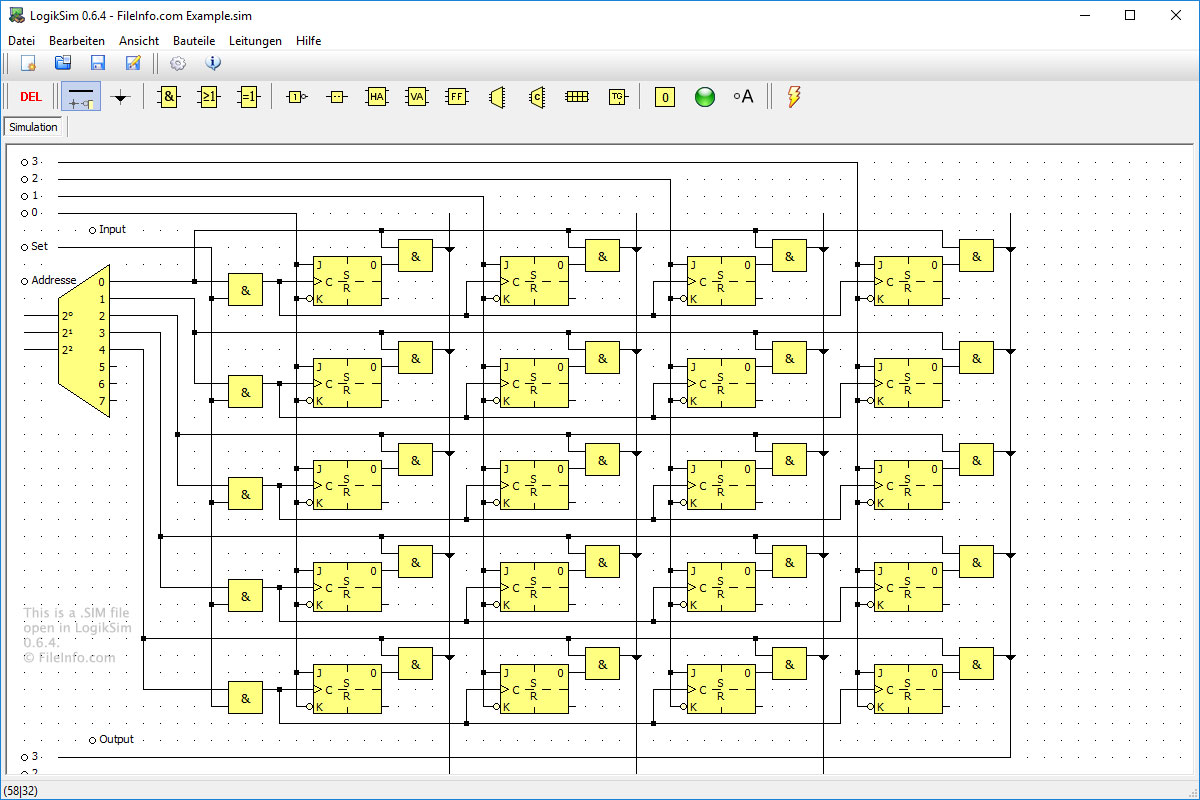
A SIM file contains a circuit simulation created by LogikSim, an open-source program used to test and design logic circuits. It stores a circuit design, which includes wire connection points and various components.

추가 정보

LogikSim 0.6.4에서 열린 .sim 파일의 스크린샷
LogikSim 0.6.4에서 열린 SIM 파일

SIM files are created and opened using LogikSim. The files are used to store all types of circuits, such as simple AND gates or complex computing systems. There is no other program that supports LogikSim SIM file type. But LogikSim is available to download for free.

참고: LogikSim is typically used by high school and college students to learn about circuits and how they work.

SIM 파일을 여는 프로그램

Windows
무료
카테고리: 데이터
업데이트: 2019-01-15

Stagecast Creator Simulation

개발사 Stagecast Software
인기도
2.0  |  1 투표
 

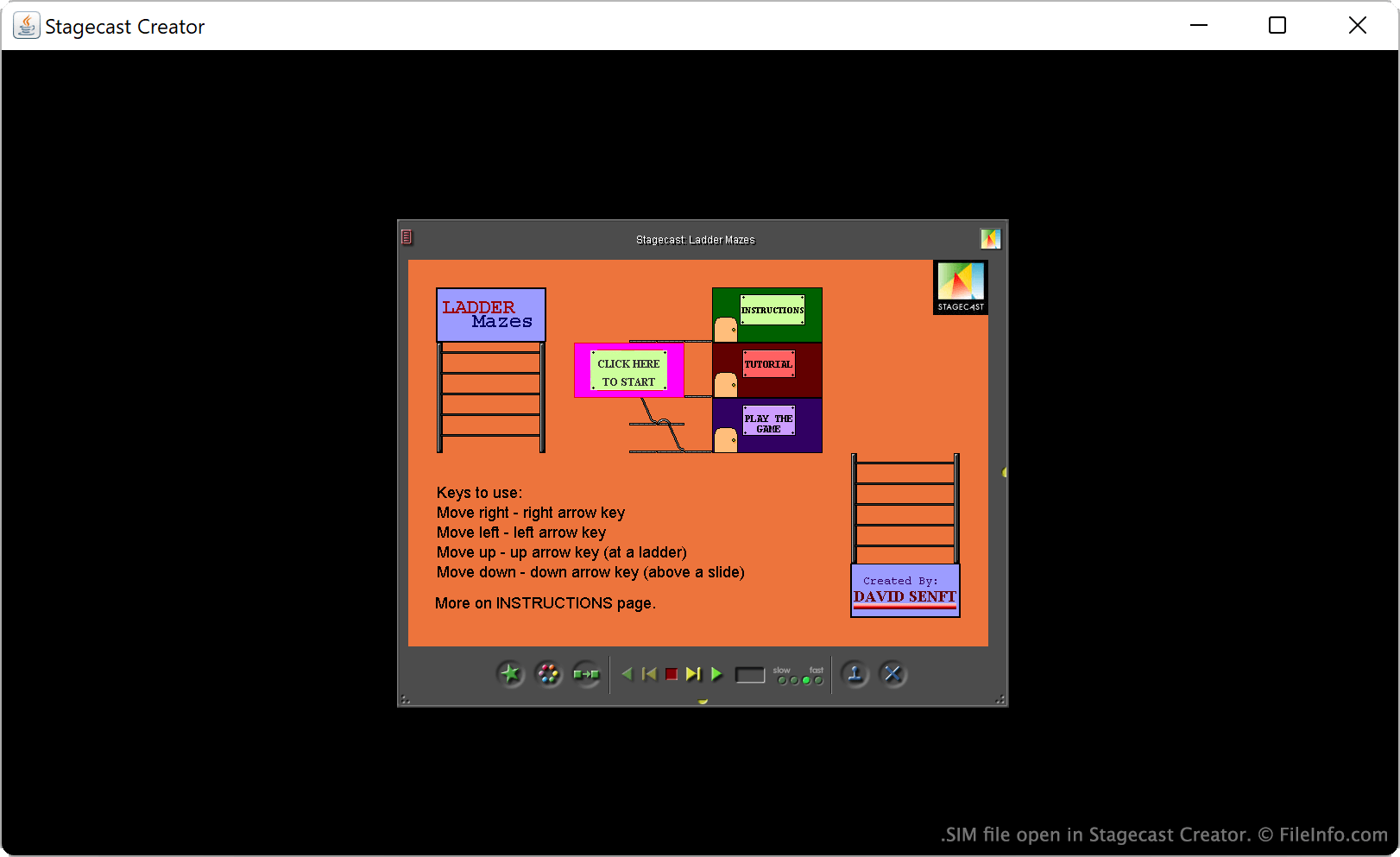
A SIM file is a simulation or video game created by Stagecast Creator, a discontinued visual programming app. It contains all the scripts and assets, such as images or sounds, needed to run the simulation or game. Those who want to edit the simulation or game a SIM file contains must open it with Stagecast Creator. Those who just want to run the simulation or game a SIM file contains can open it with Stagecast Player.

추가 정보

Stagecast Creator에서 열린 .sim 파일의 스크린샷
Stagecast Creator에서 열린 SIM 파일

Stagecast Creator was a multiplatform app used primarily to teach children how to program. In Creator, novice programmers could create animated stories, games, and simulations. These programs were saved as SIM files.

SIM files are re-named .ZIP files, which store all the constituent files necessary to run a program. Those constituent files may be compiled scripts, image assets, audio assets, or other program resources. Notably, the files a SIM file contains do not use file extensions, and most of them are named either iMP### or MP###. Thus, determining exactly which file contains what asset can be difficult and time-consuming.

SIM 파일을 여는 방법

You can open a SIM file with Stagecast Creator or Stagecast Player. Opening a SIM file with Stagecast Creator allows you to both play and edit the simulation or game the file contains. Opening a SIM file with Stagecast Players allows you only to play the simulation or game the file contains.

To open a SIM file with Stagecast Creator, start the program and select open a sim. Then, navigate to and open your SIM file.

If you want to extract the assets a SIM file contains, you can do so by renaming it to use the .zip extension (instead of .sim) and then opening it as you would any ZIP file.

SIM 파일을 여는 프로그램

All Platforms
Rename .sim to .zip; open with any Zip-decompression utility
Windows
무료 체험판
Mac
무료 체험판
Linux
무료 체험판
카테고리: 개발자
업데이트: 2023-07-17

검증자 FileInfo.com

FileInfo.com 팀 이 페이지에 나열된 모든 파일 형식과 소프트웨어 프로그램을 독자적으로 조사했습니다. 저희의 목표는 100% 정확성이며, 검증한 파일 유형에 대한 정보만 게시합니다.

이 페이지에 추가하거나 업데이트할 내용을 제안하고 싶으시면 알려 주세요.