

.SIM Bestandsextensie
SimLab Composer-scène
| Ontwikkelaar | Simulation Lab Software |
| Populariteit |
4,3 | 3 stemmen |
Een SIM-bestand bevat een 3D-scène die is gemaakt met SimLab Composer, een toepassing voor 3D-modellering, animatie en rendering. Het bestand bevat een of meer objecten en de omringende 3D-omgeving. SIM-bestanden kunnen ook animaties, materialen, lichteffecten en annotaties bevatten.
Meer informatie
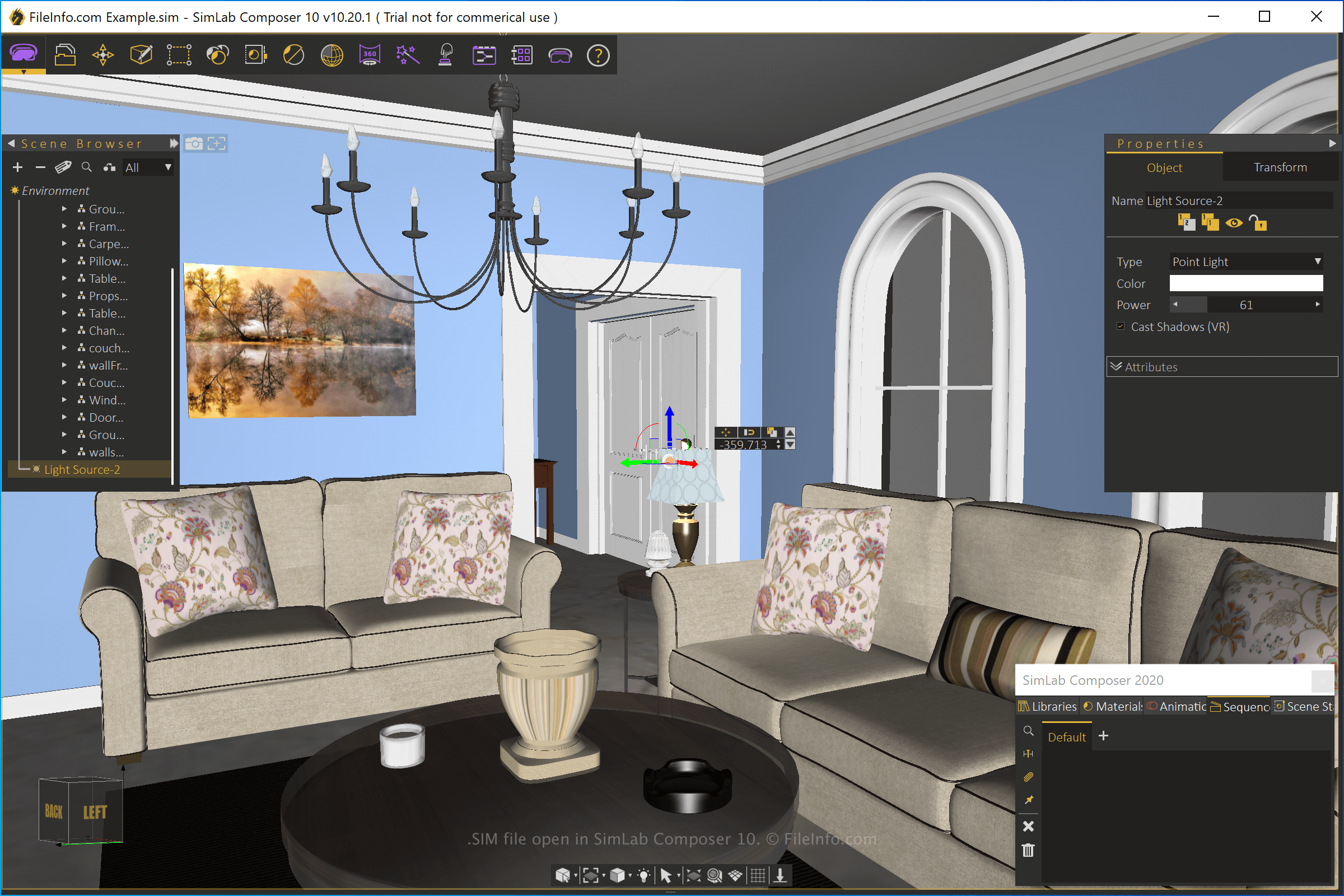
SimLab Composer beschikt over verschillende mogelijkheden, waaronder ondersteuning voor verschillende typen modellen, 3D-rendering, het bouwen van VR-scènes en het maken van interactieve VR-trainingssessies. Wanneer je een scène opslaat met SimLab Composer, maakt de toepassing een SIM-bestand. Dit is de oorspronkelijke scènebestandsindeling van SimLab Composer.
Als je een SIM-bestand wilt maken met SimLab Composer, selecteer je , pas je de scène aan en selecteer je vervolgens of . Nadat je het bestand hebt opgeslagen, kun je het sluiten, opnieuw openen en vervolgens doorgaan met het bewerken van de scène in het bestand.
Je kunt SimLab SIM-scènes ook exporteren naar andere indelingen, zoals .STL, .3DS, .DWF, .DWG, .OBJ, .DXF, .DAE, .3MF, .U3D, .USDZ en .PDF. Als je een SIM-bestand wilt exporteren met SimLab Composer, selecteer je .
Een SIM-bestand openen
Je kunt SIM-3D-scènebestanden alleen openen met SimLab Composer (Windows en macOS). Als je het bestand wilt openen, selecteer je .
Programma's die SIM-bestanden openen
LogikSim-simulatiebestand
| Ontwikkelaar | N/A |
| Populariteit |
2,0 | 1 stem |
Een SIM-bestand bevat een circuitsimulatie die is gemaakt met LogikSim, een opensourceprogramma dat wordt gebruikt om logische schakelingen te testen en te ontwerpen. Het bestand slaat een circuitontwerp op, met daarin aansluitpunten voor draden en verschillende componenten.
Meer informatie
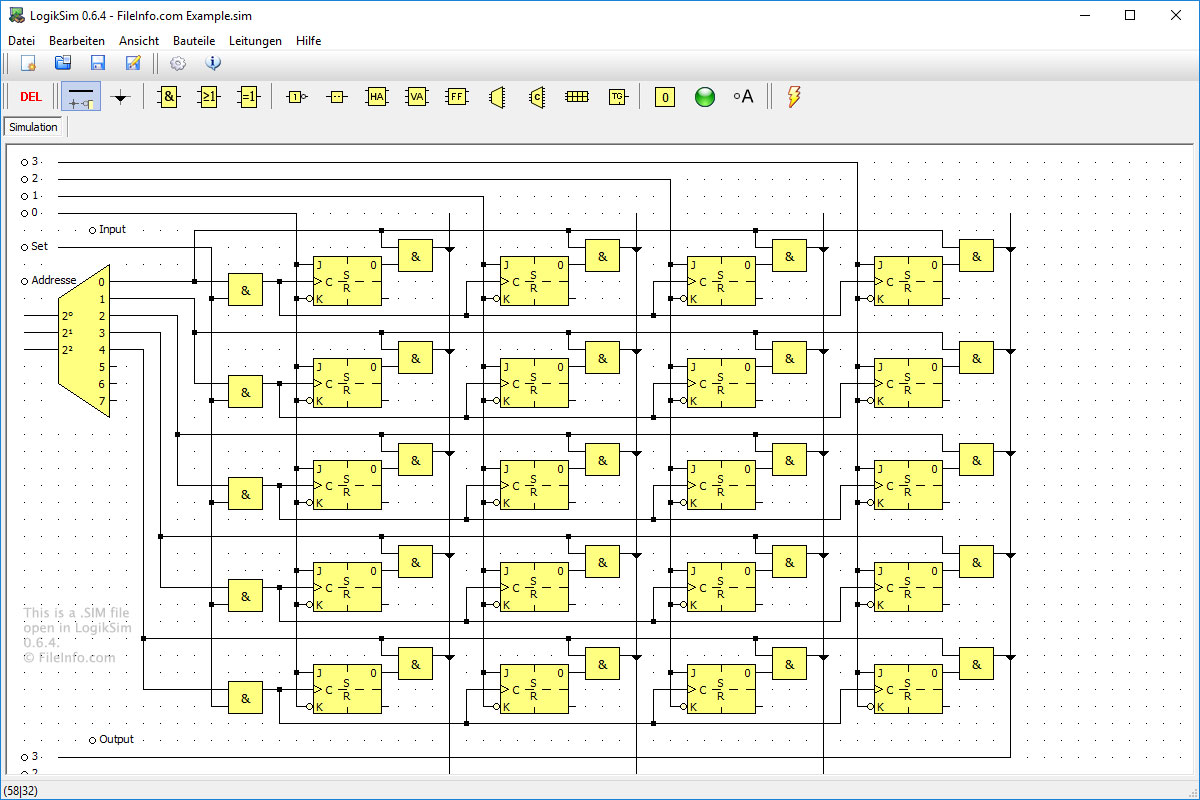
SIM-bestanden worden gemaakt en geopend met LogikSim. De bestanden worden gebruikt om allerlei soorten schakelingen op te slaan, zoals eenvoudige EN-poorten of complexe computersystemen. Er is geen ander programma dat het LogikSim-SIM-bestandstype ondersteunt. LogikSim is echter gratis te downloaden.
OPMERKING: LogikSim wordt meestal gebruikt door middelbare scholieren en studenten om meer te leren over schakelingen en hoe ze werken.
Programma's die SIM-bestanden openen
Stagecast Creator-simulatie
| Ontwikkelaar | Stagecast Software |
| Populariteit |
2,0 | 1 stem |
Een SIM-bestand is een simulatie of videogame die is gemaakt met Stagecast Creator, een niet langer ondersteunde visuele programmeerapp. Het bevat alle scripts en middelen, zoals afbeeldingen of geluiden, die nodig zijn om de simulatie of game uit te voeren. Als je de simulatie of game in een SIM-bestand wilt bewerken, moet je het openen met Stagecast Creator. Als je de simulatie of game in een SIM-bestand alleen wilt uitvoeren, kun je het openen met Stagecast Player.
Meer informatie
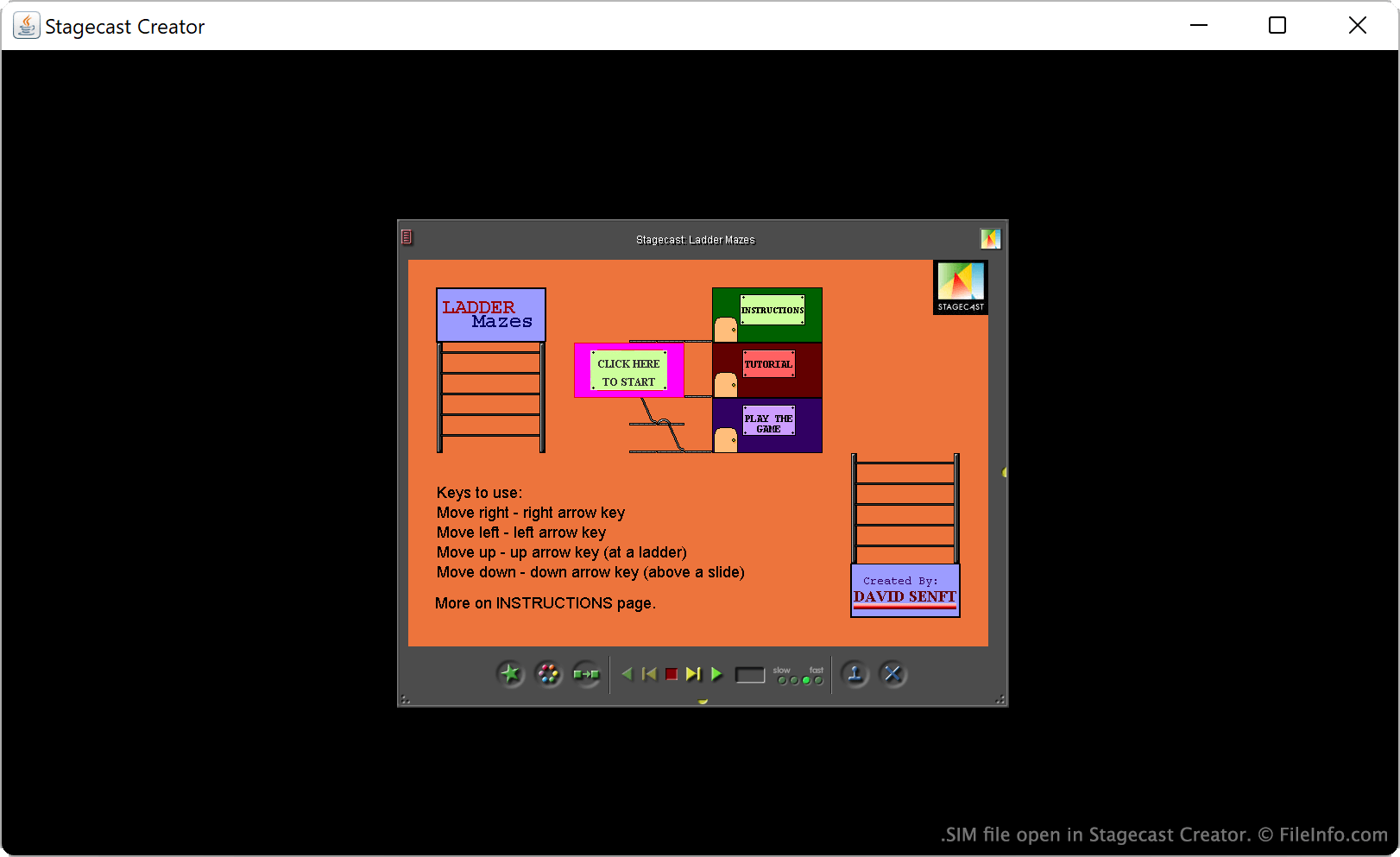
Stagecast Creator was een platformonafhankelijke app die voornamelijk werd gebruikt om kinderen te leren programmeren. In Creator konden beginnende programmeurs geanimeerde verhalen, games en simulaties maken. Deze programma's werden opgeslagen als SIM-bestanden.
SIM-bestanden zijn hernoemde .ZIP-bestanden, waarin alle afzonderlijke bestanden worden opgeslagen die nodig zijn om een programma uit te voeren. Deze afzonderlijke bestanden kunnen gecompileerde scripts, afbeeldingsbestanden, audiobestanden of andere programmabronnen zijn. De bestanden in een SIM-bestand hebben geen bestandsextensies, en de meeste ervan hebben de naam iMP### of MP###. Daardoor kan het moeilijk en tijdrovend zijn om precies vast te stellen welk bestand welke bron bevat.
Een SIM-bestand openen
Je kunt een SIM-bestand openen met Stagecast Creator of Stagecast Player. Als je een SIM-bestand opent met Stagecast Creator, kun je de simulatie of game in het bestand zowel afspelen als bewerken. Als je een SIM-bestand opent met Stagecast Players, kun je de simulatie of game in het bestand alleen afspelen.
Om een SIM-bestand te openen met Stagecast Creator, start je het programma en selecteer je . Ga vervolgens naar je SIM-bestand en open het.
Als je de bronnen in een SIM-bestand wilt uitpakken, kun je de naam wijzigen zodat het de extensie .zip gebruikt (in plaats van .sim) en het vervolgens openen zoals je elk ZIP-bestand zou openen.